Free Shipping on Domestic Orders $75+

PlayStation TV Thermal Pad Replacement

What you need

    1. PlayStation TV Thermal Pad Replacement, Motherboard: step 1, image 1 of 2 PlayStation TV Thermal Pad Replacement, Motherboard: step 1, image 2 of 2
      • Use the plastic spudger to pry up the bottom piece of the case to release the clips.

      Ask FixBot

      Add Comment

    2. PlayStation TV Thermal Pad Replacement: step 2, image 1 of 2 PlayStation TV Thermal Pad Replacement: step 2, image 2 of 2
      • Remove the four 6 mm Phillips screws.

      • Remove the two Phillips #0 screws.

      Ask FixBot

      Add Comment

    3. PlayStation TV Thermal Pad Replacement: step 3, image 1 of 2 PlayStation TV Thermal Pad Replacement: step 3, image 2 of 2
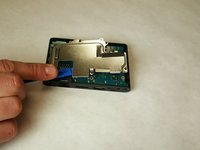
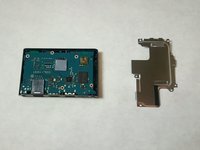
      • Remove the heat shield using the plastic opening tool.

      • Slide the tool around the edges until the shield is free.

      Ask FixBot

      Add Comment

    4. PlayStation TV Thermal Pad Replacement: step 4, image 1 of 2 PlayStation TV Thermal Pad Replacement: step 4, image 2 of 2
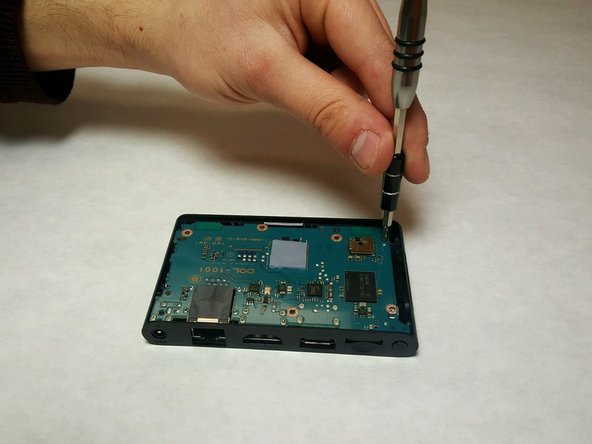
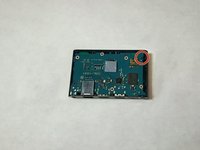
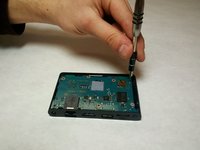
      • Remove the last 6mm Phillips #0 screw from the motherboard.

      Ask FixBot

      Add Comment

    5. PlayStation TV Thermal Pad Replacement: step 5, image 1 of 2 PlayStation TV Thermal Pad Replacement: step 5, image 2 of 2
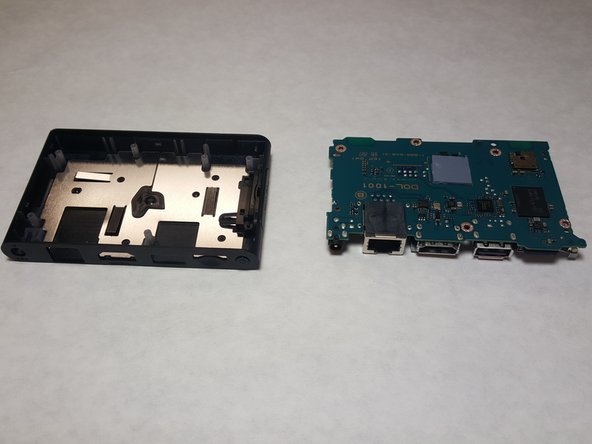
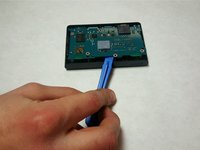
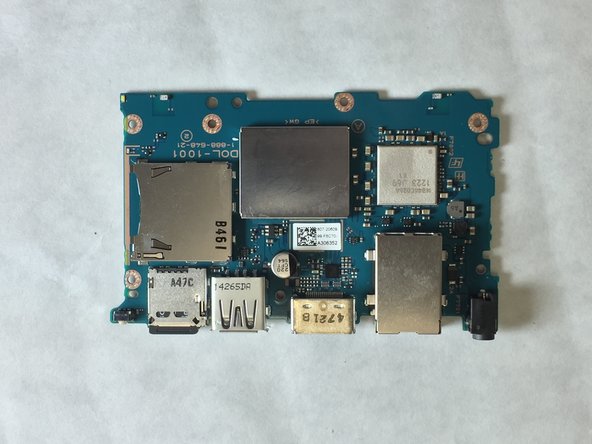
      • Use a plastic opening tool to pry up gently on the motherboard, and remove it.

      Ask FixBot

      Add Comment

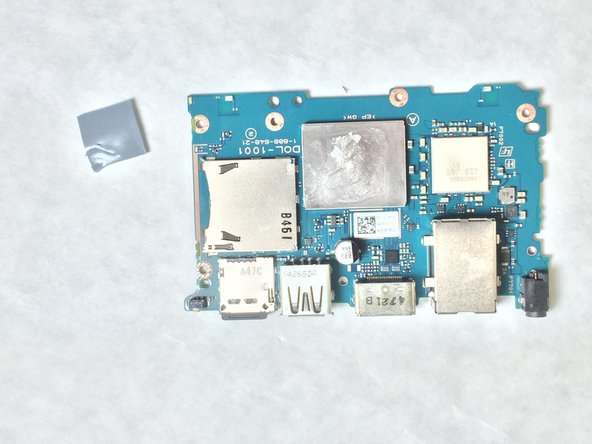
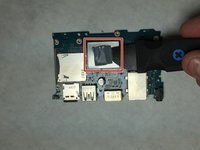
    1. PlayStation TV Thermal Pad Replacement, Thermal Pad: step 6, image 1 of 2 PlayStation TV Thermal Pad Replacement, Thermal Pad: step 6, image 2 of 2
      • Remove the old thermal pad with an ESD safe tool, like a Jimmy.

      Ask FixBot

      Add Comment

    2. PlayStation TV Thermal Pad Replacement: step 7, image 1 of 2 PlayStation TV Thermal Pad Replacement: step 7, image 2 of 2
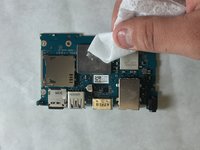
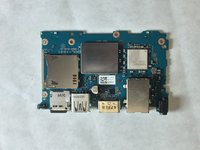
      • Wipe down the area where the old thermal pads were located with rubbing alcohol.

      • It is important that the area be as clean as possible.

      Ask FixBot

      Add Comment

Conclusion

To reassemble your device, follow these instructions in reverse order.

Cancel: I did not complete this guide.

3 other people completed this guide.

Theodore Hesse

Member since: 01/22/16

145 Reputation

1 Guide authored

Team

IUPUI, Team 3-1, Baechle Spring 2016 Member of IUPUI, Team 3-1, Baechle Spring 2016

IUPUI-BAECHLE-S16S3G1

4 Members

24 Guides authored

2 Guide Comments

Photos for steps 6 through 9 will be posted soon!

Luk Davis - Reply Share

Do you replace the thermal pad? Your directions do not state where to do this, and if so what part and size do you recommend?

Daimonion - Reply Share

Add Comment

View Statistics:

Past 24 Hours: 6

Past 7 Days: 36

Past 30 Days: 99

All Time: 2,813