Introduction
This guide shows how to remove and replace a worn out battery for your PlayStation Portal. If your play sessions aren't lasting as long, you'll likely need to replace the battery.
What you need
-
-
Power off your Portal and unplug any cables.
 Ask FixBot
-
-
-
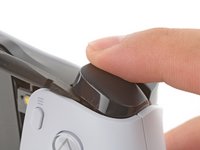
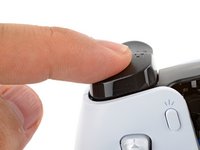
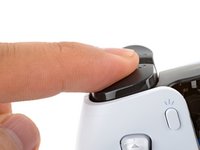
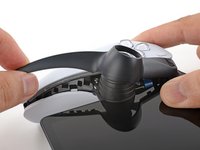
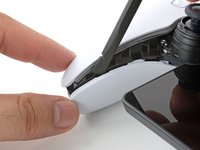
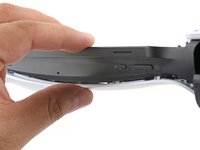
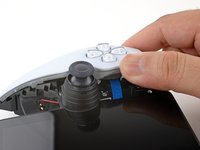
Rest a finger over the L1 bumper to prevent it from flying off when you pry.
-
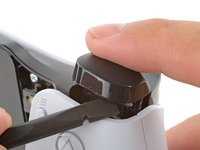
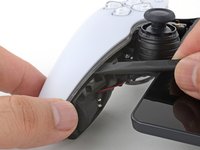
Insert the flat end of a spudger between the top edge of the bumper and the white shell.
-
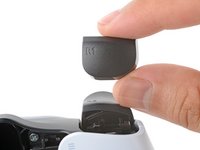
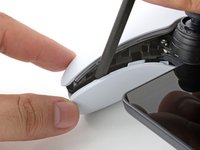
Pry up to unclip the bumper.
-
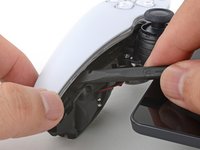
Slide the spudger along the seam to release any remaining clips.
-
-
-
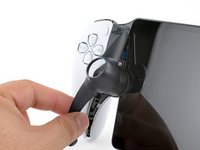
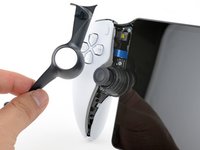
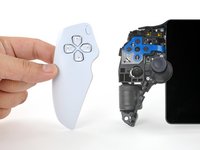
Repeat the procedure to pry up and remove the R1 bumper.
-
-
-
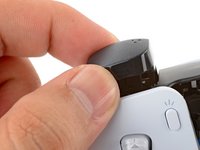
Align the bumper into its slot.
-
Use a finger to press the bumper down firmly until it clicks into place.
-
-
-
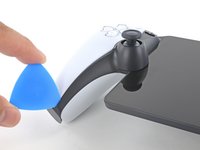
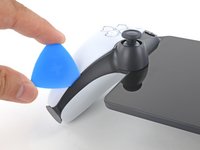
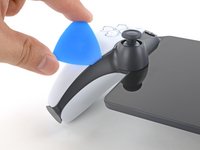
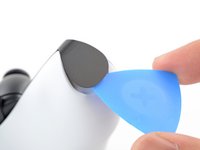
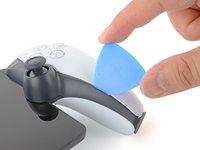
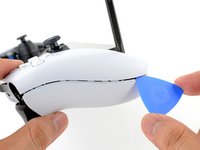
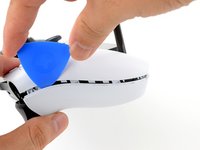
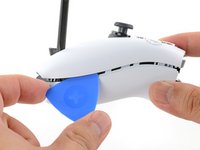
Insert the tip of an opening pick underneath the left joystick trim strip, where it wraps below the grip.
-
Twist the opening pick to release the bottom clip.
-
-
-
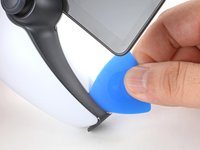
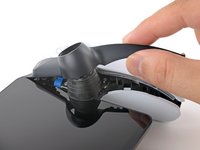
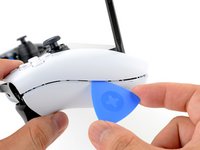
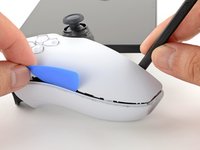
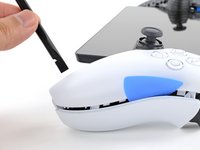
Insert the tip of an opening pick underneath the outer edge of the trim strip.
-
Slide the opening pick along the edge to release the clips.
-
-
-
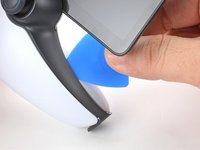
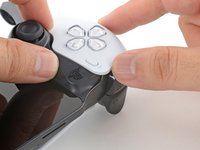
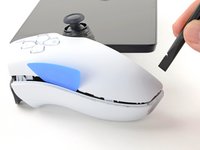
Insert the tip of an opening pick under the inner edge of the strip.
-
Slide the opening pick along the edge to release the clips.
-
-
-
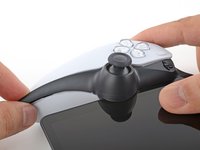
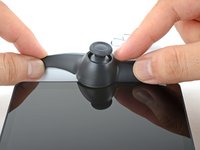
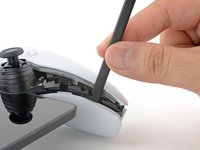
Grasp the bottom edge of the trim strip and slowly lift to release any remaining clips.
-
-
-
Lift and remove the left joystick trim strip.
-
-
-
Repeat the procedure to unclip and remove the right joystick trim strip.
-
-
-
Use your fingers to align and clip the top edge in place.
-
Firmly press along the remaining edges to clip the strip in place.
-
-
-
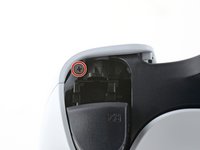
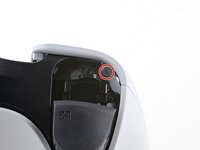
Use a Phillips screwdriver to remove the two 6.5 mm‑long screws at the bottom tips of each grip.
-
-
-
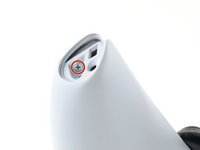
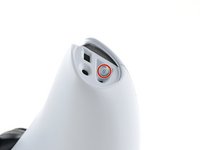
Use a Phillips screwdriver to remove the two 6.5 mm‑long screws securing the top corners of the shell.
-
-
-
Push the flat edge of a spudger into the back shell's left, inner seam.
-
Keep the spudger inserted in the seam.
-
-
-
Insert the tip of an opening pick into the shell's left, outer seam.
-
Slide the pick along the seam to release the clips securing the edge.
-
Keep a pick in the seam to prevent the shell from clipping back together.
-
-
-
Repeat the previous three steps on the right side of the Portal to release the clips along the right edge.
-
-
-
Carefully flip your Portal over.
-
Grasp the top edge of the back shell, near a corner.
-
Gently pull the top edge away until you feel the clips release in that corner.
-
-
-
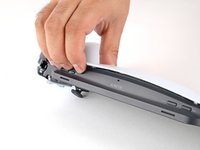
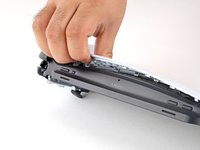
Grasp the bottom edge of the back shell, near the center.
-
Pull away with firm force to release the clips securing the bottom edge.
-
-
-
Align the corners near the trigger buttons first.
-
Firmly press around the entire perimeter to clip the shell back in place.
-
-
-
-
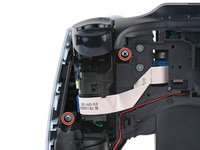
Use a Phillips screwdriver to remove the two 6.5 mm‑long screws securing the left grip shell to the Portal.
-
-
-
Grasp the top edge of the grip shell and twist it slightly outwards (away from the screen) to release the inner clips.
-
-
-
Insert the flat edge of a spudger underneath the inner edge of the grip shell, near the vibration motor.
-
Twist the spudger along the edge to unclip the bottom portion of the grip shell.
-
Remove the left grip shell.
-
-
-
Use a Phillips screwdriver to remove the two 6.5 mm‑long screws securing the left joystick cover.
-
-
-
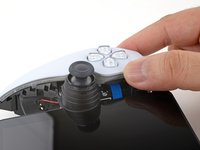
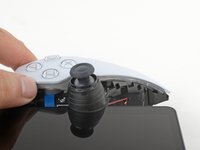
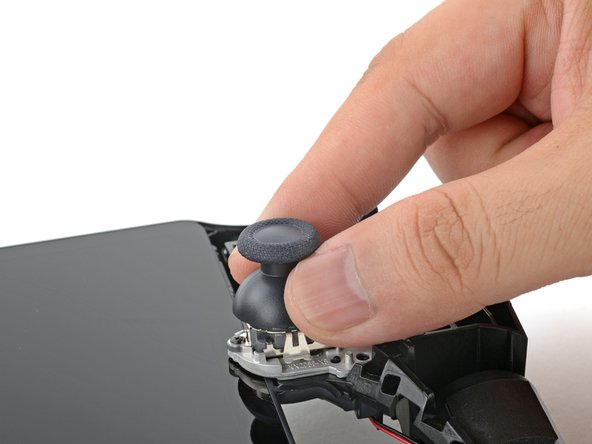
Lift and remove the left grip from the joystick.
-
-
-
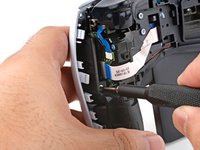
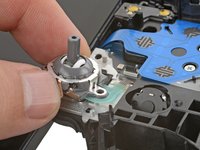
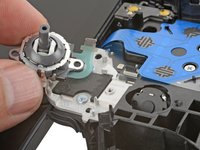
Use the point of a spudger to flip up the black lock tab on the left joystick's ZIF connector.
-
-
-
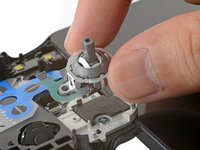
Use a Phillips screwdriver to remove the two 2.9 mm‑long screws securing the joystick module to the Portal.
-
-
-
Shift the joystick module so that the flex cable slides out of its socket.
-
Remove the left joystick.
-
-
-
Use a Phillips screwdriver to remove the two 6.5 mm‑long screws securing the right grip shell to the Portal.
-
-
-
Grasp the top edge of the grip shell and twist it slightly outwards (away from the screen) to release the inner clips.
-
-
-
Insert the flat edge of a spudger underneath the inner edge of the grip shell, near the vibration motor.
-
Twist the spudger along the edge to unclip the bottom portion of the grip shell.
-
Remove the right grip shell.
-
-
-
Use a Phillips screwdriver to remove the two 6.5 mm‑long screws securing the right joystick cover.
-
-
-
Lift and remove the right grip from the joystick.
-
-
-
Use the point of a spudger to flip up the black lock tab on the right joystick's ZIF connector.
-
-
-
Use a Phillips screwdriver to remove the two 2.9 mm‑long screws securing the joystick module to the Portal.
-
-
-
Shift the joystick module so that the flex cable slides out of its socket.
-
Remove the right joystick.
-
-
-
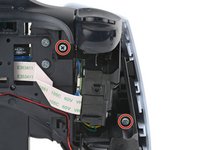
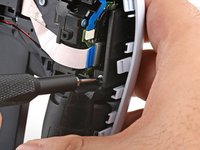
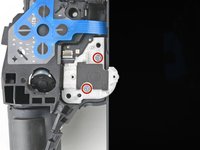
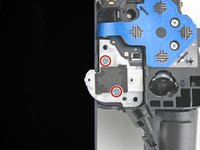
Use a Phillips screwdriver to remove the four 6.5 mm‑long screws (two on each side) securing the two joystick brackets to the Portal.
-
-
-
Carefully flip the right bracket over so that it no longer blocks the edge of the screen.
-
Repeat the process for the left bracket.
-
-
-
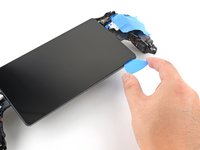
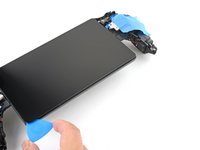
Use tape to secure the two brackets to the frame so they don't block the screen.
-
-
-
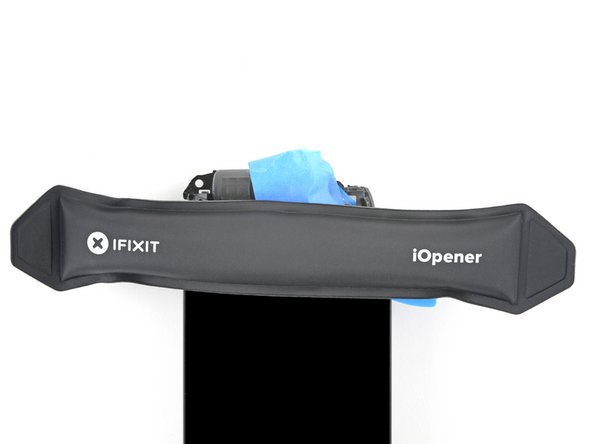
Heat an iOpener and apply it to the bottom edge of the screen for two minutes to soften the adhesive.
-
-
-
Place your fingers underneath the bottom edge of the Portal to keep it steady.
-
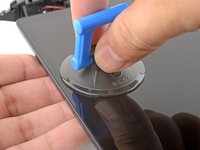
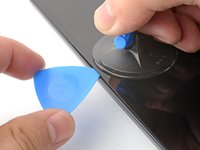
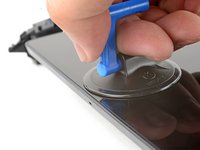
Apply a suction handle to the center of the bottom edge, as close to the edge as possible.
-
-
-
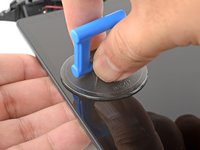
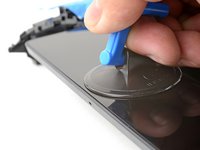
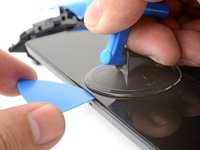
Pull up on the suction handle with strong, steady force.
-
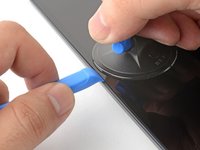
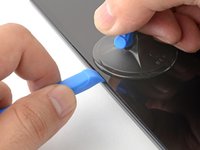
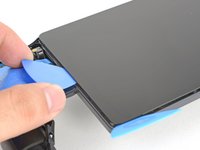
Press the edge of an opening tool downwards into the seam to create an initial gap.
-
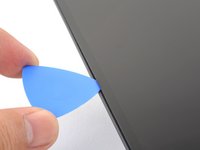
Insert the tip of an opening pick into the gap.
-
-
-
Pull up on the suction handle with strong, steady force to create a gap between the screen and frame.
-
Insert the tip of an opening pick into the gap.
-
-
-
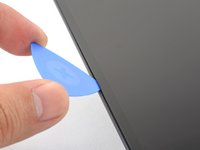
Angle the opening pick downwards to a 45° angle.
-
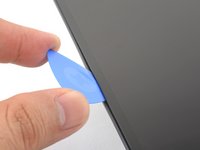
Insert the opening pick deeper into the seam until the pick can stay in place by itself.
-
-
-
Apply a heated iOpener to the bottom edge of the screen for a minute to reheat the edge.
-
-
-
Slide the opening pick along the bottom edge to slice through the adhesive.
-
Leave the opening pick in the bottom left corner to prevent the adhesive from resealing.
-
-
-
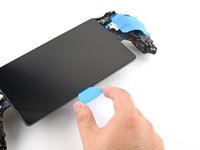
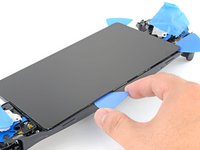
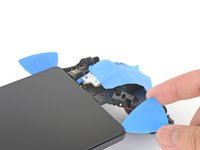
Repeat the heating and slicing procedure around the left and top edges of the screen. Leave an opening pick in each corner to prevent the adhesive from resealing.
-
-
-
Use an iOpener to heat the right edge of the screen for one minute.
-
Use an opening pick to slice along the right edge.
-
-
-
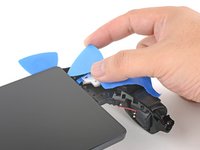
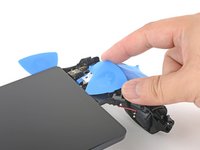
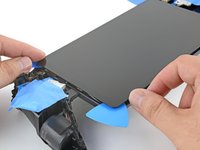
Grasp the left edge of the screen near the corners and lift it slightly to separate any remaining adhesive.
-
-
-
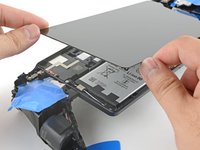
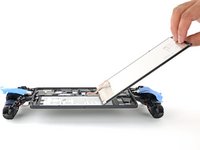
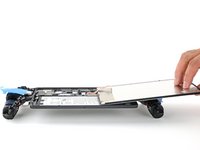
Swing the left edge of the screen over the right and rest the flipped screen on top of the Portal.
-
-
-
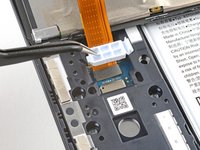
Rest a finger on top of the display cable bracket to prevent it from flying off when you pry.
-
Insert the point of a spudger underneath a corner of the bracket and pry it up.
-
Remove the bracket.
-
-
-
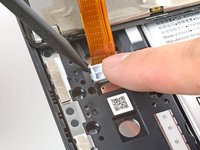
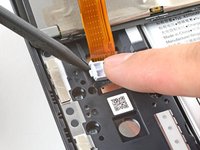
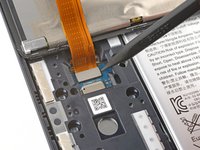
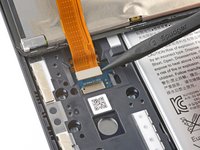
Use the point of a spudger to pry up and disconnect the display cable connector.
-
-
Tool used on this step:Tesa 61395 Tape$2.95
-
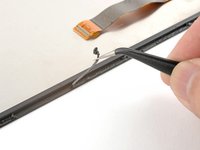
Remove large chunks of adhesives with the flat edge of a spudger or tweezers.
-
Use high concentration isopropyl alcohol (>90%) to remove any remaining residue. Wipe in one direction with a lint-free cloth or coffee filter until all the adhesive residue is gone.
-
Apply strips of double-sided tape such as Tesa tape to the screen perimeter to reattach the screen.
-
-
-
Use a Phillips screwdriver to remove the eight 6.5 mm‑long screws securing the motherboard cover to the Portal.
-
-
-
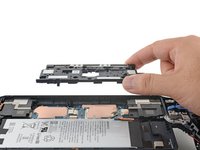
Insert the flat edge of a spudger under the top-right corner of the motherboard cover.
-
Pry up to release the clips securing the corner.
-
-
-
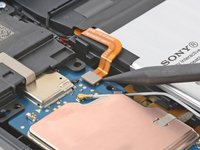
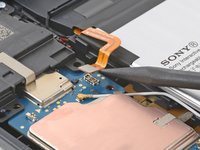
Use the point of a spudger to pry up and disconnect the battery connector.
-
-
-
Before you begin repairs, power off your PlayStation Portal and unplug any cables.
-
-
-
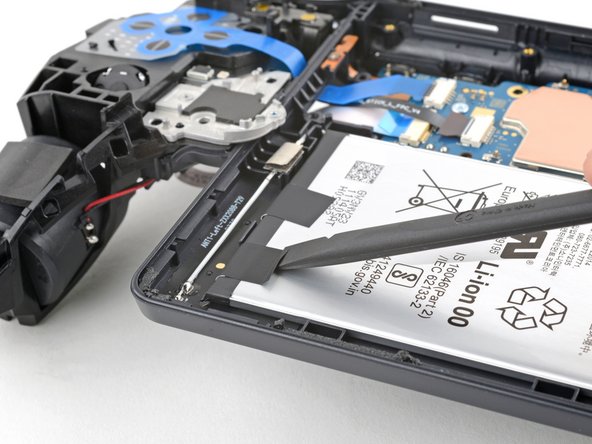
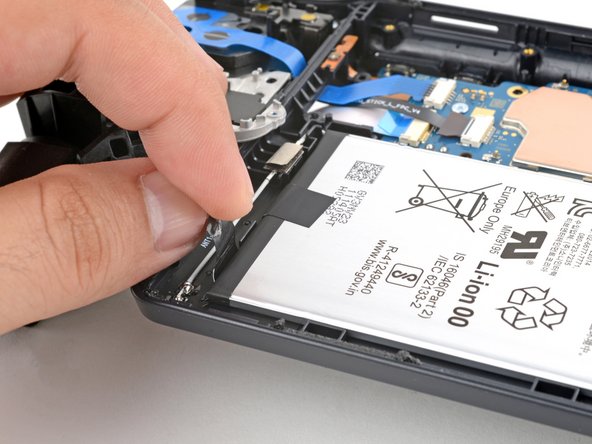
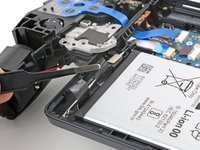
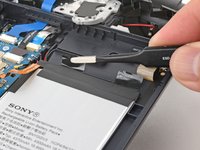
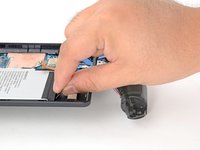
Use the flat edge of a spudger or your fingers to carefully peel up a black pull-tab from the top of the battery.
-
-
-
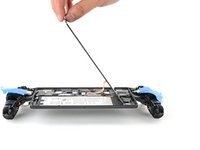
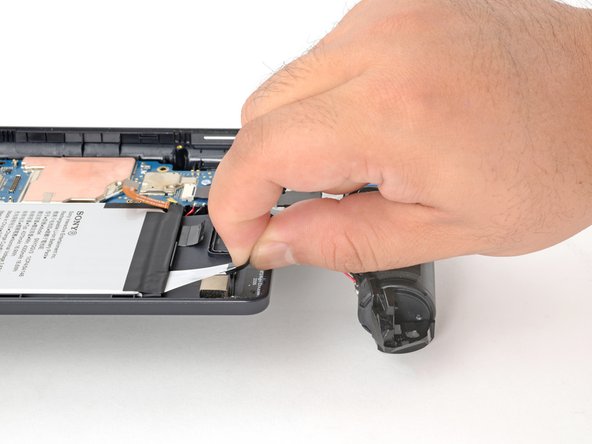
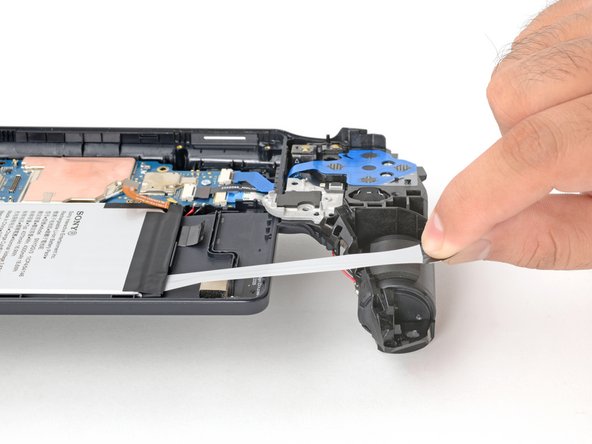
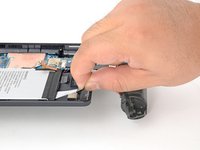
Grasp a black pull-tab with your fingers.
-
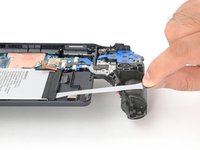
Pull the tab slowly at a shallow angle. The strip will stretch to many times its length as you pull.
-
Continue pulling until the strip fully releases from under the battery.
-
-
-
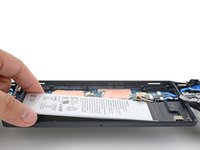
Repeat the procedure to remove the three remaining adhesive strips.
-
Apply a few drops of high concentration (>90%) isopropyl alcohol underneath the edge of the battery nearest the broken strip.
-
Wait one minute to allow the isopropyl alcohol to weaken the adhesive.
-
Slide an opening pick under a loose edge of the battery and gently pry up the battery.
-
-
Tool used on this step:Tesa 61395 Tape$2.95
-
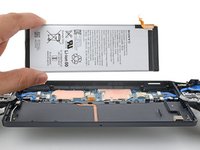
Remove the battery.
-
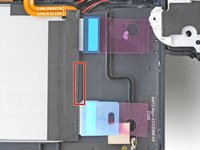
Be careful where you position the stretch-release adhesive strips. On the right side of the battery well, the Portal has a plastic lip. Position the strips such that they're not blocked by the lip.
-
































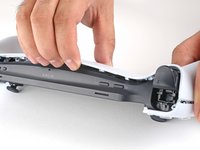
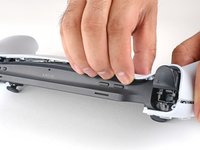


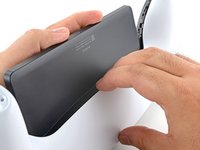
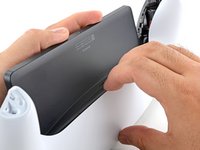


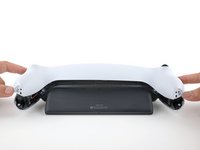
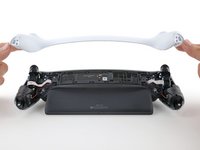


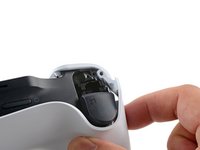
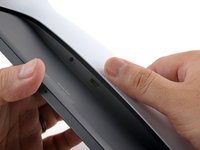








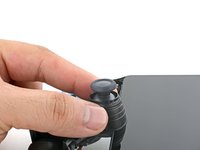
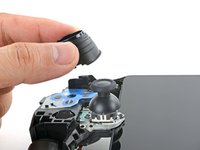


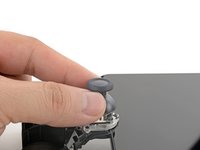
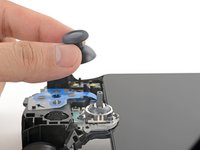








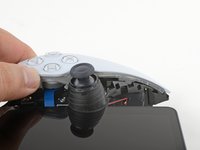


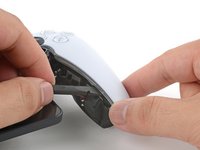
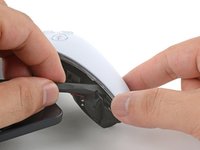
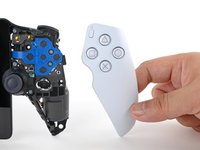



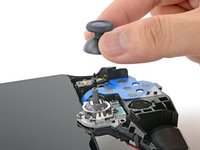


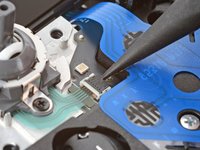
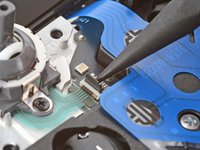


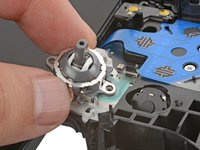




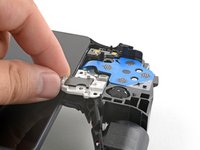
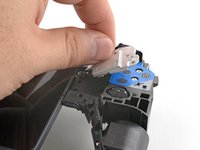


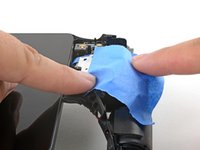
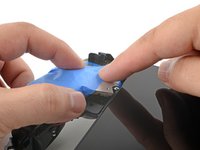
























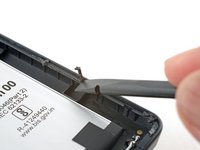


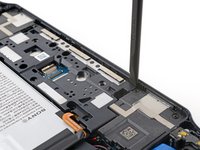
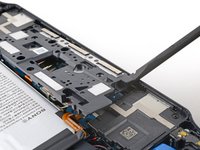


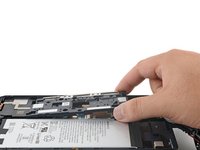









To reassemble your device, follow these instructions in reverse order.
For optimal performance, after completing this guide, calibrate your newly installed battery.
Take your e-waste to an R2 or e-Stewards certified recycler.
Repair didn’t go as planned? Try some basic troubleshooting, or ask our Answers community for help.
Cancel: I did not complete this guide.
One other person completed this guide.


1 Guide Comment
Would you have a link as to where one could purchase a battery please?
I’m in the UK.
🇬🇧
Many thanks for a great guide.
