
PlayStation 5 Slim Disc Drive Replacement

Spencer Day and 3 other contributors
Last updated on Jun 30, 2026
Views: 36K
View statistics:
- Past 24 Hours:
- 48
- Past 7 Days:
- 316
- Past 30 Days:
- 1,404
- All Time:
- 35,977
Comments: 14
4 comments on steps, 10 guide comments.
Go to guide commentsCompleted: 19 20
19 people have marked this guide "completed." Will you be next?
20 people have marked this guide "completed." Including you — great job!
Favorites: 0 1
No one has favorited (and subscribed to) this guide. Will you be the first?
1 person has favorited (and subscribed to) this guide — and that's you!
In Progress
This guide is a work in progress. Reload periodically to see the latest changes!
Introduction
Go to step 1 ↓Follow this guide to replace a broken or faulty disc drive in your PlayStation 5 Slim. You can also use this guide to install a disc drive if your PlayStation doesn't have one, but you'll need a new console cover that will fit over the drive.
If you're having issues playing disc-based games, Blu-rays, or DVDs, you may need to replace your disc drive.
An internet connection is required to set up and pair your new disc drive.
What you need

-
-
-
Shut down your console and unplug all cables and accessories.
-
Remove any stands supporting your device and lay it down.
 Ask FixBot
-
-
-
-
Step 2 Remove the disc drive cover
Careful: step 2 is sourced from a guide that's marked as in-progress.
-
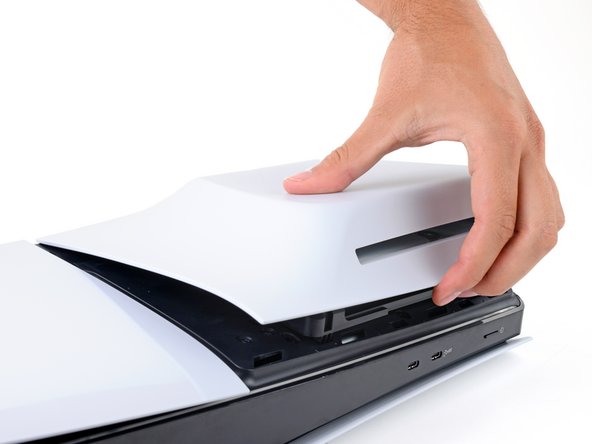
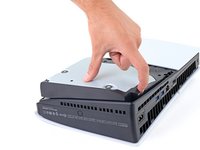
Firmly pull up the front edge of the disc drive cover to release the clips.
-
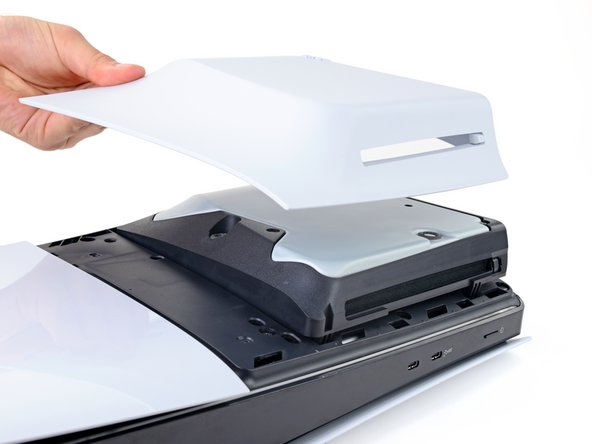
Remove the cover.
-
-
-
-
Step 3 Remove the disc drive
Careful: step 3 is sourced from a guide that's marked as in-progress.
-
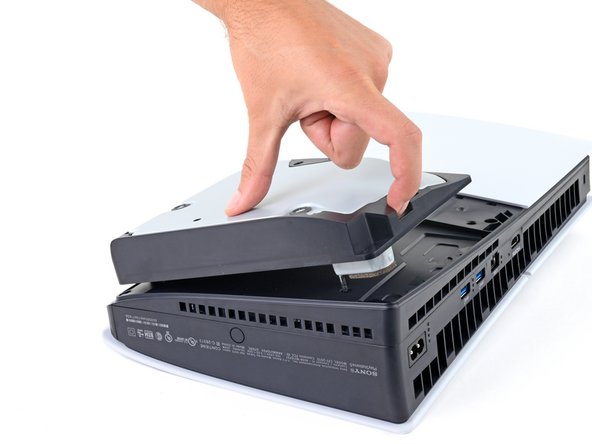
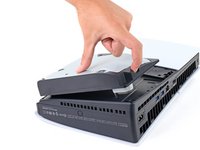
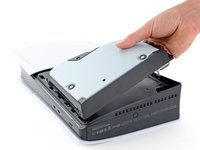
Use the cutout on the bottom right corner of the disc drive to lift its right edge and disconnect it.
-
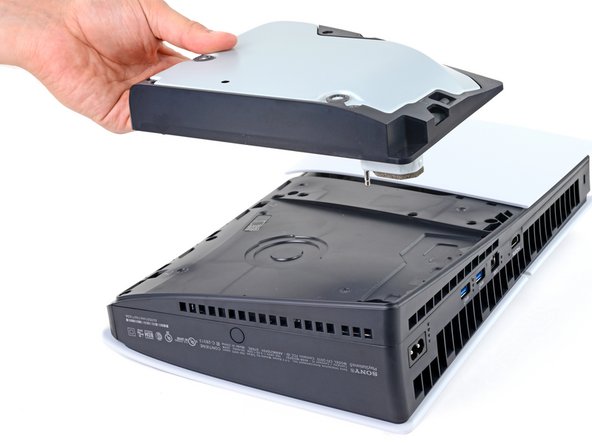
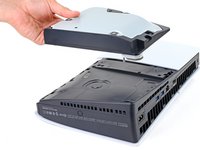
Remove the disc drive.
-
-
-
-
-
-
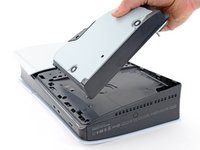
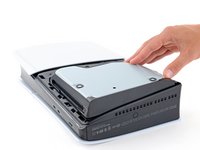
Place the hooks on the drive's left edge into their cutouts on the frame and lay the drive onto your PlayStation.
-
Firmly press the right edge into place so the disc drive connector slides into its socket on the bottom right corner.
-
-






To reassemble your device, follow these instructions in reverse order.
Take your e-waste to an R2 or e-Stewards certified recycler.
Repair didn’t go as planned? Try some basic troubleshooting, or ask our Answers community for help.
Cancel: I did not complete this guide.
19 other people completed this guide.


10 Guide Comments
once a disc drive has been paired with a system , can we use the same disc drive on another ps5 system ?
Yes you can! You should be prompted to register the drive with your device, which will require an internet connection.
Where can I get a new disk drive in Australia?
Also. Is it the same drive as you would add to the digital version
