
PlayStation 2 Slimline IR Sensor Replacement

Thomas Sullivan and 2 other contributors
Last updated on Aug 28, 2018
Views: 11K
View statistics:
- Past 24 Hours:
- 4
- Past 7 Days:
- 32
- Past 30 Days:
- 158
- All Time:
- 10,507
Comments: 1
1 comment on steps.
Completed: 15 16
15 people have marked this guide "completed." Will you be next?
16 people have marked this guide "completed." Including you — great job!
Favorites: 9 10
9 people have favorited (and subscribed to) this guide. Will you be next?
10 people have favorited (and subscribed to) this guide — including you!
Community-Contributed Guide
An awesome member of our community made this guide. It was not created by iFixit staff.
Introduction
Go to step 1 ↓This guide will show you how to locate and replace the Infrared Sensor in the Playstation 2 Slimline. The IR sensor reads wireless signals so PS2 controllers and remotes function as if they were plugged into the unit.
What you need
Tools
-
Spudger4.9


-
-
-
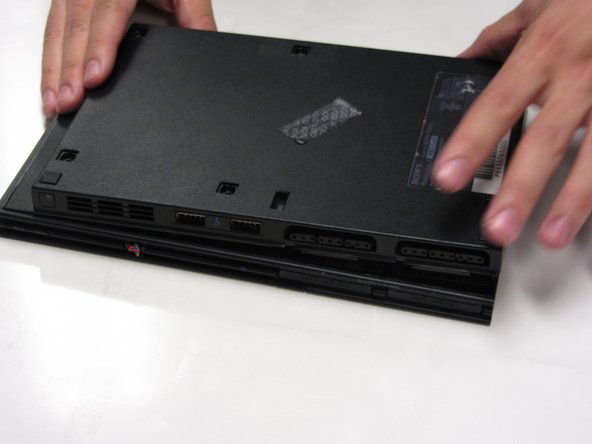
Disconnect all cables from the console and flip the unit over to reveal its base.
 Ask FixBot
-
-
-
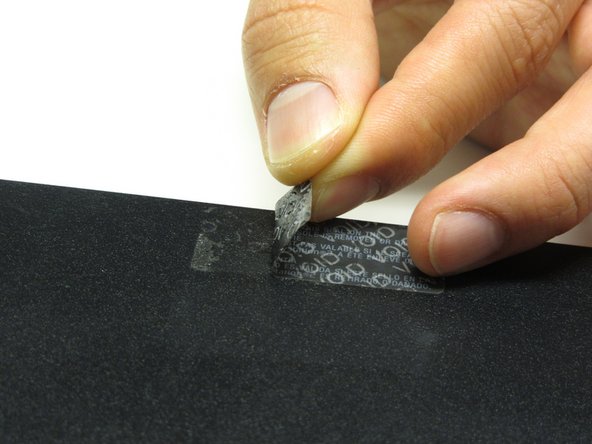
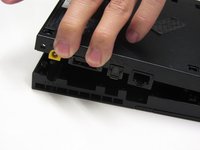
Locate the 6 feet on the base of the unit. Pry them off using a spudger to reveal the screws.
-
-
-
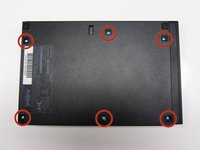
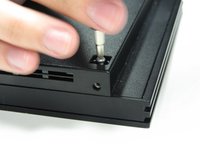
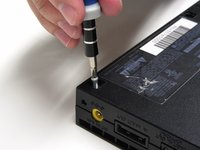
Remove all six 4.0 mm screws from the base of the unit using a #1 Phillips screwdriver.
-
-
-
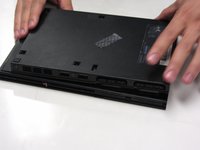
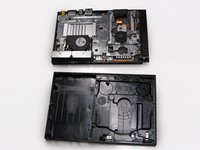
Starting at the corner at which the power and Ethernet ports are located, pry open the outer shell using a spudger and continue around the entire unit.
-
-
-
-
-
-
Gently detach the ribbon cable connecting the IR sensor to the motherboard.
-
Caution: Always remove ribbon cables by the plastic handles located on either end. Gripping a ribbon cable anywhere but the provided handles can damage the cable and render the component useless.
-








To reassemble your device, follow these instructions in reverse order.
Cancel: I did not complete this guide.
15 other people completed this guide.

