Free Shipping on Domestic Orders $75+

PlayStation 2 Slimline Fan Replacement

Views: 13K

View statistics:

Past 24 Hours:
7
Past 7 Days:
48
Past 30 Days:
226
All Time:
12,999
Comments: 1

1 guide comment.

Go to guide comments
Completed: 11

11 people have marked this guide "completed." Will you be next?

Favorites: 5

5 people have favorited (and subscribed to) this guide. Will you be next?

Time Required: 5 minutes
Difficulty: Easy
Community-Contributed Guide

An awesome member of our community made this guide. It was not created by iFixit staff.

PlayStation 2 Slimline Fan Replacement

Introduction

Go to step 1 ↓

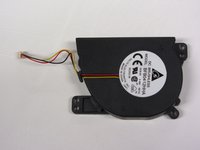
This guide will show you how to locate and replace the fan in the PlayStation 2 Slimline.

What you need

Tools

    1. PlayStation 2 Slimline Fan Replacement, Outer Shell: step 1, image 1 of 1
      • Disconnect all cables from the console and flip the unit over to reveal its base.

      Ask FixBot

      Add Comment

    2. PlayStation 2 Slimline Fan Replacement: step 2, image 1 of 3 PlayStation 2 Slimline Fan Replacement: step 2, image 2 of 3 PlayStation 2 Slimline Fan Replacement: step 2, image 3 of 3
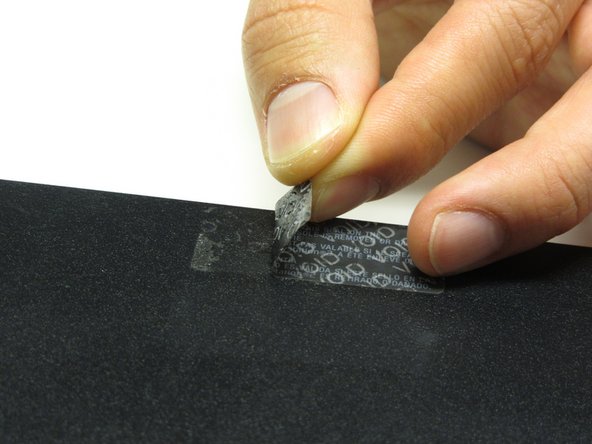
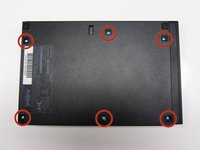
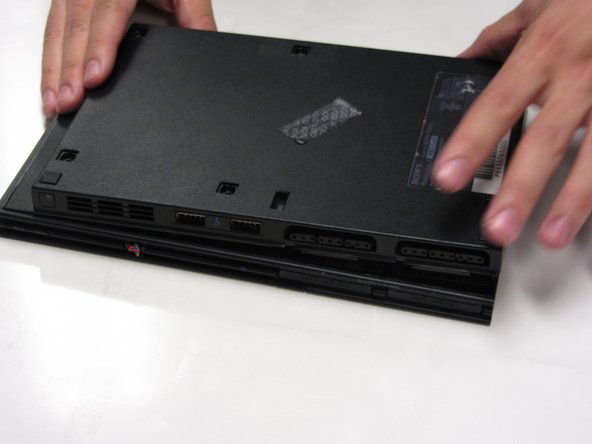
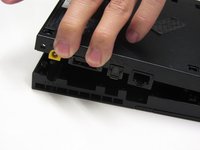
      • Locate the 6 feet on the base of the unit. Pry them off using a spudger to reveal the screws.

      • Note: One of the feet is located under the sticker shown in the photo. Removing this sticker will void any warranty with Sony.

      Ask FixBot

      Add Comment

    3. PlayStation 2 Slimline Fan Replacement: step 3, image 1 of 3 PlayStation 2 Slimline Fan Replacement: step 3, image 2 of 3 PlayStation 2 Slimline Fan Replacement: step 3, image 3 of 3
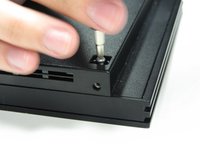
      • Remove all six 4.0 mm screws from the base of the unit using a #1 Phillips screwdriver.

      Ask FixBot

      Add Comment

    4. PlayStation 2 Slimline Fan Replacement: step 4, image 1 of 3 PlayStation 2 Slimline Fan Replacement: step 4, image 2 of 3 PlayStation 2 Slimline Fan Replacement: step 4, image 3 of 3
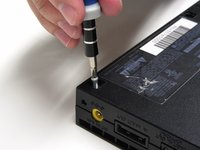
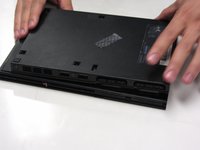
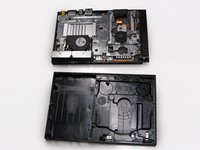
      • Starting at the corner at which the power and Ethernet ports are located, pry open the outer shell using a spudger and continue around the entire unit.

      • Note: You may use your hands for additional force to separate the two pieces of the outer shell.

      Ask FixBot

      Add Comment

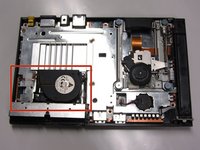
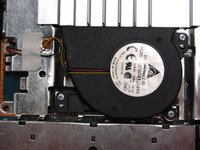
    1. PlayStation 2 Slimline Fan Replacement, Fan: step 5, image 1 of 2 PlayStation 2 Slimline Fan Replacement, Fan: step 5, image 2 of 2
      • Locate the fan at the front, left section of the unit.

      Ask FixBot

      Add Comment

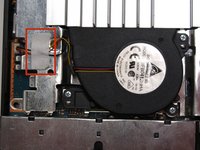
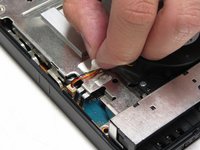
    2. PlayStation 2 Slimline Fan Replacement: step 6, image 1 of 2 PlayStation 2 Slimline Fan Replacement: step 6, image 2 of 2
      • Peel off the sticker holding the power cords to the unit.

      Ask FixBot

      Add Comment

    3. PlayStation 2 Slimline Fan Replacement: step 7, image 1 of 2 PlayStation 2 Slimline Fan Replacement: step 7, image 2 of 2
      Tool used on this step:
      Tweezers
      $4.99
      Buy
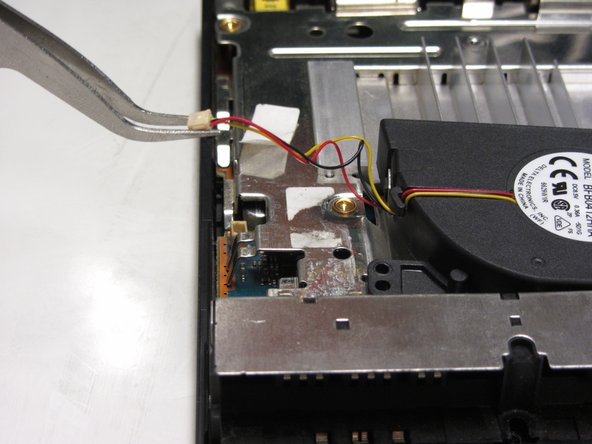
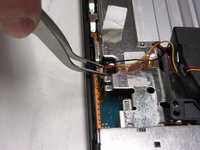
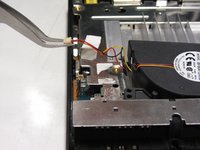
      • Lift the connector from the motherboard with a pair of tweezers using a firm, upward force.

      Ask FixBot

      Add Comment

    4. PlayStation 2 Slimline Fan Replacement: step 8, image 1 of 3 PlayStation 2 Slimline Fan Replacement: step 8, image 2 of 3 PlayStation 2 Slimline Fan Replacement: step 8, image 3 of 3
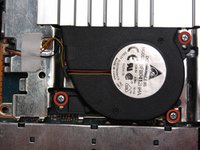
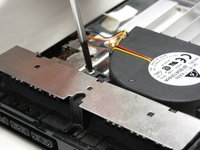
      • Remove all three 1.6 mm screws fastening the fan to the unit using a #1 Phillips screwdriver.

      • Gently lift and remove the fan from its compartment.

      Ask FixBot

      Add Comment

Conclusion

To reassemble your device, follow these instructions in reverse order.

Cancel: I did not complete this guide.

11 other people completed this guide.

Thomas Sullivan

Member since: 10/23/13

4,876 Reputation

6 Guides authored

1 Guide Comment

Una disculpa ayuda es que lo arranque por accidente podría darme una ayuda

A

Diegoraul Martinez Martinez - Reply Share

Add Comment

View Statistics:

Past 24 Hours: 7

Past 7 Days: 48

Past 30 Days: 226

All Time: 12,999