
Plantronics CS50 Headset Synchronization

Last updated on Jan 28, 2014
Views: 2.4K
View statistics:
- Past 24 Hours:
- 3
- Past 7 Days:
- 17
- Past 30 Days:
- 87
- All Time:
- 2,361
Comments: 0
No one has left comments on this guide. Will you be first?
Go to guide commentsCompleted: 3 4
3 people have marked this guide "completed." Will you be next?
4 people have marked this guide "completed." Including you — great job!
Favorites: 0 1
No one has favorited (and subscribed to) this guide. Will you be the first?
1 person has favorited (and subscribed to) this guide — and that's you!
Introduction
Go to step 1 ↓The base unit and headset are synchronized together when you bought them. So if you want to use a replacement headset with the base unit (or if you lose your connection to the base unit) you will need to follow these steps to synchronize the headset to the base:
-
-
-
Ensure the headset is in the base's cradle.
 Ask FixBot
-
-
-
Press the volume control buttons on the back of the base until the front of the base flashes red.
-
-
-
Press the mute switch on top of the headset until the green light on the headset turns on.
-
-
-
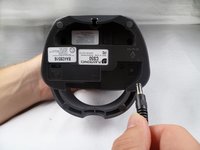
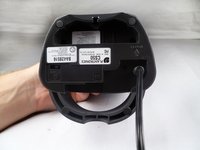
Unplug the power cord for five seconds. After the five seconds are over, reconnect the power cord.
-
-
-



Cancel: I did not complete this guide.
3 other people completed this guide.

Team

Cal Poly, Team 17-29, Amido Spring 2012 Member of Cal Poly, Team 17-29, Amido Spring 2012
CPSU-AMIDO-S12S17G29
4 Members
84 Guides authored
