Free Shipping on Domestic Orders $75+

Planet Eclipse Etha Eyes Replacement

Views: 1.8K

View statistics:

Past 24 Hours:
3
Past 7 Days:
21
Past 30 Days:
82
All Time:
1,754
Comments: 0

No one has left comments on this guide. Will you be first?

Go to guide comments
Completed: 1

1 person has marked this guide "completed." Will you be next?

Favorites: 1

1 person has favorited (and subscribed to) this guide. Will you be next?

Time Required: 15 - 25 minutes
Difficulty: Moderate
Planet Eclipse Etha Eyes Replacement

Introduction

Go to step 1 ↓

The Etha's Eyes determine there is a ball in the chamber before firing. This guide is useful for players who choose to upgrade their eyes, or for players who have a marker with broken eyes.

What you need

Tools

    1. Planet Eclipse Etha Eyes Replacement, Regulator: step 1, image 1 of 2 Planet Eclipse Etha Eyes Replacement, Regulator: step 1, image 2 of 2
      • Firmly grasp hold of the ring on the bottom of the 90 degree silver fitting on the front of the gun.

      • Pull hard, but slowly, on the macroline where it comes out of silver piece until it comes out.

      • The macroline is the black hose connecting the regulator to the tank connection.

      Ask FixBot

      Add Comment

    2. Planet Eclipse Etha Eyes Replacement: step 2, image 1 of 2 Planet Eclipse Etha Eyes Replacement: step 2, image 2 of 2
      • Remove the regulator by unscrewing it in a clockwise direction.

      Ask FixBot

      Add Comment

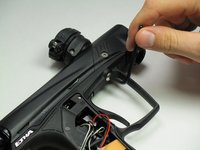
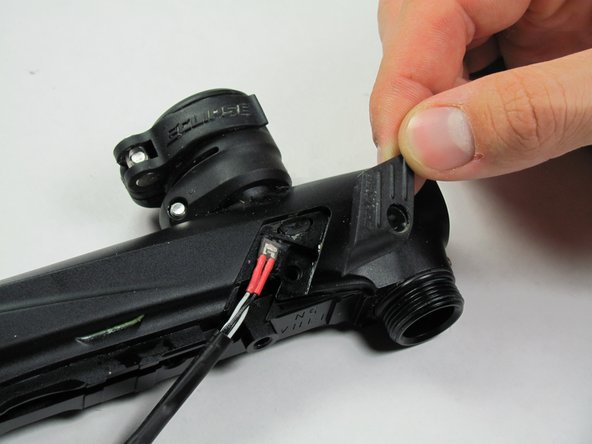
    1. Planet Eclipse Etha Eyes Replacement, Battery and Grip Panels: step 3, image 1 of 2 Planet Eclipse Etha Eyes Replacement, Battery and Grip Panels: step 3, image 2 of 2
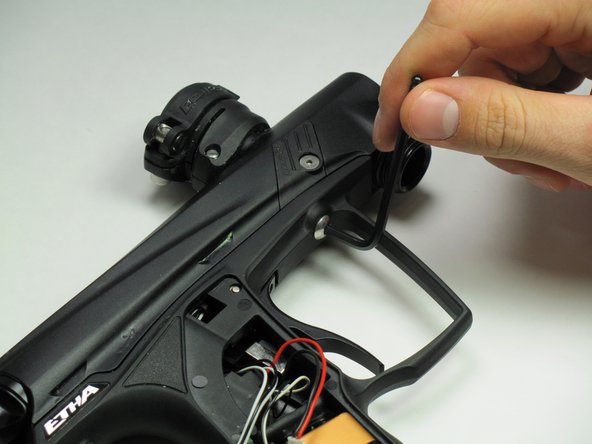
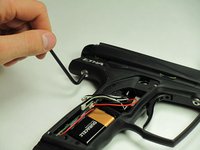
      • Use the 5/64" hex key to remove the screw shown.

      • Remove the grip panel by gently holding the bottom of the panel and lifting the panel off.

      • If you are only replacing the battery, skip the next step.

      • The screws in this guide are interchangeable with those shown in the Eyes replacement guide.

      Ask FixBot

      Add Comment

    2. Planet Eclipse Etha Eyes Replacement: step 4, image 1 of 1
      • Flip the marker over and use the 5/64" hex key to remove the screw shown.

      • Remove the grip panel by gently holding the bottom of the panel and lifting the panel off.

      Ask FixBot

      Add Comment

    3. Planet Eclipse Etha Eyes Replacement: step 5, image 1 of 2 Planet Eclipse Etha Eyes Replacement: step 5, image 2 of 2
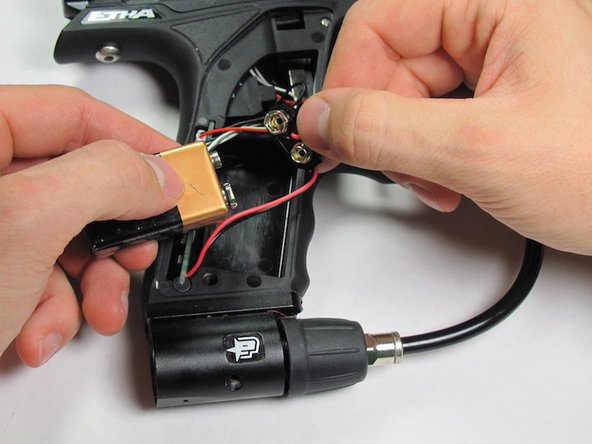
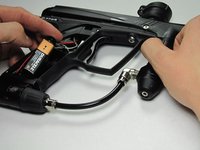
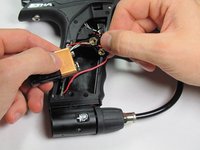
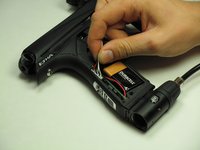
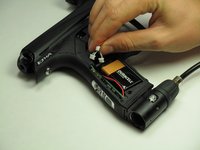
      • Carefully remove the 9V battery and connector.

      • Remove the 9V battery from the connector.

      Ask FixBot

      Add Comment

    1. Planet Eclipse Etha Eyes Replacement, Frame: step 6, image 1 of 2 Planet Eclipse Etha Eyes Replacement, Frame: step 6, image 2 of 2
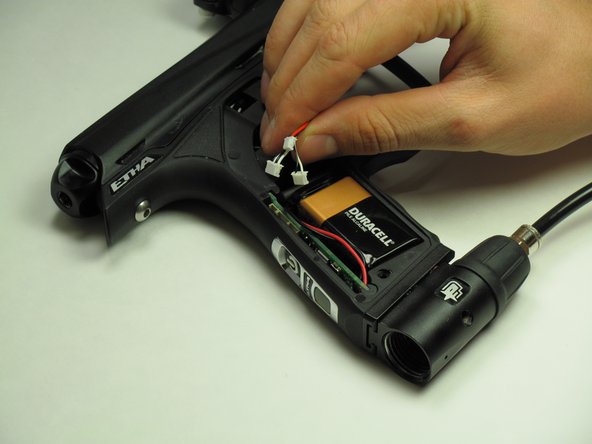
      • Carefully disconnect the three connectors from the circuit board.

      • Don't worry about remembering which direction the connectors go in, they will not fit in the board in the wrong direction.

      Ask FixBot

      Add Comment

    2. Planet Eclipse Etha Eyes Replacement: step 7, image 1 of 2 Planet Eclipse Etha Eyes Replacement: step 7, image 2 of 2
      • Use the 1/8" hex key to remove the two dome-headed screws by rotating them counter-clockwise.

      Ask FixBot

      Add Comment

    3. Planet Eclipse Etha Eyes Replacement: step 8, image 1 of 1
      • Be very careful during the step to avoid damage to the solenoid or wiring.

      • Gently separate the top and bottom of the marker.

      Ask FixBot

      Add Comment

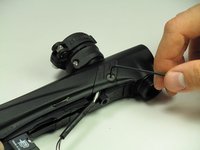
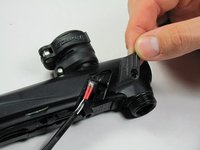
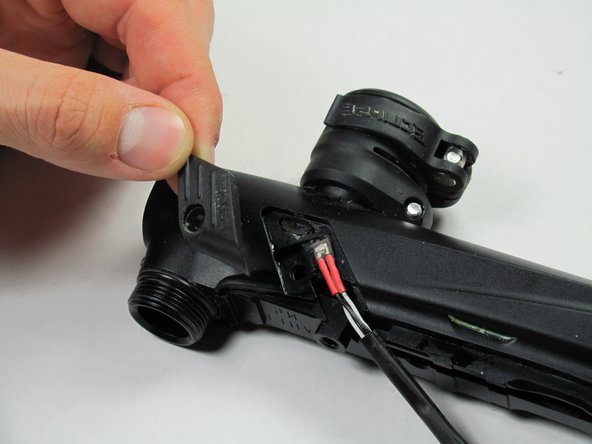
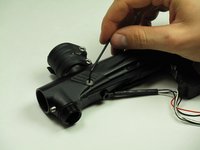
    1. Planet Eclipse Etha Eyes Replacement, Eyes: step 9, image 1 of 2 Planet Eclipse Etha Eyes Replacement, Eyes: step 9, image 2 of 2
      • Use the 5/64" hex key to turn the screw counterclockwise.

      • Carefully remove the screw and place it off to the side.

      • Remove the panel and place it off to the side.

      Ask FixBot

      Add Comment

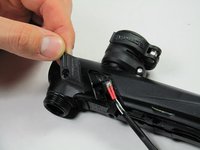
    2. Planet Eclipse Etha Eyes Replacement: step 10, image 1 of 2 Planet Eclipse Etha Eyes Replacement: step 10, image 2 of 2
      • Carefully flip the marker over.

      • Use the 5/64" hex key to turn the screw counterclockwise.

      • Remove the screw and place it off to the side.

      • Carefully remove the panel and place it off to the side.

      Ask FixBot

      Add Comment

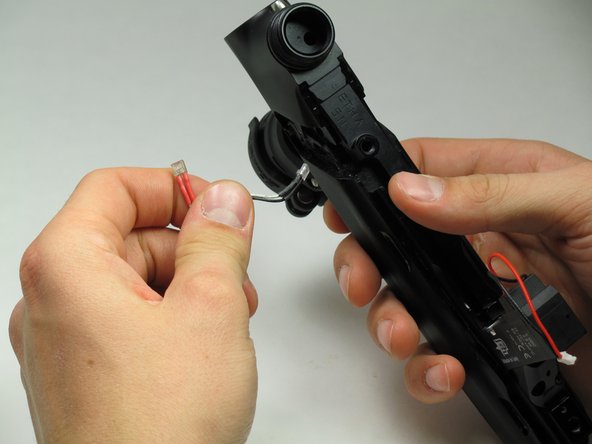
    3. Planet Eclipse Etha Eyes Replacement: step 11, image 1 of 2 Planet Eclipse Etha Eyes Replacement: step 11, image 2 of 2
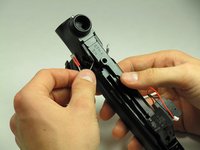
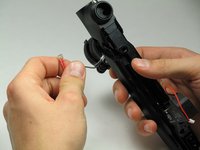
      • Grip the marker with one hand and gently pull the eyes out with your other hand.

      Ask FixBot

      Add Comment

Conclusion

To reassemble your device, follow these instructions in reverse order.

Cancel: I did not complete this guide.

One other person completed this guide.

Hannah Lancaster

Member since: 10/14/14

132 Reputation

1 Guide authored

Team

Cal Poly, Team 10-42, Amido Fall 2014 Member of Cal Poly, Team 10-42, Amido Fall 2014

CPSU-AMIDO-F14S10G42

5 Members

84 Guides authored

0 Guide Comments

Add Comment

View Statistics:

Past 24 Hours: 3

Past 7 Days: 21

Past 30 Days: 82

All Time: 1,754