
Philips TAS7505 Outer Shell Disassembly

Joseph Hernandez and 4 other contributors
Last updated on Dec 27, 2022
Views: 1.5K
View statistics:
- Past 24 Hours:
- 3
- Past 7 Days:
- 26
- Past 30 Days:
- 99
- All Time:
- 1,467
Comments: 7
7 comments on steps.
Completed: 0 1
No one has marked this guide "completed." Will you be the first?
1 person has marked this guide "completed." It's you — great job!
Favorites: 0 1
No one has favorited (and subscribed to) this guide. Will you be the first?
1 person has favorited (and subscribed to) this guide — and that's you!
Introduction
Go to step 1 ↓If you want to access the inside of this speaker, we need to take off the outer shell first. This is a step-by-step guide that shows how to remove the outer shell of the Philips TAS7505.
What you need
Tools


-
-
-
Turn the speaker upside down. You will see a rubber base. Use an opening tool to lift up the sides to expose the screws.
 Ask FixBot
-
-
-
There will be 4 exposed screws. Make sure to use the Phillips #0 Screwdriver.
-
When the screws are removed, you can use an opening tool to take off the plastic cover.
-
-
-
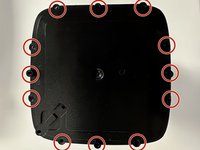
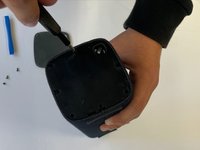
Now that you have removed this cover, there is another cover. This cover has a total of 9 screws that can be removed with a Philips #0 screwdriver.
-
Once all these screws are removed, you can take off the cover
-
-
-
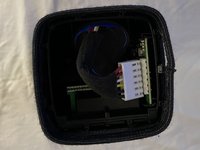
You can now see the inside of the speaker but you aren't done yet.
-
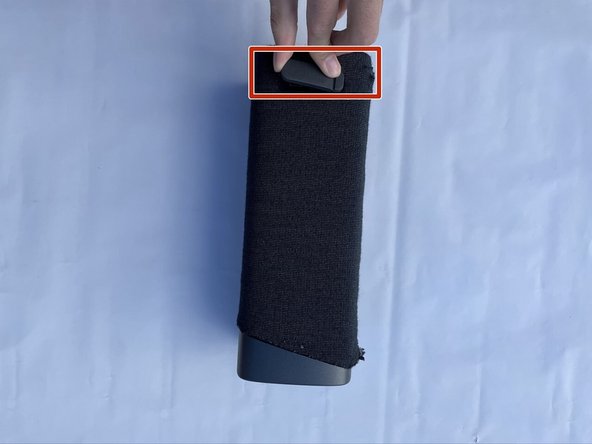
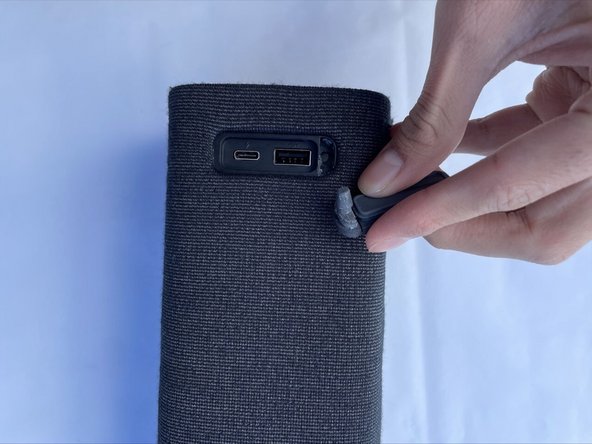
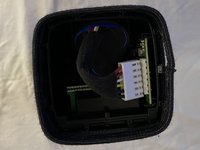
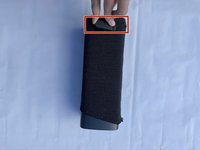
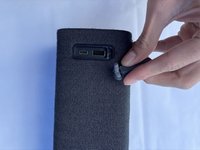
Remove both rubber stands that hold up the device horizontally (one of these stands is a cover for the USB ports).
-
-
-
-
Once you pull these out, you can pull the whole sleeve to expose the infrastructure of the device.
-
-




To reassemble your device, follow these instructions in reverse order.

Team

CSU Los Angeles, Team 5-2, Adachi Fall 2022 Member of CSU Los Angeles, Team 5-2, Adachi Fall 2022
CSULA-ADACHI-F22S5G2
5 Members
60 Guides authored
