Free Shipping on Domestic Orders $75+

Philips Sonicare ProtectiveClean 6500 Motor Replacement

What you need

  1. Philips Sonicare ProtectiveClean 6500 Motor Replacement, Internal Assembly: step 1, image 1 of 3 Philips Sonicare ProtectiveClean 6500 Motor Replacement, Internal Assembly: step 1, image 2 of 3 Philips Sonicare ProtectiveClean 6500 Motor Replacement, Internal Assembly: step 1, image 3 of 3
    • Pry the bottom cap away from the toothbrush body.

    • If it is not easy to open, these alternative instructions may help you.

    • Pry the bottom cap away from the toothbrush body until it releases.

    • Remove the bottom cap by hand.

  2. Philips Sonicare ProtectiveClean 6500 Motor Replacement: step 2, image 1 of 2 Philips Sonicare ProtectiveClean 6500 Motor Replacement: step 2, image 2 of 2
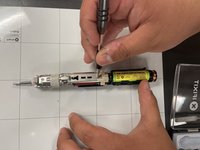
    • Use a metal spudger to release the two retaining clips inside the device.

    • The clips release when pried inward.

  3. Philips Sonicare ProtectiveClean 6500 Motor Replacement: step 3, image 1 of 2 Philips Sonicare ProtectiveClean 6500 Motor Replacement: step 3, image 2 of 2
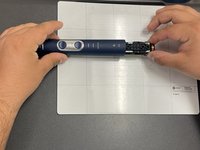
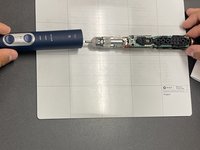
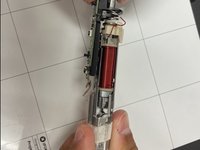
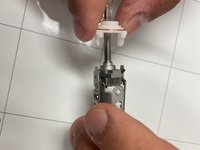
    • Slide the internal assembly out of the chassis.

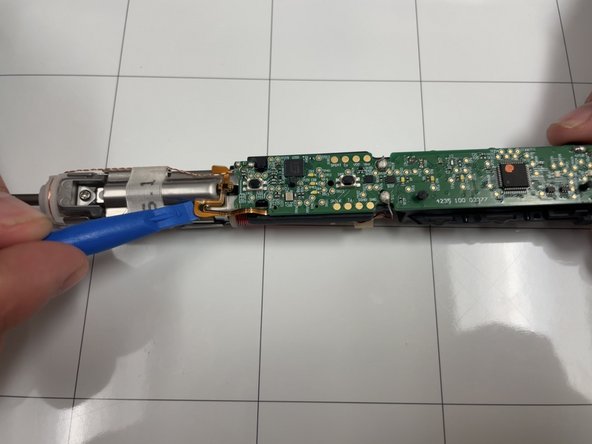
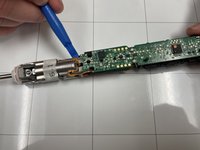
  4. Philips Sonicare ProtectiveClean 6500 Motor Replacement, Motor: step 4, image 1 of 2 Philips Sonicare ProtectiveClean 6500 Motor Replacement, Motor: step 4, image 2 of 2
    • Use an opening tool to gently pry the ribbon cable away from metal motor chassis.

  5. Philips Sonicare ProtectiveClean 6500 Motor Replacement: step 5, image 1 of 2 Philips Sonicare ProtectiveClean 6500 Motor Replacement: step 5, image 2 of 2
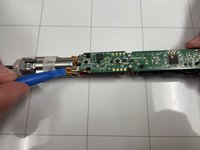
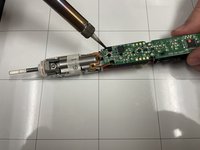
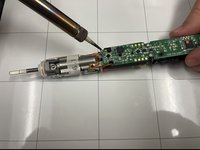
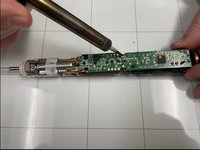
    • Locate the twisted copper wires feeding from the top of the motor to the upper corner of motherboard.

    • Desolder the contact points.

    • Soldering can cause burns and fires. Always solder in a well-ventilated workspace.

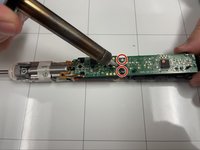
  6. Philips Sonicare ProtectiveClean 6500 Motor Replacement: step 6, image 1 of 2 Philips Sonicare ProtectiveClean 6500 Motor Replacement: step 6, image 2 of 2
    • Desolder the two connections.

  7. Philips Sonicare ProtectiveClean 6500 Motor Replacement: step 7, image 1 of 2 Philips Sonicare ProtectiveClean 6500 Motor Replacement: step 7, image 2 of 2
    • Turn the assembly over and remove the Phillips screw.

  8. Philips Sonicare ProtectiveClean 6500 Motor Replacement: step 8, image 1 of 3 Philips Sonicare ProtectiveClean 6500 Motor Replacement: step 8, image 2 of 3 Philips Sonicare ProtectiveClean 6500 Motor Replacement: step 8, image 3 of 3
    • Pull the motherboard and motor gently away from the motor chassis.

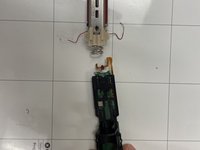
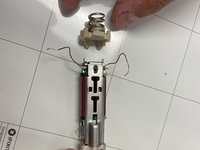
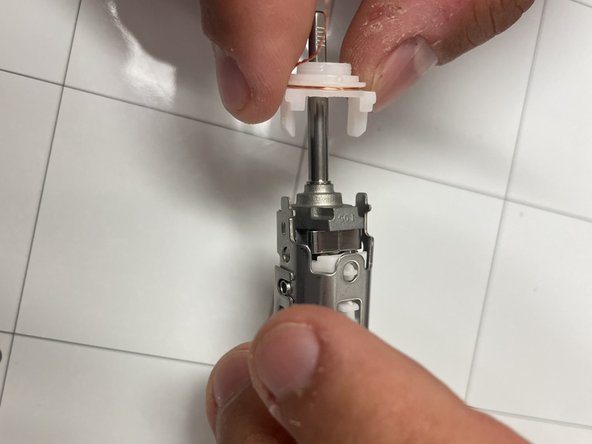
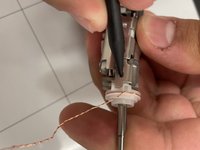
  9. Philips Sonicare ProtectiveClean 6500 Motor Replacement: step 9, image 1 of 2 Philips Sonicare ProtectiveClean 6500 Motor Replacement: step 9, image 2 of 2
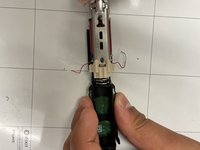
    • Use a pointed tool to push in the tabs on either side of the white assembly .

    • Pull the wire carrier off of motor chassis.

    • Swap it to the new motor chassis.

Conclusion

To reassemble your device, follow these instructions in reverse order.

Liam Casto

Member since: 04/01/24

354 Reputation

3 Guides authored

Team

IUPUI, Team 1-4, Harley Spring 2024 Member of IUPUI, Team 1-4, Harley Spring 2024

IUPUI-HARLEY-S24S1G4

3 Members

6 Guides authored

0 Guide Comments

Add Comment

View Statistics:

Past 24 Hours: 2

Past 7 Days: 12

Past 30 Days: 48

All Time: 625