What you need
-
-
-
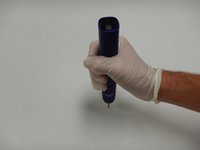
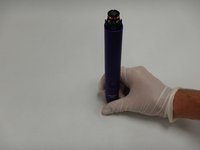
Invert the toothbrush and apply pressure against the metal tip until the internals and casing separate.
-
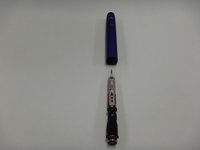
Remove the internals from the casing.
-
-
-
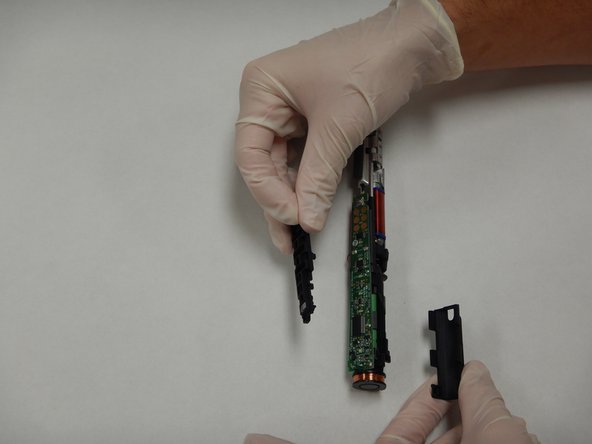
Carefully free the top end of the circuit board from the plastic clips holding it in place.
-
-
-
Use the soldering iron to desolder the terminals marked F1, C5, R7, R6, and JP1.
-
Remove the circuit board.
-


 Ask FixBot




To reassemble your device, follow these instructions in reverse order.
Cancel: I did not complete this guide.
2 other people completed this guide.

Team

The Citadel Military College of South Carolina, Team S1-G4, Eggleston Fall 2020 Member of The Citadel Military College of South Carolina, Team S1-G4, Eggleston Fall 2020
CMCSC-EGGLESTON-F20S1G4
3 Members
12 Guides authored
1 Guide Comment
If anyone needs to replace just the button, the part number is: Panasonic EVQ-PLHA15.
(you can also find variants with harder or softer click in the datasheet)
To desolder gently push a sharp point of tweezer or knife under the button, alternate melting the pins on one side while gently lifting, apply very light pressure and be careful not to lift the PCB pads.
