Free Shipping on Domestic Orders $75+

Philips Somneo Motherboard Replacement

What you need

  1. Philips Somneo Motherboard Replacement, Antenna: step 1, image 1 of 1
    • Remove the four silicone feet on the bottom plate.

    • Remove the following Phillips screws from the bottom plate:

    • Two 9 mm screws

    • Two 13 mm screws

    Ask FixBot

    Add Comment

  2. Philips Somneo Motherboard Replacement: step 2, image 1 of 2 Philips Somneo Motherboard Replacement: step 2, image 2 of 2
    • Remove the bottom plate from the device.

    Ask FixBot

    Add Comment

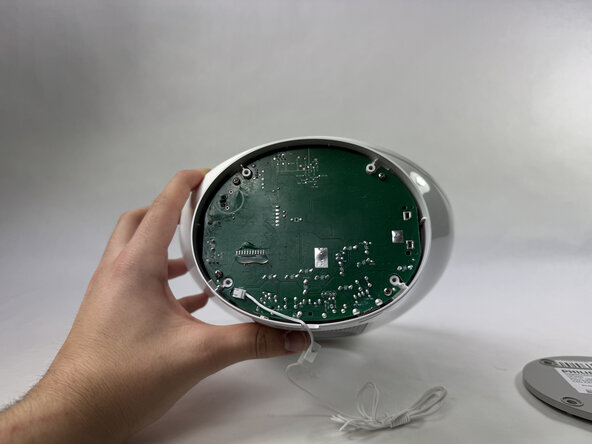
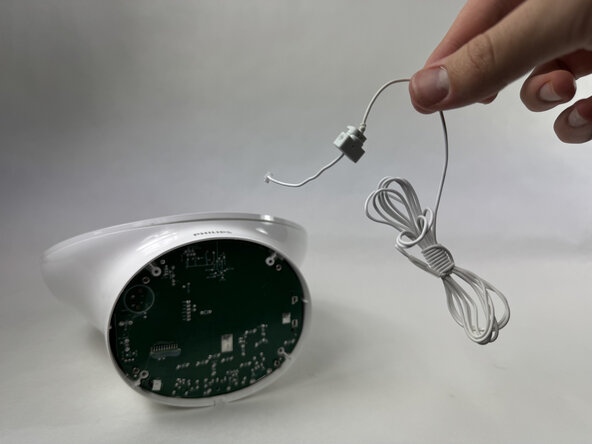
  3. Philips Somneo Motherboard Replacement: step 3, image 1 of 2 Philips Somneo Motherboard Replacement: step 3, image 2 of 2
    • Disconnect the antenna connector by pulling it directly out of its port.

    • Remove the antenna.

    Ask FixBot

    Add Comment

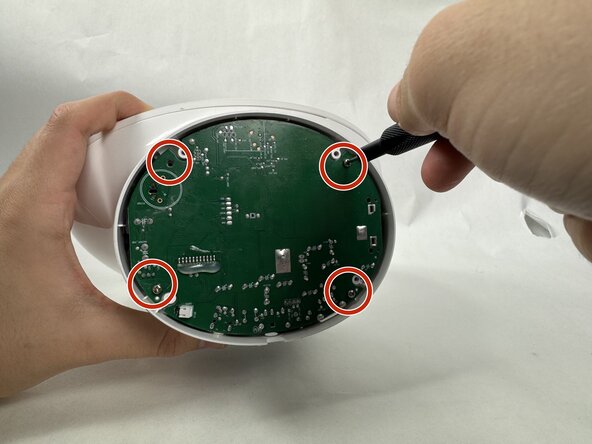
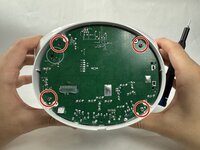
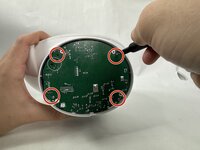
  4. Philips Somneo Motherboard Replacement, Motherboard: step 4, image 1 of 2 Philips Somneo Motherboard Replacement, Motherboard: step 4, image 2 of 2
    • Remove the four 9 mm Phillips screws securing the motherboard.

    Ask FixBot

    Add Comment

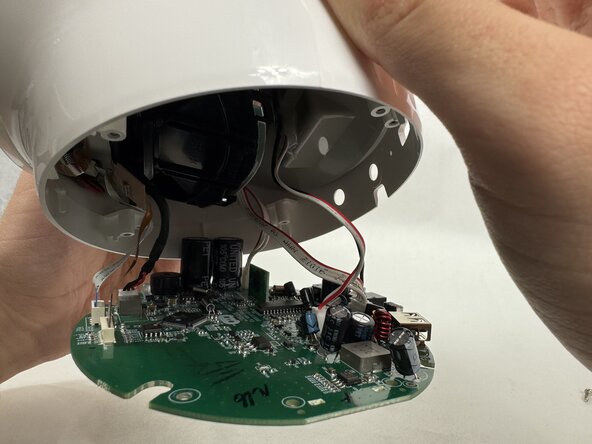
  5. Philips Somneo Motherboard Replacement: step 5, image 1 of 2 Philips Somneo Motherboard Replacement: step 5, image 2 of 2
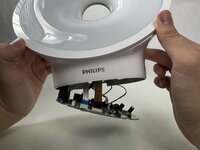
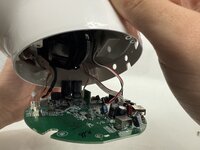
    • Gently pull the motherboard down until the cables are visible.

    • Take care not to strain the connected cables.

    Ask FixBot

    Add Comment

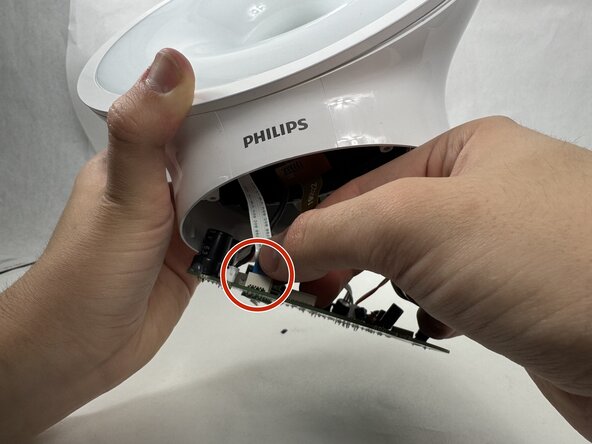
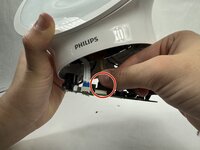
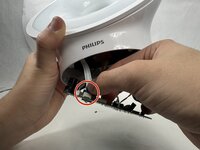
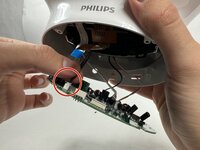
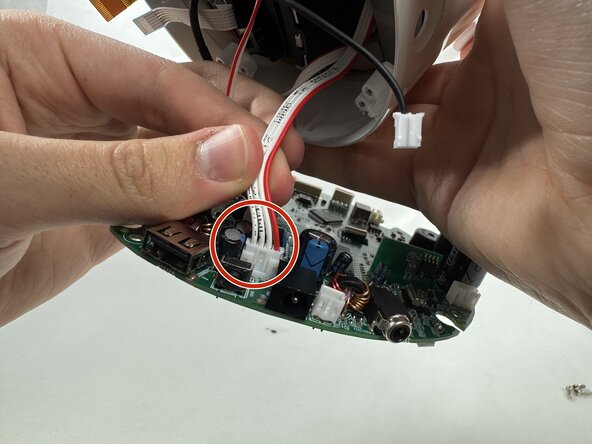
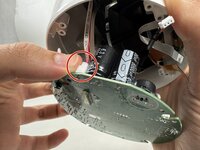
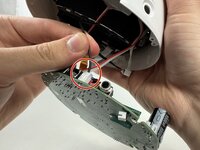
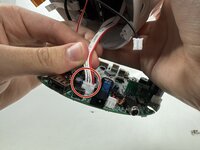
  6. Philips Somneo Motherboard Replacement: step 6, image 1 of 3 Philips Somneo Motherboard Replacement: step 6, image 2 of 3 Philips Somneo Motherboard Replacement: step 6, image 3 of 3
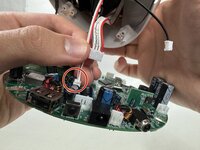
    • Remove each cord by gently disconnecting each connector with your hand.

    Ask FixBot

    Add Comment

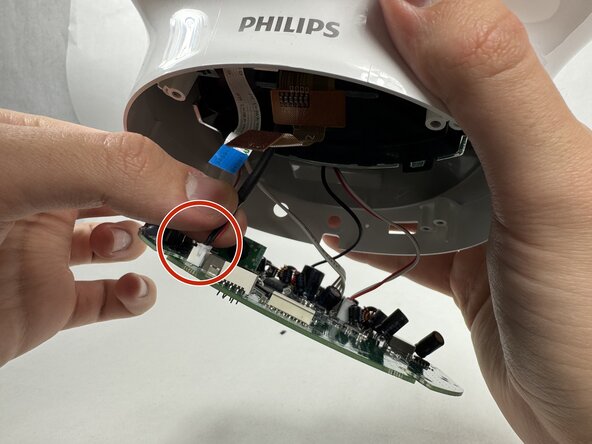
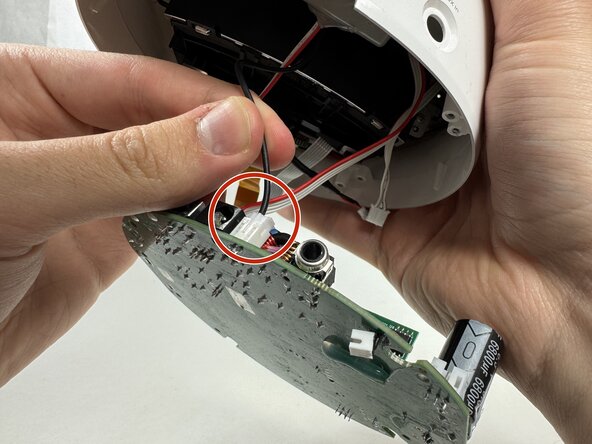
  7. Philips Somneo Motherboard Replacement: step 7, image 1 of 3 Philips Somneo Motherboard Replacement: step 7, image 2 of 3 Philips Somneo Motherboard Replacement: step 7, image 3 of 3
    • Continue gently removing each cord with you hand.

    Ask FixBot

    Add Comment

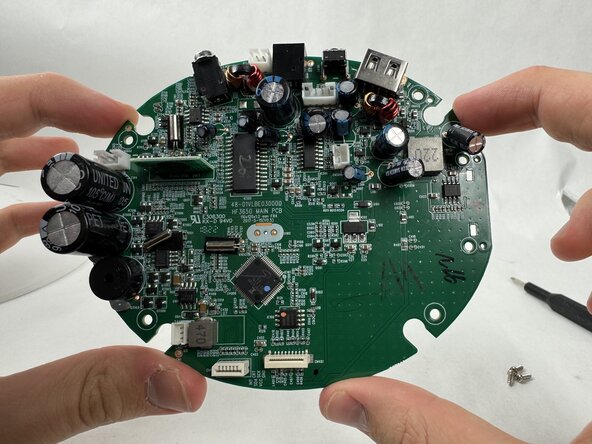
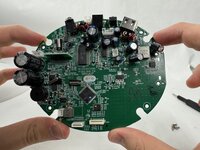
  8. Philips Somneo Motherboard Replacement: step 8, image 1 of 2 Philips Somneo Motherboard Replacement: step 8, image 2 of 2
    • Finish gently removing the final cord attached to the motherboard to successfully remove the motherboard.

    Ask FixBot

    Add Comment

Conclusion

To reassemble your device, follow the above steps in reverse order.
Take your e-waste to an R2 or e-Stewards certified recycler.
Repair didn’t go as planned? Try some basic troubleshooting or ask our Answers community for help.

Cancel: I did not complete this guide.

Isaiah

Member since: 03/21/25

332 Reputation

2 Guides authored

Team

0 Guide Comments

Add Comment

View Statistics:

Past 24 Hours: 3

Past 7 Days: 4

Past 30 Days: 29

All Time: 339