Introduction
Power cords can become easily broken or frayed, which can cause potential risks. This guide will teach you how to replace a damaged or broken power cord for the Philips DVP5992-F7.
What you need
-
-
Remove the three 6.4 mm Phillips #1 screws on the back of the device with a Phillips head screwdriver.
-
Remove the 6.4 mm Phillips #1 screws on each side of the device.
 Ask FixBot
-
-
-
-
Remove the top plate of the DVD by firmly grasping the player on both sides.
-
Shift the top plate towards the backside of the player.
-
Lift the back half of the top plate up to remove it from the player.
-
-
-
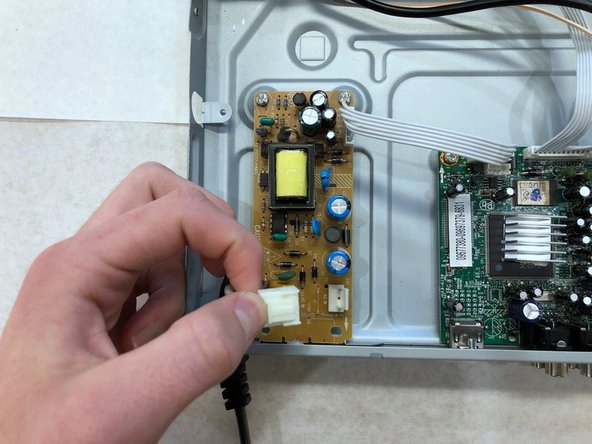
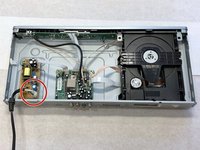
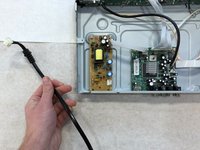
Locate the power cable connector inside the DVD player.
-
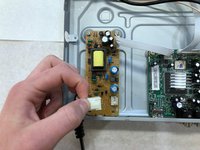
Pinch down on both sides of the cable connector.
-
Gently pull upwards on the cable connector while wiggling it to remove it from the DVD player.
-


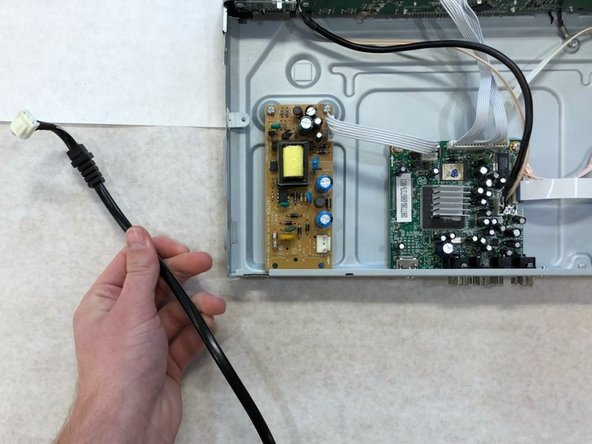
To reassemble your device, follow these instructions in reverse order.
Cancel: I did not complete this guide.
2 other people completed this guide.

Team

Western Carolina University, Team S1-G6, Virtue Fall 2018 Member of Western Carolina University, Team S1-G6, Virtue Fall 2018
WCU-VIRTUE-F18S1G6
3 Members
10 Guides authored
