
Philips DPM8000 Display Replacement

Andreas Holl and one other contributor
Last updated on Jul 28, 2016
Views: 1.8K
View statistics:
- Past 24 Hours:
- 2
- Past 7 Days:
- 16
- Past 30 Days:
- 101
- All Time:
- 1,765
Comments: 1
1 comment on steps.
Completed: 0 1
No one has marked this guide "completed." Will you be the first?
1 person has marked this guide "completed." It's you — great job!
Favorites: 0 1
No one has favorited (and subscribed to) this guide. Will you be the first?
1 person has favorited (and subscribed to) this guide — and that's you!
Community-Contributed Guide
An awesome member of our community made this guide. It was not created by iFixit staff.
Featured Student Guide
This guide has been the hard work of our awesome students and is found to be exceptionally cool by the iFixit staff.
Introduction
Go to step 1 ↓Ensure to have your replacement display lying next to you before you start removing the defective one.
You should also have a little bowl ready to set aside screws and other small parts.
What you need
Tools
-
-
Spudger4.9


-
-
Tool used on this step:Anti-Static Wrist Strap$7.95
-
Put on the Anti-Static Wrist Strap and clamp the end of the band to an unpainted spot of a radiator.
 Ask FixBot
-
-
-
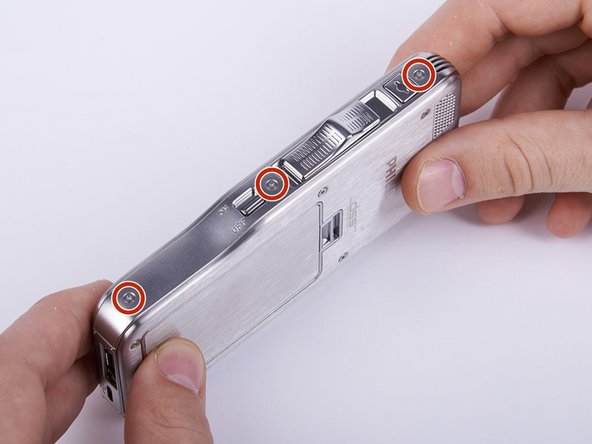
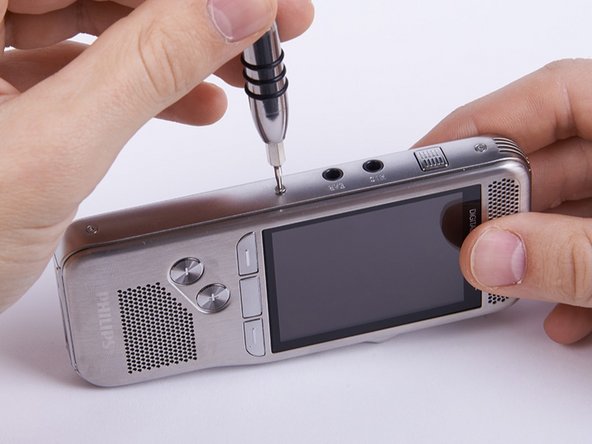
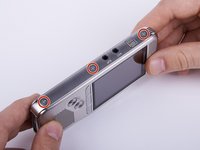
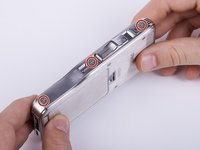
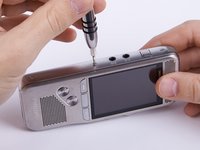
Unscrew the six Torx #4 (5,3 mm) screws from both sides of the device
-
-
-
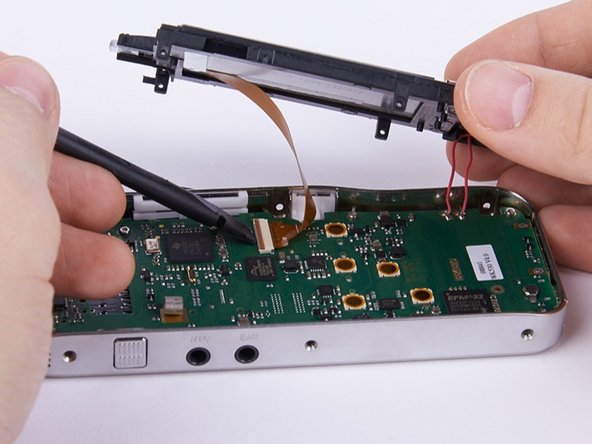
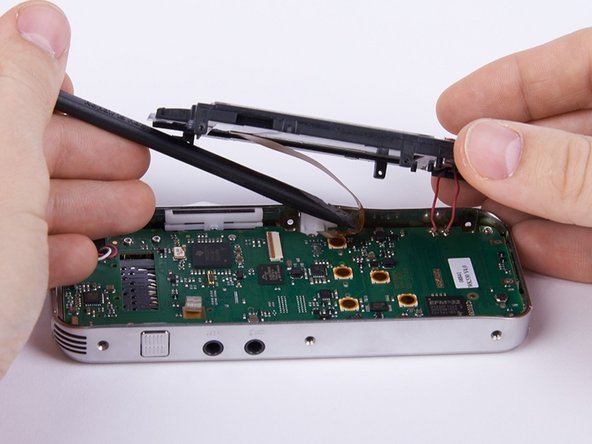
Unlock the connection between display and motherboard by pushing open the brown cleat.
-
-
-
-


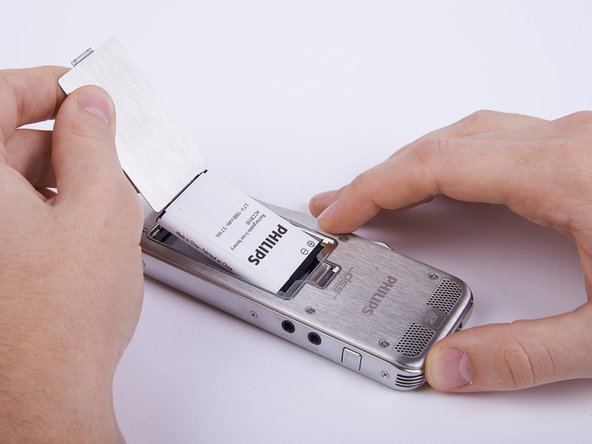


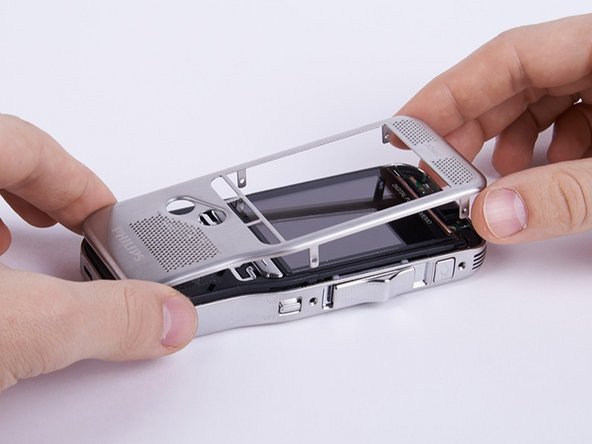
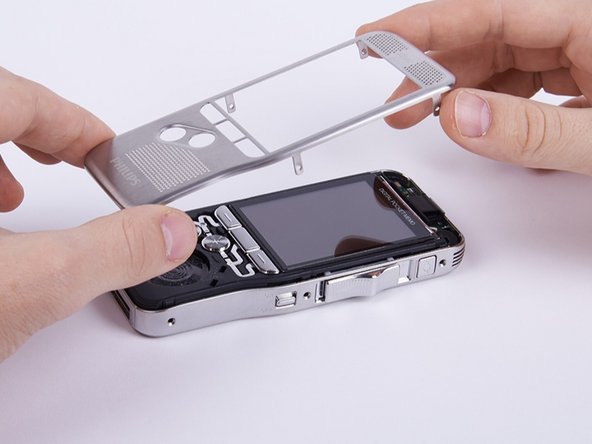
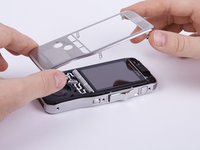

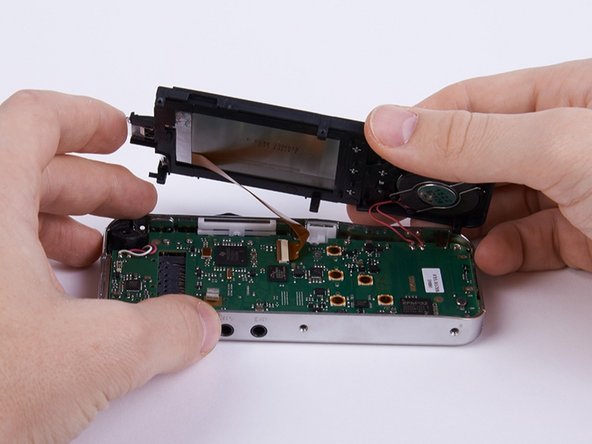


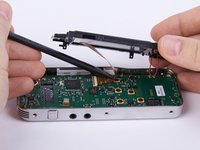
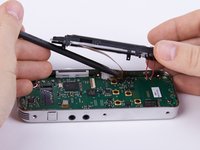

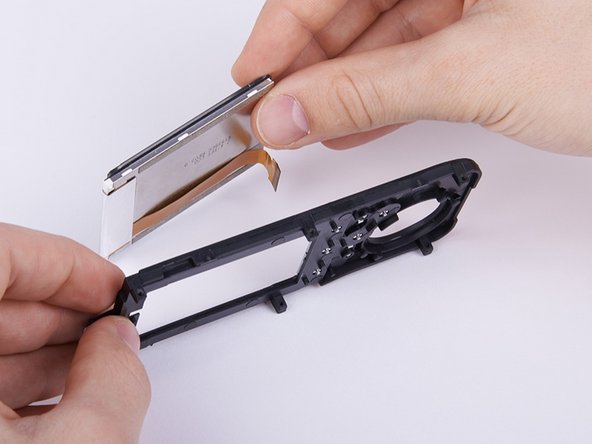
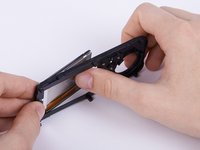
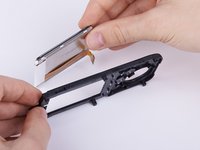

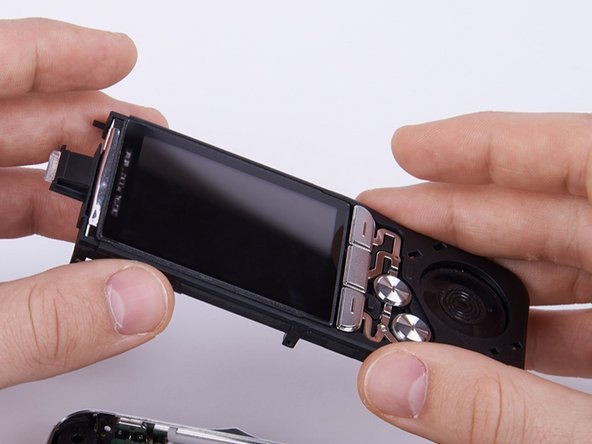
To reassemble your device, follow these instructions in reverse order beginning with step 8.

Team

Technische Universität Wien Member of Technische Universität Wien
Community
2 Members
72 Guides authored
