
Petnet SmartFeeder SF10E 12 Pin Connector Replacement

Ashley Kim and 3 other contributors
Last updated on Dec 6, 2018
Views: 734
View statistics:
- Past 24 Hours:
- 2
- Past 7 Days:
- 10
- Past 30 Days:
- 57
- All Time:
- 734
Comments: 0
No one has left comments on this guide. Will you be first?
Go to guide commentsCompleted: 0 1
No one has marked this guide "completed." Will you be the first?
1 person has marked this guide "completed." It's you — great job!
Favorites: 0 1
No one has favorited (and subscribed to) this guide. Will you be the first?
1 person has favorited (and subscribed to) this guide — and that's you!
Introduction
Go to step 1 ↓Use this guide to replace your 12 pin connector if it is damaged and does not charge properly. When replacing the component, use a Phillips #1 screwdriver and iFixit Opening Tools to proceed with the replacement.
What you need
Tools


-
-
-
Eject the SmartBowl by pressing the button located at the front of the SmartFeeder base.
 Ask FixBot
-
-
-
Remove the food tub by twisting it counter-clockwise with both hands and lifting it up.
-
-
-
Remove the black plastic gasket from the top of the SmartFeeder by placing your fingers on the side of it and lifting up.
-
-
-
Flip over the SmartFeeder by using both hands.
-
Partially open the outer case of the SmartFeeder by wedging an iFixit Opening Tool on each side.
-
-
-
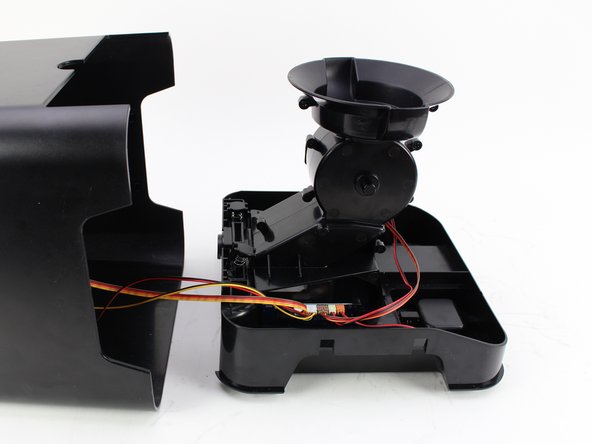
Turn the SmartFeeder on its side and with one hand on the base, carefully pull out the central section.
-
Place the bottom piece of the device right-side up.
-
-
-
-
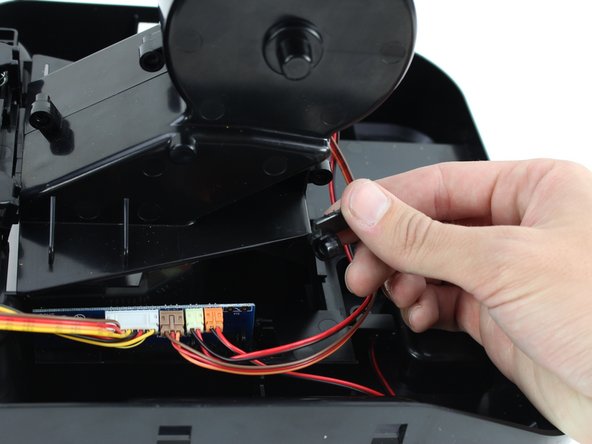
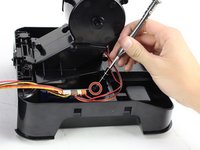
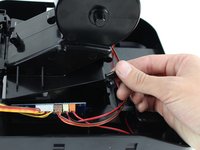
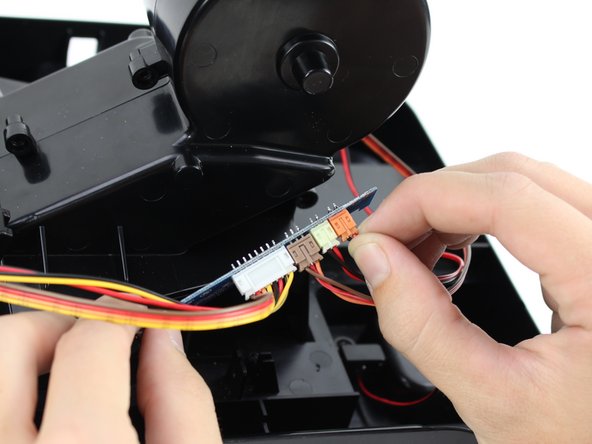
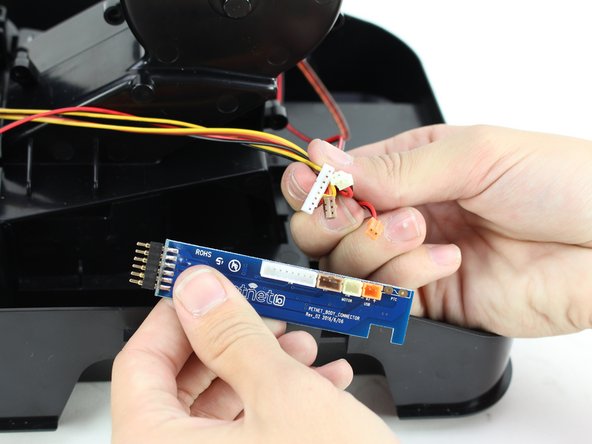
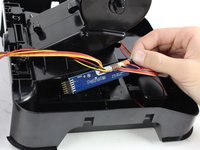
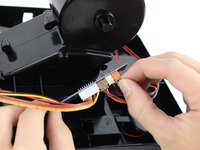
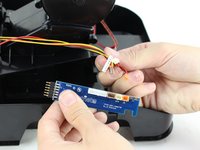
Pull the daughterboard out of the device and remove the three-prong connectors by using your hands.
-
-




To reassemble your device, follow these instructions in reverse order.

Team

Cal Poly, Team S13-G7, White Fall 2018 Member of Cal Poly, Team S13-G7, White Fall 2018
CPSU-WHITE-F18S13G7
4 Members
60 Guides authored
