Introduction
Removing the bottom cover is typically the first step in a more lengthy disassembly. It may also provide access to a few areas for basic troubleshooting.
What you need
-
-
-
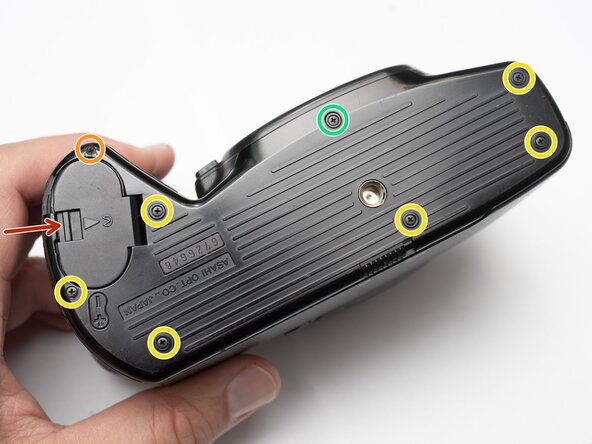
Unlatch battery compartment door.
-
Remove one 1.7 x 4.0 mm screw.
-
Remove six 1.7 x 2.5 mm shoulder screws.
-
Remove one 1.7 x 2.5 mm long shoulder screw.
-
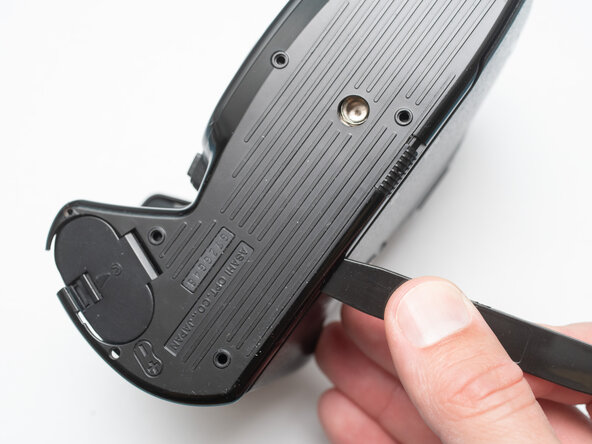
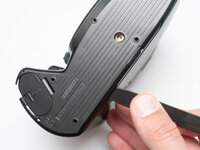
The bottom cover may be adhered with double sided tape in some locations. Use a spudger to gently work it loose.
 Ask FixBot
-
-
-
-
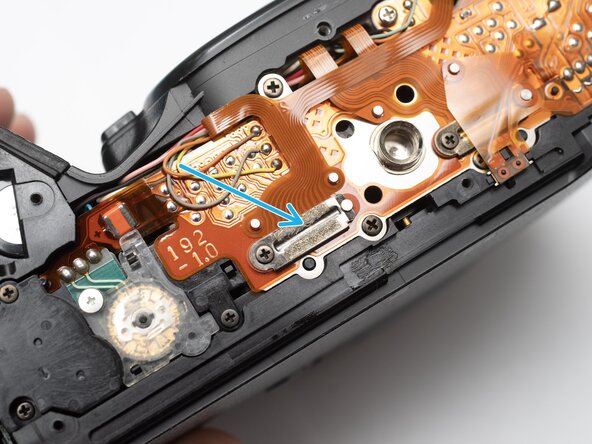
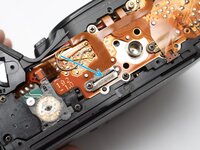
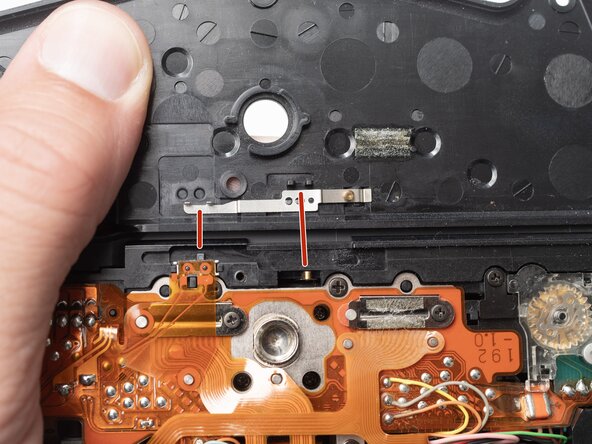
Check that the physical panorama switch on the bottom cover and the electrical switch mate properly.
-
-
Conclusion
To reassemble your device, follow these instructions in reverse order.

