Free Shipping on Domestic Orders $75+

Pentax PZ-1p Body Panel Removal

What you need

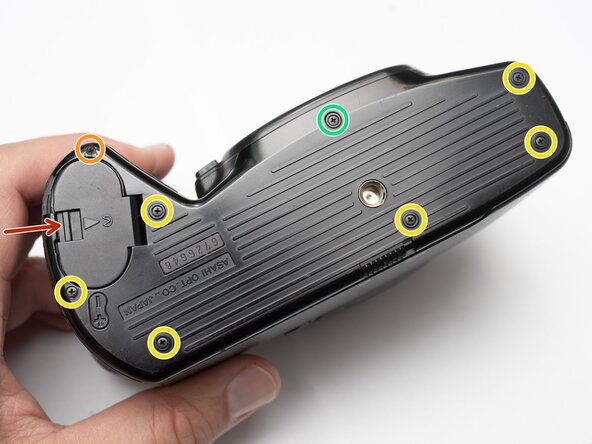
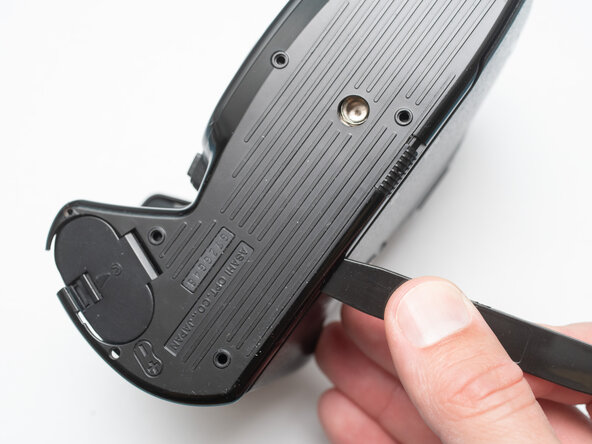
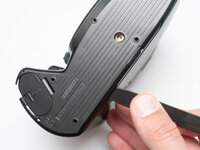
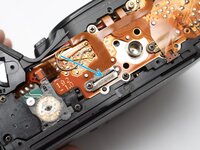
  1. Pentax PZ-1p Body Panel Removal, Remove bottom cover: step 1, image 1 of 3 Pentax PZ-1p Body Panel Removal, Remove bottom cover: step 1, image 2 of 3 Pentax PZ-1p Body Panel Removal, Remove bottom cover: step 1, image 3 of 3
    • Unlatch battery compartment door.

    • Remove one 1.7 x 4.0 mm screw.

    • Remove six 1.7 x 2.5 mm shoulder screws.

    • Remove one 1.7 x 2.5 mm long shoulder screw.

    • The bottom cover may be adhered with double sided tape in some locations. Use a spudger to gently work it loose.

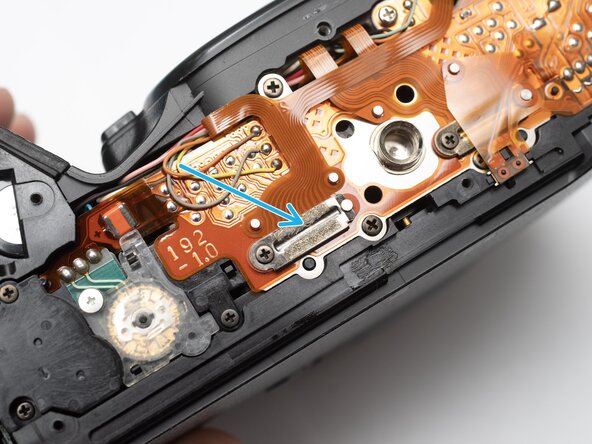
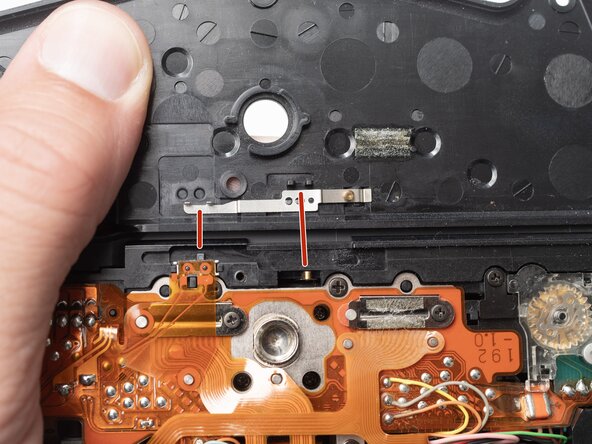
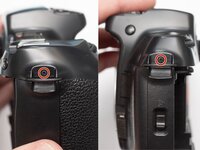
  2. Pentax PZ-1p Body Panel Removal, Installation Notes: Bottom cover: step 2, image 1 of 1
    • Check that the physical panorama switch on the bottom cover and the electrical switch mate properly.

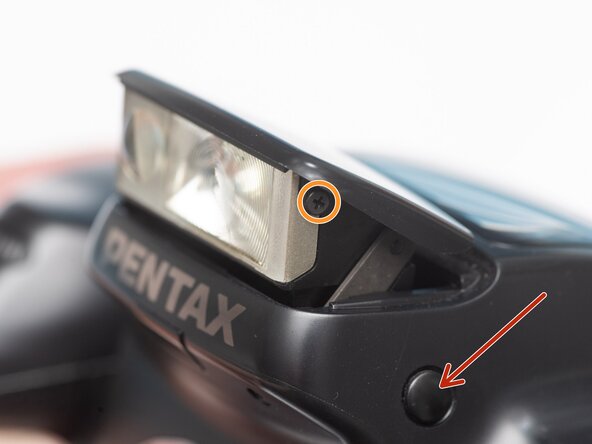
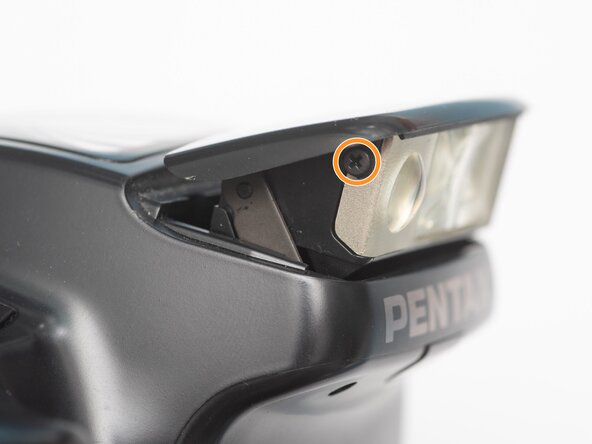
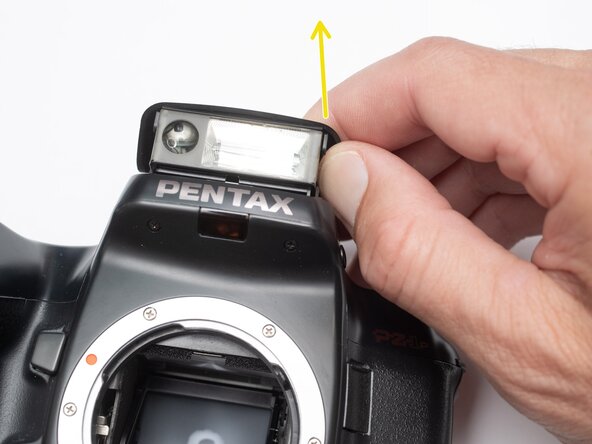
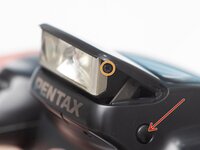
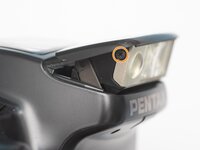
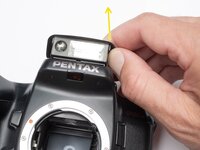
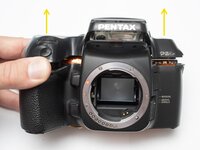
  3. Pentax PZ-1p Body Panel Removal, Remove flash cover: step 3, image 1 of 3 Pentax PZ-1p Body Panel Removal, Remove flash cover: step 3, image 2 of 3 Pentax PZ-1p Body Panel Removal, Remove flash cover: step 3, image 3 of 3
    • Push button to pop up the flash.

    • Remove two 1.7 x 2.5 mm screws.

    • Detach snaps by lifting the side of the flash cover, bending it up and away from the housing.

    • Push flash back down to the stored position.

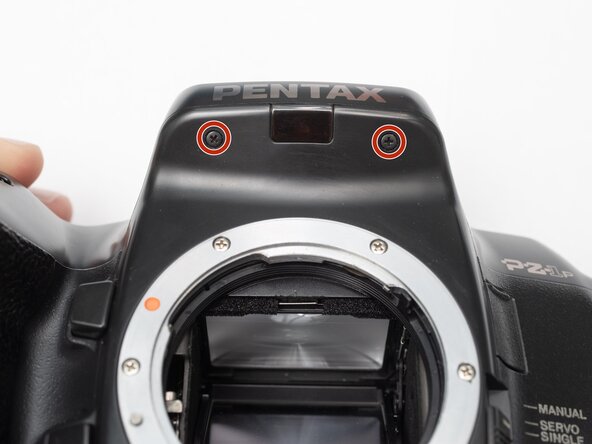
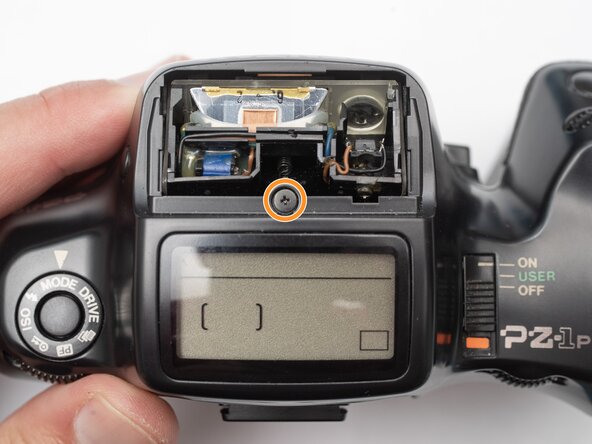
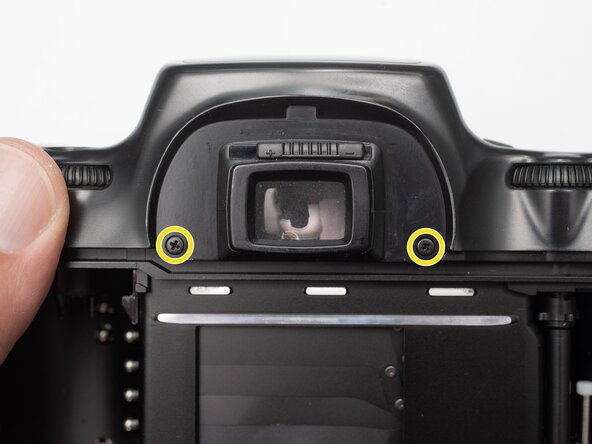
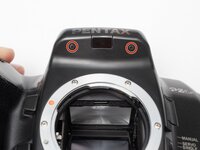
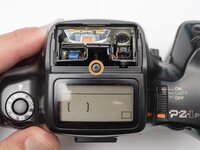
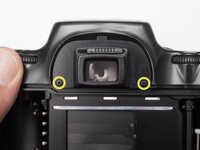
  4. Pentax PZ-1p Body Panel Removal, Remove top cover screws: step 4, image 1 of 3 Pentax PZ-1p Body Panel Removal, Remove top cover screws: step 4, image 2 of 3 Pentax PZ-1p Body Panel Removal, Remove top cover screws: step 4, image 3 of 3
    • Remove two 1.7 x 2.5 mm screws underneath the pop-up flash.

    • Remove one 1.7 x 2.5 mm panhead screw above the pop-up flash.

    • Remove two 1.7 x 2.5 mm shoulder screws near the eye piece.

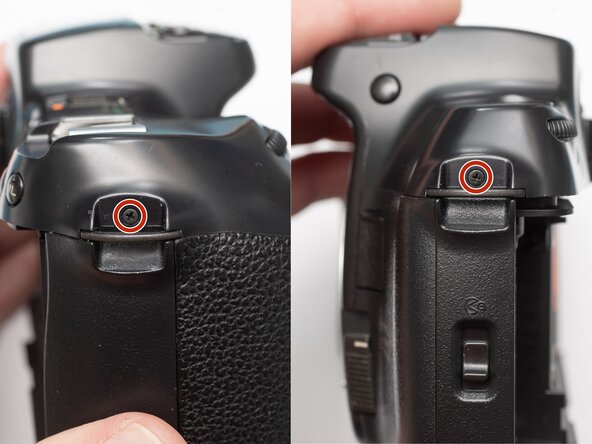
  5. Pentax PZ-1p Body Panel Removal, Remove top cover: step 5, image 1 of 3 Pentax PZ-1p Body Panel Removal, Remove top cover: step 5, image 2 of 3 Pentax PZ-1p Body Panel Removal, Remove top cover: step 5, image 3 of 3
    • Remove two 1.7 x 2.5 mm shoulder screws by the strap lugs.

    • Remove one 1.7 x 6.0 mm screw inside the battery compartment.

    • Lift off the top cover.

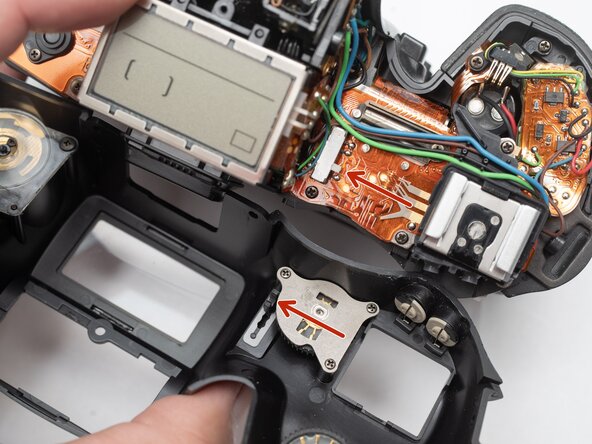
  6. Pentax PZ-1p Body Panel Removal, Installation Notes: Top cover: step 6, image 1 of 1
    • Check that the physical power switch and the electrical power switch are both in the same position before installation.

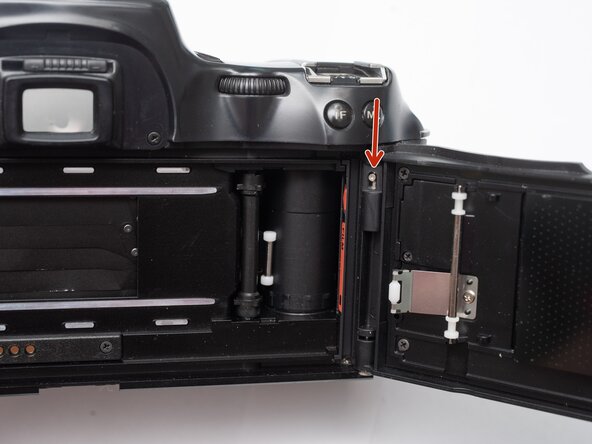
  7. Pentax PZ-1p Body Panel Removal, Remove film door: step 7, image 1 of 1
    • Push the release latch down to remove the film door.

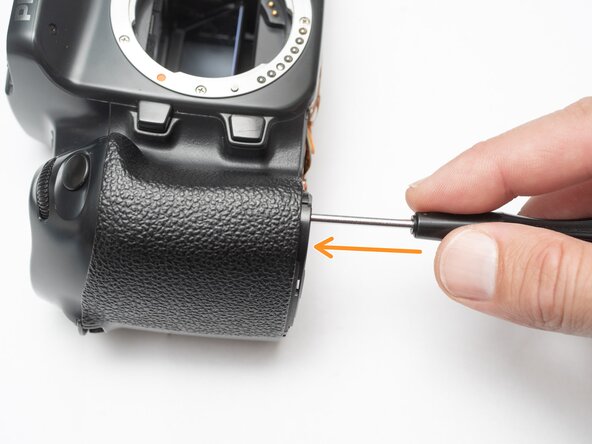
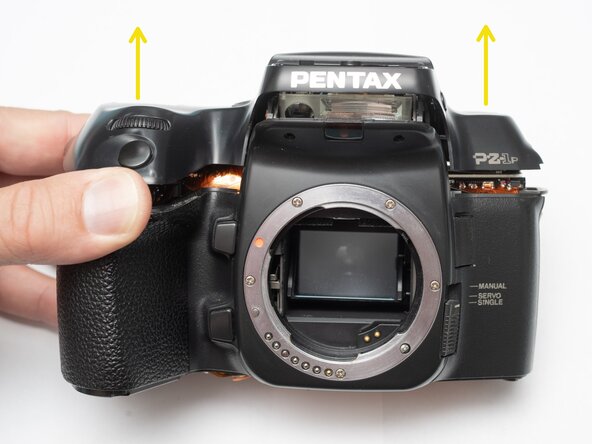
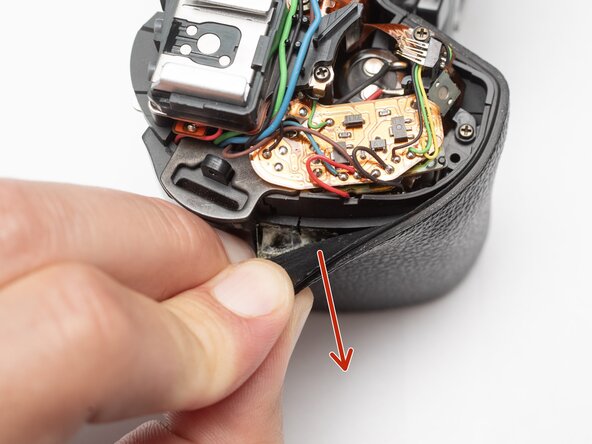
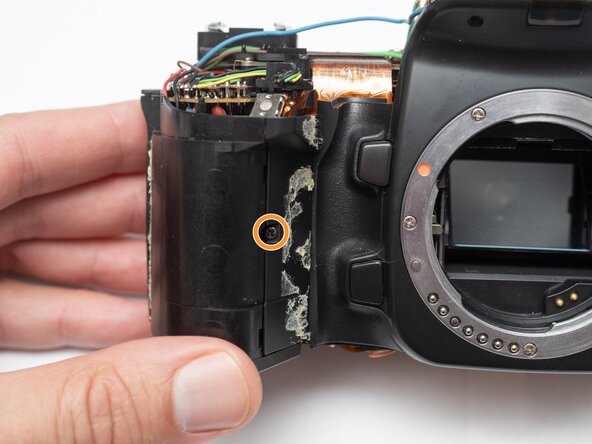
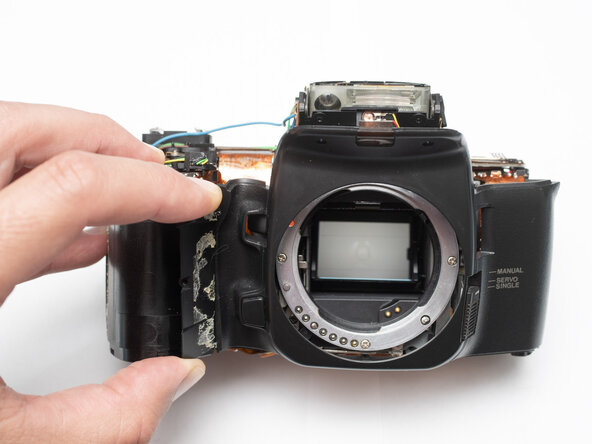
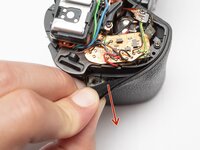
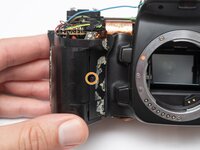
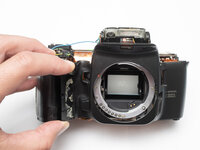
  8. Pentax PZ-1p Body Panel Removal, Remove front body panel: step 8, image 1 of 3 Pentax PZ-1p Body Panel Removal, Remove front body panel: step 8, image 2 of 3 Pentax PZ-1p Body Panel Removal, Remove front body panel: step 8, image 3 of 3
    • Peel off rubber covering from grip.

    • Remove one 1.7 x 5.0 mm screw.

    • Lift off the front body panel.

Conclusion

To reassemble your device, follow these instructions in reverse order.

Sam Gustafson

Member since: 09/01/22

10,775 Reputation

74 Guides authored

0 Guide Comments

Add Comment

View Statistics:

Past 24 Hours: 0

Past 7 Days: 7

Past 30 Days: 36

All Time: 148