
Pentax Optio WP Back Casing Replacement

Olivia Nixon and 8 other contributors
Last updated on May 7, 2024
Views: 2.3K
View statistics:
- Past 24 Hours:
- 2
- Past 7 Days:
- 22
- Past 30 Days:
- 115
- All Time:
- 2,255
Comments: 0
No one has left comments on this guide. Will you be first?
Go to guide commentsCompleted: 0 1
No one has marked this guide "completed." Will you be the first?
1 person has marked this guide "completed." It's you — great job!
Favorites: 0 1
No one has favorited (and subscribed to) this guide. Will you be the first?
1 person has favorited (and subscribed to) this guide — and that's you!
Introduction
Go to step 1 ↓This guide will provide you with step-by-step help for removing the back casing on the Pentax Optio WP Digital Camera.
What you need
Tools
-
Spudger4.9
-


-
-
-
Orient the camera so you are looking at the bottom and the battery compartment is on the right hand side.
 Ask FixBot
-
-
-
Unlock the battery compartment by sliding the lock switch to the unlock position (away from the arrow).
-
Firmly push the battery cover to the right and swing open.
-
The battery will be located in the larger bottom slot. Slide the plastic orange tab to remove the battery.
-
The SD card will be located in the smaller, top slot. Push the SD card directly in to hear a small clicking sound. Then pull out the SD card.
-
-
-
-
-
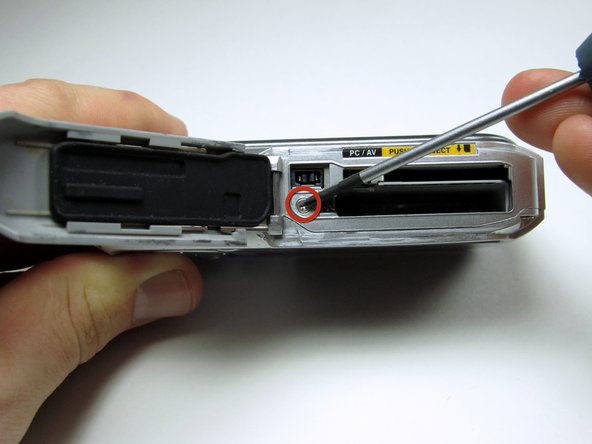
With the battery cover swung open, use the spudger to remove the DC IN sticker.
-
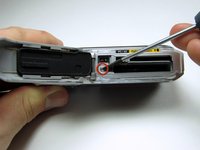
Remove the 4.3 mm silver screw revealed.
-
-
Tool used on this step:Tweezers$4.99
-
Reorient the camera so it is upright and you are looking at the back screen.
-
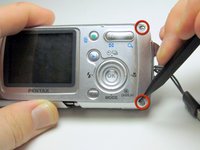
Remove the rubber covers in the upper and lower right side corners. Insert spudger in between the camera case and the rubber cover and push them out of their sockets. Grab the rubbers with the tweezers and set them aside. Remove both of the 4.3 mm silver screws revealed.
-
Remove the 4.3 mm silver screw in the lower left corner which resides under the sliding battery cover.
-
-
-
-
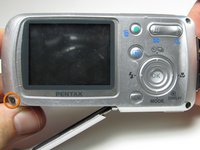
Locate the 5.3mm silver screw on the edge closest to the upper left corner of the LCD screen and remove it.
-
-
-
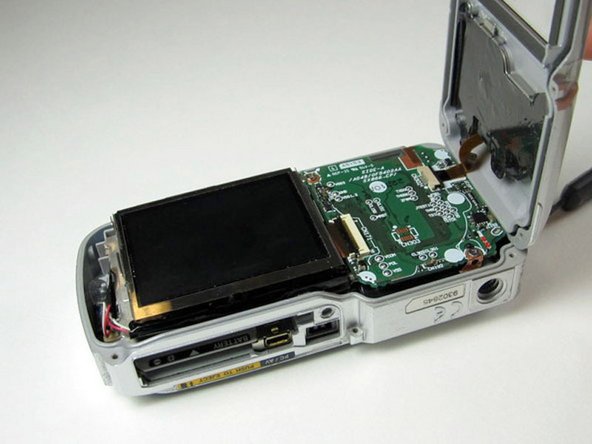
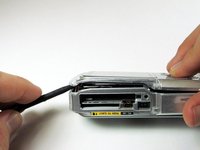
With the spudger, pry back the cover starting with the outer edge to release.
-
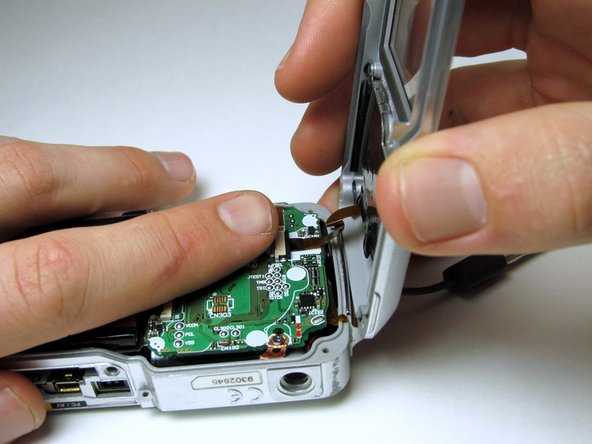
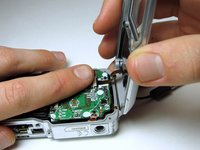
Detach the copper ribbon from the internals of the camera by placing a finger on top of the terminal and gently pulling on the back casing.
-
-







To reassemble your device, follow these instructions in reverse order.

Team

Cal Poly, Team 1-13, Amido Winter 2011 Member of Cal Poly, Team 1-13, Amido Winter 2011
CPSU-AMIDO-W11S1G13
5 Members
108 Guides authored
