
Pantech Matrix SIM Card Replacement

Zeel Patel and 2 other contributors
Last updated on Jan 11, 2015
Views: 816
View statistics:
- Past 24 Hours:
- 5
- Past 7 Days:
- 21
- Past 30 Days:
- 92
- All Time:
- 816
Comments: 0
No one has left comments on this guide. Will you be first?
Go to guide commentsCompleted: 2 3
2 people have marked this guide "completed." Will you be next?
3 people have marked this guide "completed." Including you — great job!
Favorites: 0 1
No one has favorited (and subscribed to) this guide. Will you be the first?
1 person has favorited (and subscribed to) this guide — and that's you!
Introduction
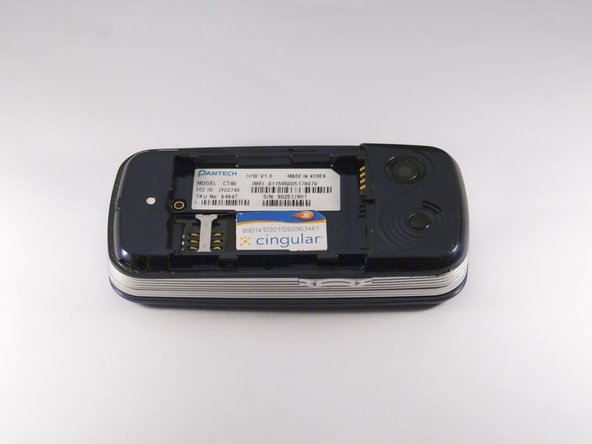
Go to step 1 ↓The SIM card of Pantech Matrix C740 functions as the unit which stores contacts and SMS messages the device's serial number and as the authentication center; however, faulty functioning of the SIM card may cause the device to not proper perform these functions. Therefore, this guide serves as an aid in the replacement of the SIM card for the Pantech Matrix C740.
What you need
Tools
-
Spudger4.9

-
-
-
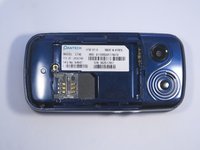
Gently slide the backside phone cover off exposing the battery underneath.
-
-
-
Carefully lift the battery up from where the spudger is pointed.
-
-
-

 Ask FixBot






To reassemble your device, follow these instructions in reverse order.
Cancel: I did not complete this guide.
2 other people completed this guide.

