Introduction
In this guide, you will learn how to replace the band that runs the 3-digit cassette counter on this device. If you find that the counter is not running while cassettes are being played, it is quite possible that the small rubber band has become worn out from frequent use. This guide will show you what you need to do to to get your device counting again.
What you need
-
-
-
Remove the three screws from the back of the device body.
-
Remove both of the screws from the battery compartment.
-
Remove the back of the device.
-
Make sure not to pull apart the cords that hold the device together.
 Ask FixBot
-
-
-
-
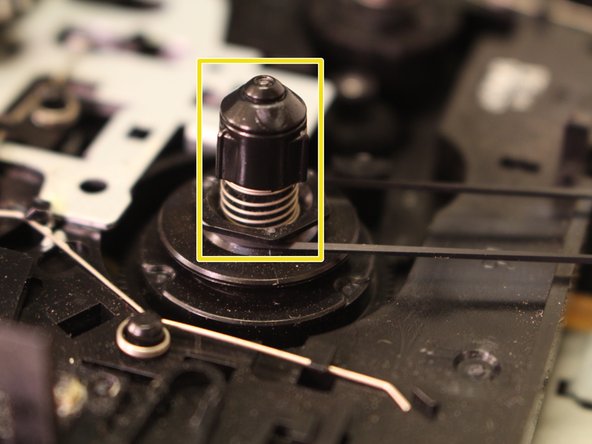
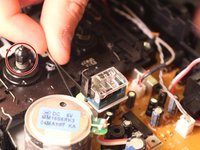
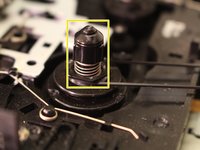
Carefully remove the band from the gear spindle.
-
Dispose of the old, broken band.
-
-
-
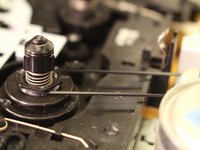
Insert the new band into the gear spindle.
-
Twist the black spindle to make sure the counter works.
-
-



To reassemble your device, follow these instructions in reverse order.
Cancel: I did not complete this guide.
3 other people completed this guide.

Team

Eastern Washington University, Team 1-6, Plummer Spring 2015 Member of Eastern Washington University, Team 1-6, Plummer Spring 2015
EWU-PLUMMER-S15S1G6
4 Members
60 Guides authored
