Introduction
A guide to find and replace the camcorder's speaker.
What you need
-
-
-
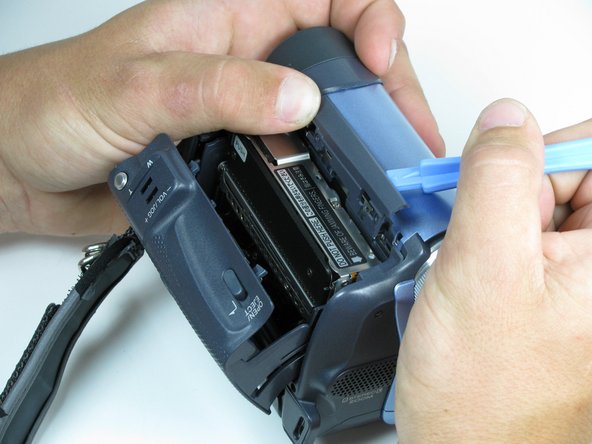
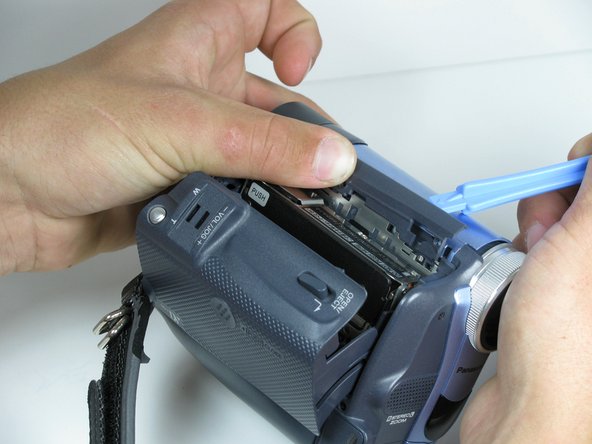
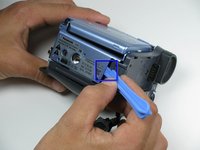
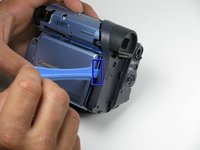
Locate the blue plastic tool opener, then remove both the round record/playback and record/power control knobs by prying it open from the camcorder.
 Ask FixBot
-
-
-
Open the tape compartment.
-
Flip over the camcorder and find the two 4.5mm screws, which are approximately 2 inches apart.
-
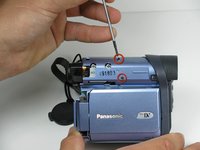
Using a #00 Phillips screwdriver, remove the screws
-
-
-
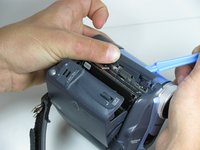
Use a plastic prying tool, remove the gray trim piece by opening and gently prying it off from top of the camcorder.
-
-
-
Rotate the camcorder so that the camera lens is facing you.
-
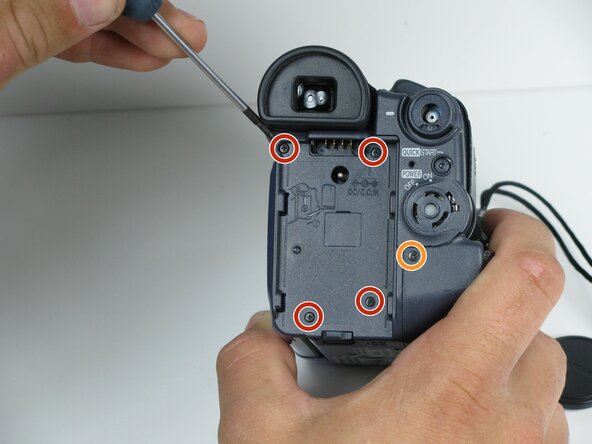
Remove the four black 4.5mm screws, sitting behind the battery.
-
Remove the 5th screw to the right of the battery dock.
-
Remove the battery by gently pulling away from the camcorder.
-
-
-
Rotate the camcorder so that the tape compartment is facing you.
-
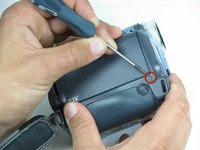
Remove the single 4.5mm black screw above the hook for the hand strap.
-
Rotate the camcorder so that the lens is facing you.
-
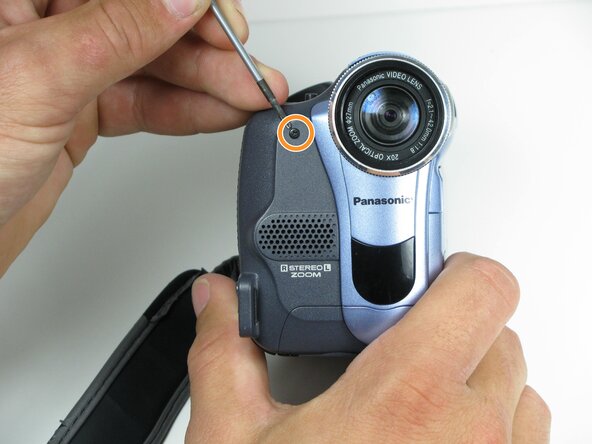
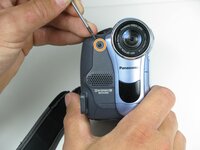
Remove the single 4.5mm black screw from the front panel.
-
-
-
Rotate the camcorder so that the bottom is facing towards you.
-
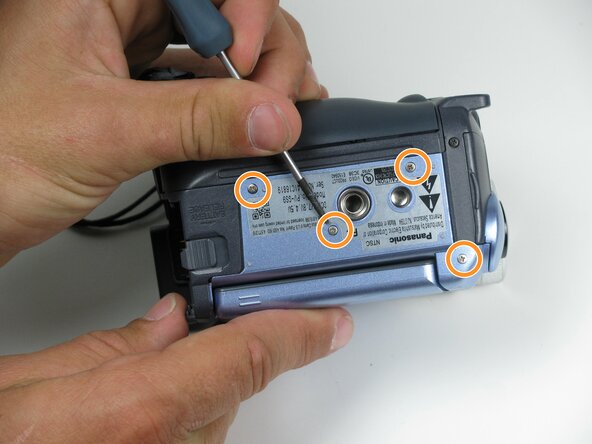
Remove the single remaining 4.5mm black screw from the bottom.
-
Remove the four silver 4.5mm screws from the body.
-
-
-
-
Open the LCD screen on the side of the camcorder.
-
Using a #00 screwdriver, remove the two 4.5mm silver screws located on either side of the hinge of the LCD screen.
-
-
-
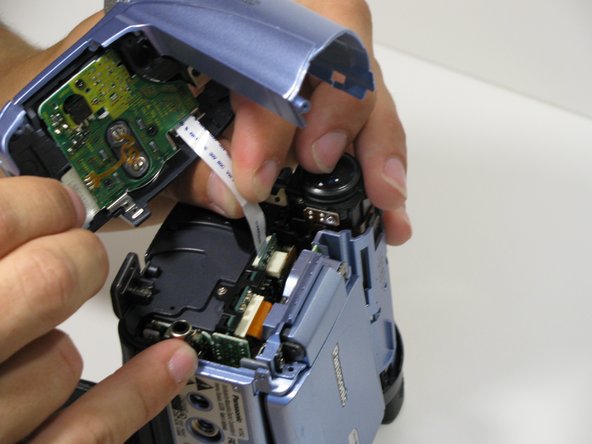
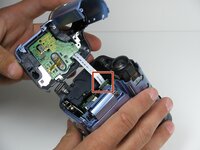
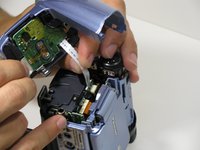
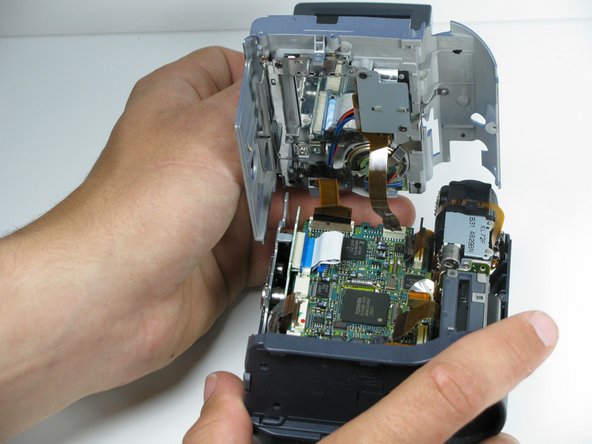
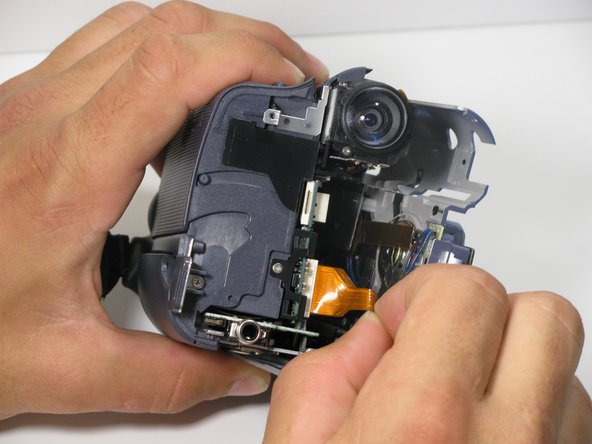
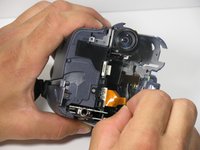
Using your fingers, carefully pull the ribbon cable away from the logic board to disconnect it.
-
-
-
-
-
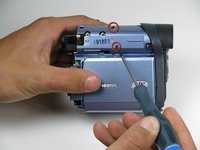
Remove the indicated 4.5mm screws from the LCD side of the camera.
-
-
-
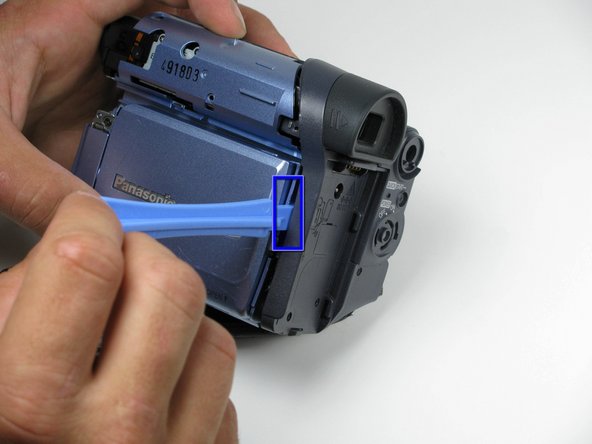
Place a plastic opening tool under the bottom of the blue panel beneath the camcorder.
-
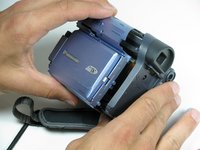
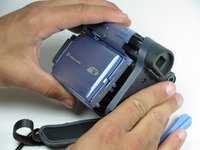
Move the plastic opening tool up the side of the camcorder as shown. Carefully separate the LCD panel from the rest of the camcorder.
-
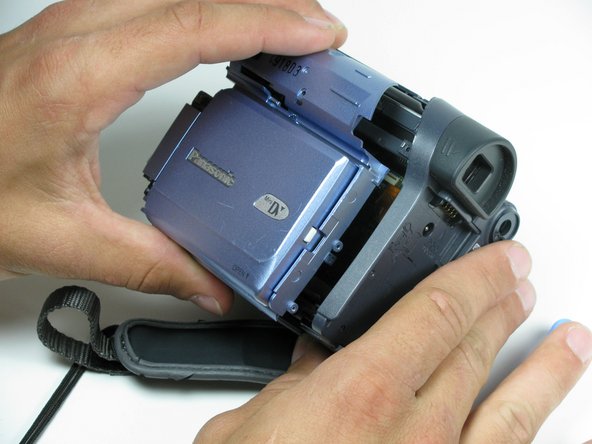
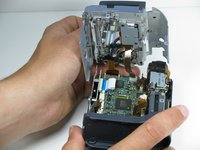
Remove the panel from the camcorder.
-
-
-
-
-
On the LCD housing plate, remove the two 4.5mm phillips screws on the ribbon cable plate using a #00 philips screwdriver.
-
-
Tool used on this step:Tweezers$4.99
-
Using tweezers, remove the black tape that is holding the speaker in place.
-
-
-
Using #00 philips screwdriver, remove the 4.5mm silver screw on the speaker bracket.
-
-
-
The speaker is soldered to both ends of the board. Check the connections to see if they are still good. Desolder wires from speaker to replace, if necessary.
-
-






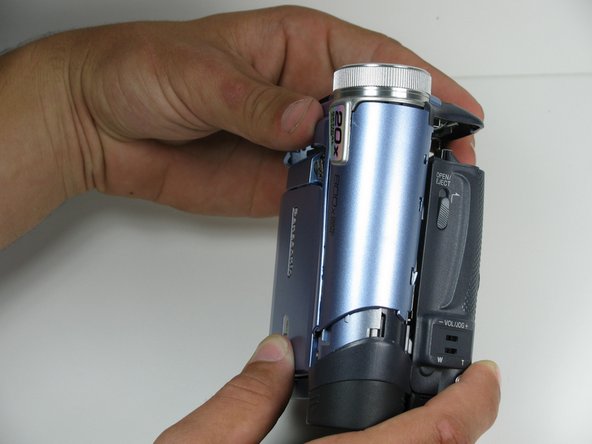
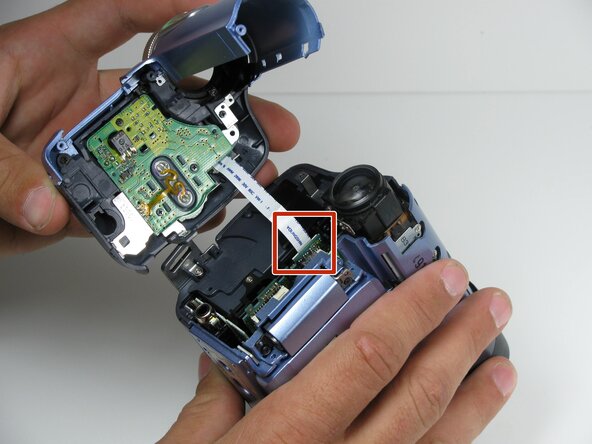






To reassemble your device, follow these instructions in reverse order.

Team

Cal Poly, Team 7-9, Maness Spring 2010 Member of Cal Poly, Team 7-9, Maness Spring 2010
CPSU-MANESS-S10S7G9
4 Members
96 Guides authored
