
Panasonic Lumix ZS50 Flash Assembly Replacement

Bridget Lathrop and 5 other contributors
Last updated on Aug 2, 2024
Views: 1.1K
View statistics:
- Past 24 Hours:
- 2
- Past 7 Days:
- 19
- Past 30 Days:
- 94
- All Time:
- 1,111
Comments: 5
4 comments on steps, 1 guide comment.
Go to guide commentsCompleted: 1 2
1 person has marked this guide "completed." Will you be next?
2 people have marked this guide "completed." Including you — great job!
Favorites: 0 1
No one has favorited (and subscribed to) this guide. Will you be the first?
1 person has favorited (and subscribed to) this guide — and that's you!
Incorrect Tools
Help make this guide better by using the correct tools in images and/or text.
Missing Steps
Oops! This guide is currently missing one or more important steps.
Better Introduction
Improve this guide by completing or revising its introduction.
What you need
Tools
-
Spudger4.9


-
-
-
Turn the camera off and identify the battery door located on the bottom of the camera.
 Ask FixBot
-
-
-
To release the battery, slide the white release lever next to the SD card slot.
-
-
-
The battery should now be released; you may now remove the battery from the camera body.
-
-
-
-
-
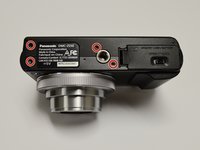
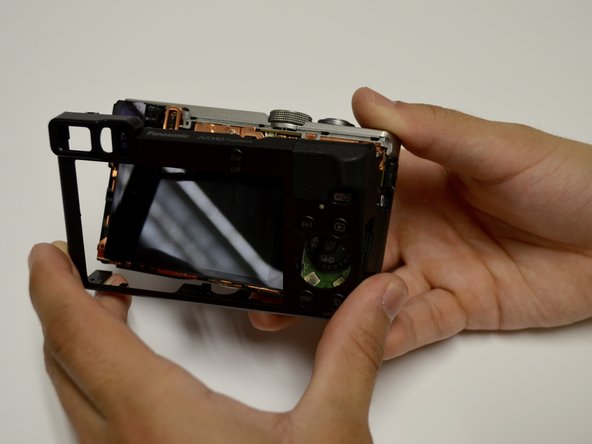
Orient the camera so the bottom is facing up and the battery door is on the right side.
-
Remove four black screws from the bottom of the camera.
-
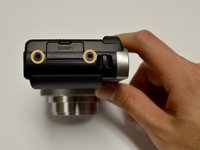
Remove two black screws from the right side of the camera.
-
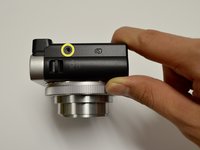
Remove one black screw from the left side of the camera.
-
-
-
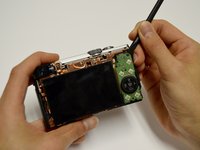
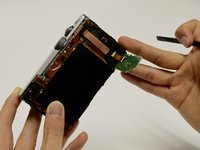
Use a spudger to lift up and tug off the green button board.
-
Be careful to not damage the attached ribbon cable.
-
-
-
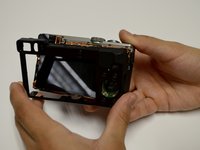
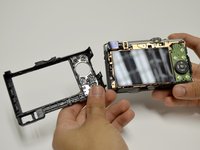
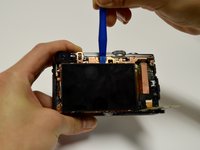
Remove the screen using the plastic opening tool, prying from the top.
-
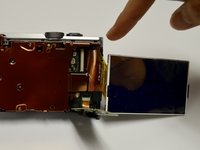
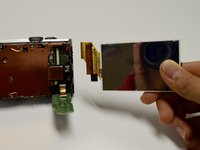
Once it's lifted up, tug lightly on the large ribbon cable to detach the screen from the camera body.
-
-
-
-
-
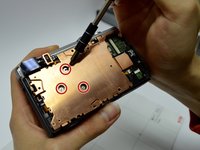
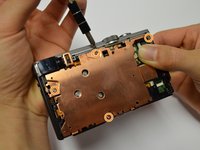
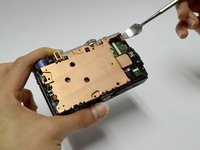
Remove the three screws from the center of the copper plate.
-
Remove the four screws from the outer edges of the copper plate.
-
Use a plastic or metal spudger to pry the copper plate out of place.
-
-
-
Remove the casing from the circuitboard by hand.
-
Remove the HDMI port casing by hand.
-
-
-
-
Disconnect all orange ribbon cables connecting to the circuitboard by hand.
-
Disconnect the circuitboard by hand.
-
There will be one orange ribbon cable attached to the top that can now be removed.
-
-
-
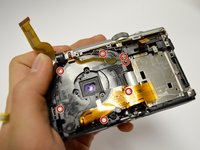
Remove the seven screws surrounding the lens assembly.
-
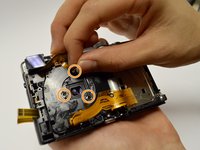
Remove the three springs surrounding the lens.
-
Apply pressure on the front of the lens to push the lens out.
-
-
-
-
-
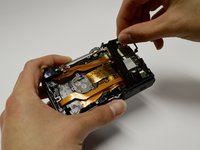
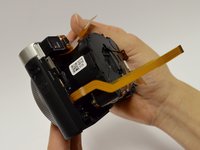
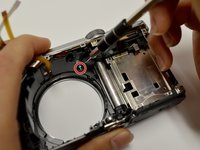
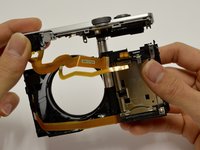
Remove the one screw holding the camera and the flash component together.
-
Gently pull the flash component out of the camera body.
-
-
-
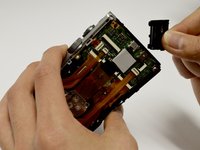
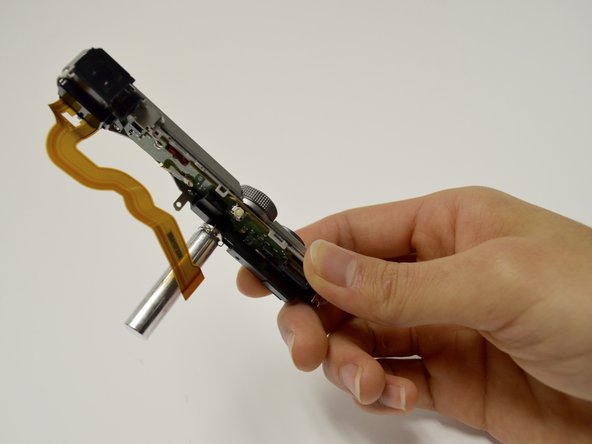
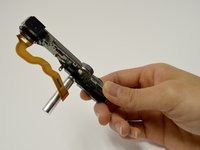
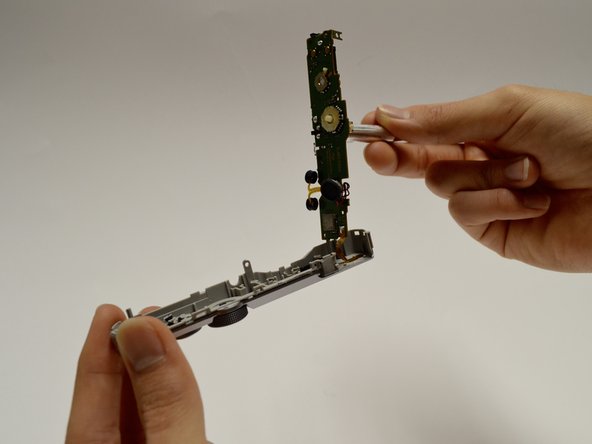
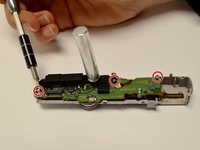
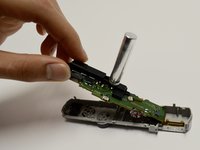
Separate the top camera casing from the flash component by unscrewing the three surrounding screws.
-
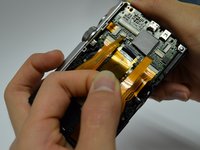
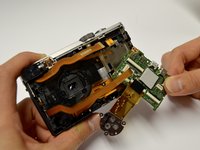
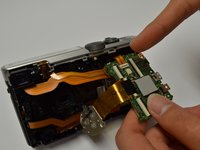
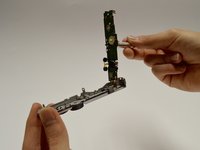
Remove the flash assembly, including the circuit board, by detaching it and the ribbon cables from the casing.
-
-












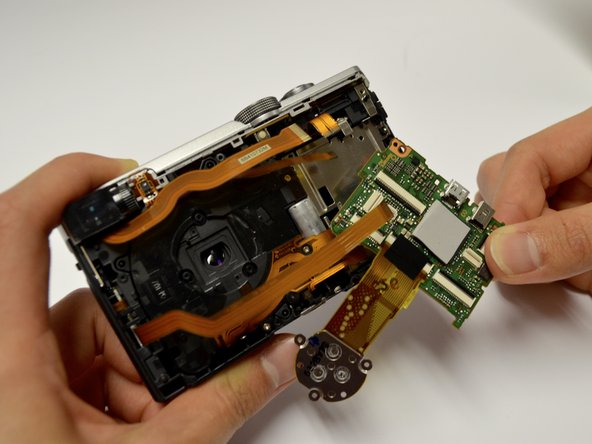







To reassemble your device, follow these instructions in reverse order.
Cancel: I did not complete this guide.
One other person completed this guide.

Team

Baylor, Team 8-5, Whitney Spring 2017 Member of Baylor, Team 8-5, Whitney Spring 2017
BU-WHITNEY-S17S8G5
3 Members
36 Guides authored
1 Guide Comment
Step 7: Does not mention the HDMI port door. Make sure you account for it
