Free Shipping on Domestic Orders $75+

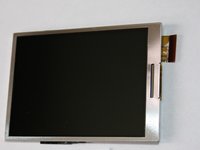
Panasonic Lumix DMC-ZS8 LCD Display Screen Replacement

What you need

  1. Panasonic Lumix DMC-ZS8 LCD Display Screen Replacement, Removing External Screws: step 1, image 1 of 3 Panasonic Lumix DMC-ZS8 LCD Display Screen Replacement, Removing External Screws: step 1, image 2 of 3 Panasonic Lumix DMC-ZS8 LCD Display Screen Replacement, Removing External Screws: step 1, image 3 of 3
    • Remove Battery and Strap from unit.

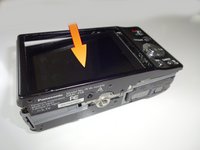
    • Remove the 3 screws from the bottom

    • Remove screws from both sides of unit (4 screws total)

    Ask FixBot
  2. Panasonic Lumix DMC-ZS8 LCD Display Screen Replacement, Removing the Side Panels: step 2, image 1 of 2 Panasonic Lumix DMC-ZS8 LCD Display Screen Replacement, Removing the Side Panels: step 2, image 2 of 2
    • Remove both side panels from unit. You can pry them off with your finger nail or a spudger

    Ask FixBot
  3. Panasonic Lumix DMC-ZS8 LCD Display Screen Replacement, Removing the Rear Cover: step 3, image 1 of 2 Panasonic Lumix DMC-ZS8 LCD Display Screen Replacement, Removing the Rear Cover: step 3, image 2 of 2
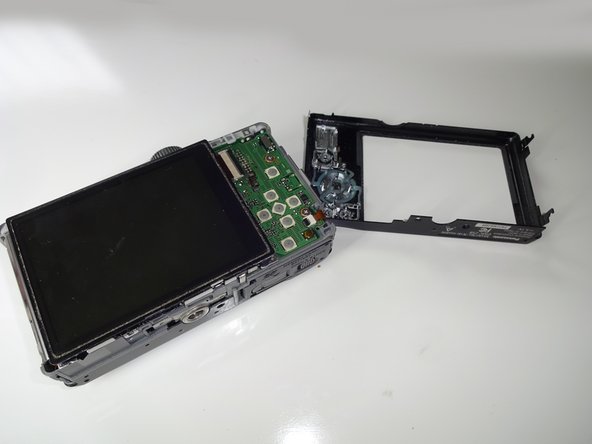
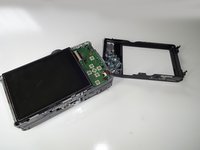
    • Pry off rear cover. Make sure LCD remains in place.

    • There is a thin film of adhesive attaching the LCD to the rear cover. It releases easily with a little pressure. If necessary hold the LCD in place while removing the rear cover.

    Ask FixBot
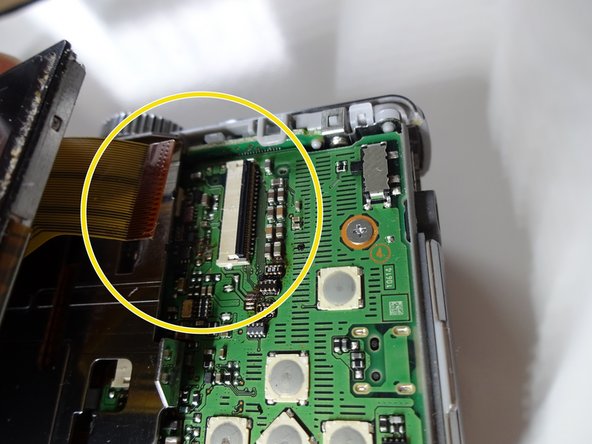
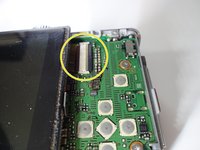
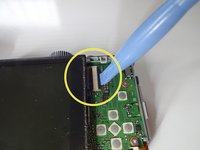
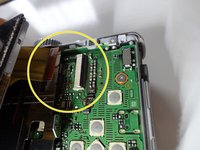
  4. Panasonic Lumix DMC-ZS8 LCD Display Screen Replacement, Removing the LCD: step 4, image 1 of 3 Panasonic Lumix DMC-ZS8 LCD Display Screen Replacement, Removing the LCD: step 4, image 2 of 3 Panasonic Lumix DMC-ZS8 LCD Display Screen Replacement, Removing the LCD: step 4, image 3 of 3
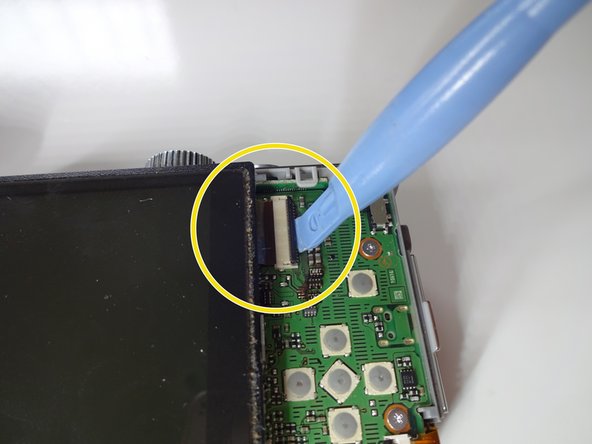
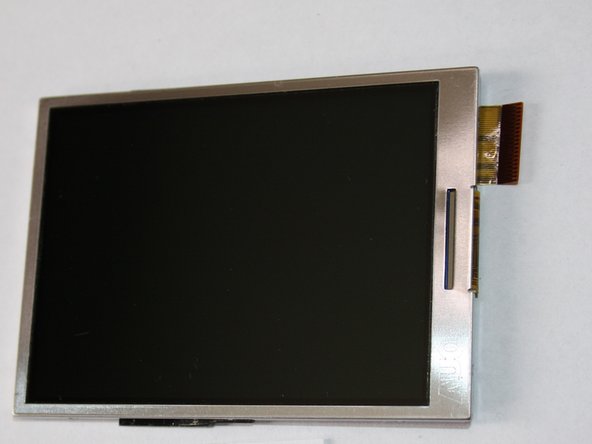
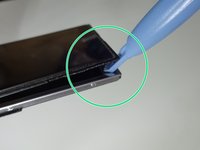
    • Release the Ziff clamp holding the LCD cable. 1st photo shows clamp in closed position.

    • You can use a spudger to release the clamp. You can also use your finger nail, but be careful it is very fragile.

    • Remove the LCD Flex from the clamp

    Ask FixBot
  5. Panasonic Lumix DMC-ZS8 LCD Display Screen Replacement: step 5, image 1 of 3 Panasonic Lumix DMC-ZS8 LCD Display Screen Replacement: step 5, image 2 of 3 Panasonic Lumix DMC-ZS8 LCD Display Screen Replacement: step 5, image 3 of 3
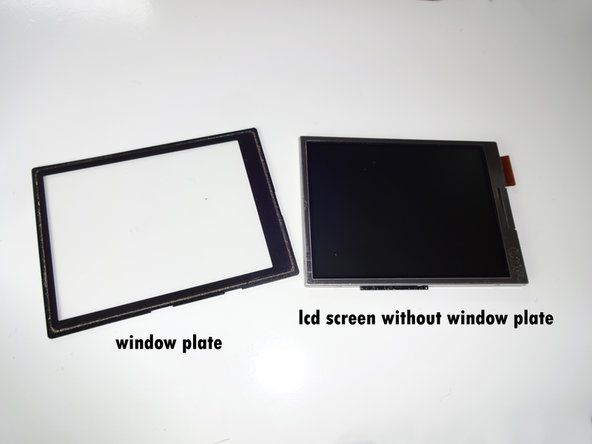
    • You may need to pry off the window plate of your old screen if the new screen doesn't have one.

    • If required: Remove the window plate from your old screen if your new LCD doesn't have one. Save this part for re-install.

    Ask FixBot
  6. Panasonic Lumix DMC-ZS8 LCD Display Screen Replacement, Clean up Window Plate and Reassemble: step 6, image 1 of 2 Panasonic Lumix DMC-ZS8 LCD Display Screen Replacement, Clean up Window Plate and Reassemble: step 6, image 2 of 2
    Tool used on this step:
    Microfiber Cleaning Cloths
    $3.99
    Buy
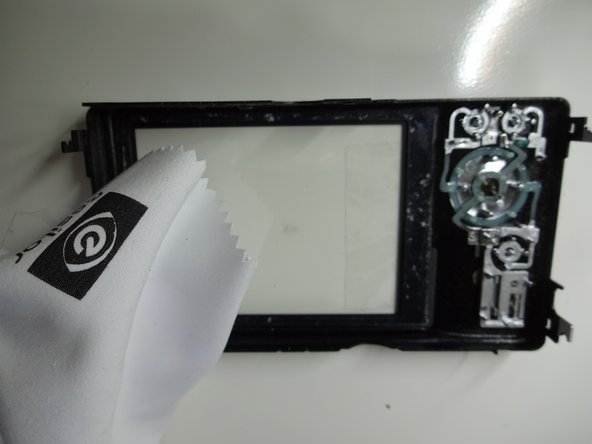
    • If your new LCD does not come with a window plate: Tape your old window plate in place as shown in the photo. Make sure it lines up properly and fits into the grooves. This makes re-assembly much easier.

    • If necessary clean the window plate and LCD with a micro fiber dry cloth. Make sure there is no debris or dust before you re-install. DO NOT use any liquids.

    • Now just reverse the steps to re-assemble your camera with the new screen.

    Ask FixBot
Conclusion

To reassemble your device, follow these instructions in reverse order.

Sales Cameraparts4you

Member since: 07/01/16

3,396 Reputation

22 Guides authored

0 Guide Comments

Add Comment

View Statistics:

Past 24 Hours: 3

Past 7 Days: 10

Past 30 Days: 57

All Time: 911