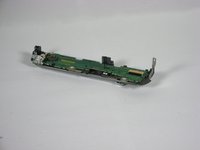
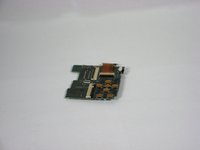
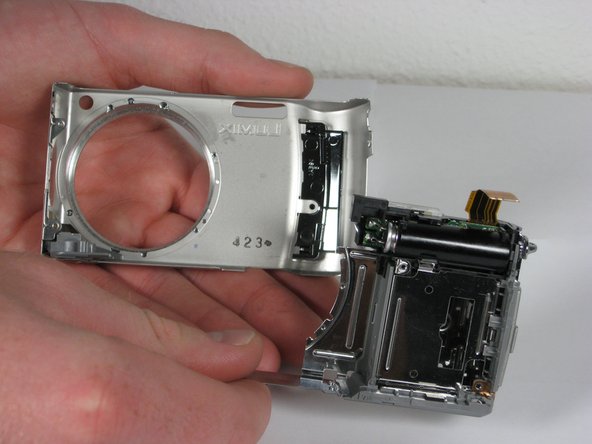
Free Shipping on Domestic Orders $75+

Panasonic Lumix DMC-TZ5 Front Cover Replacement

What you need

  1. Panasonic Lumix DMC-TZ5 Front Cover Replacement, Back Cover: step 1, image 1 of 1
    • Remove the battery and memory card from the device.

    Ask FixBot
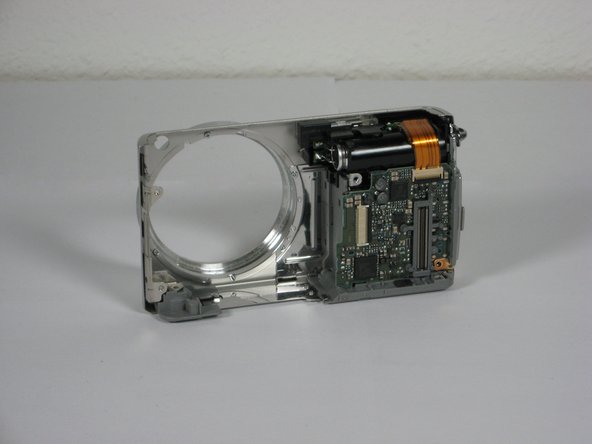
  2. Panasonic Lumix DMC-TZ5 Front Cover Replacement: step 2, image 1 of 1
    • Remove 4 screws from the right side of the camera.

    • There are two 3.4mm screws at the top.

    • There are two 2.2mm screws at the bottom.

    Ask FixBot
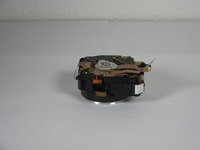
  3. Panasonic Lumix DMC-TZ5 Front Cover Replacement: step 3, image 1 of 1
    • Remove the single 3.4mm screw on the left side of the camera.

    Ask FixBot
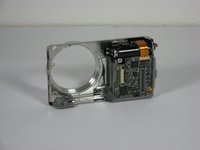
  4. Panasonic Lumix DMC-TZ5 Front Cover Replacement: step 4, image 1 of 1
    • Remove 5 screws from the base of the camera.

    • There are two 2.2mm screws next to the battery compartment.

    • There are three 4mm screws around the tripod mount.

    Ask FixBot
  5. Panasonic Lumix DMC-TZ5 Front Cover Replacement: step 5, image 1 of 1
    • Slowly slide the back cover away from the device

    • The back casing is held in place by two ribbon cables. Do not pull the back cover too far from the camera.

    Ask FixBot
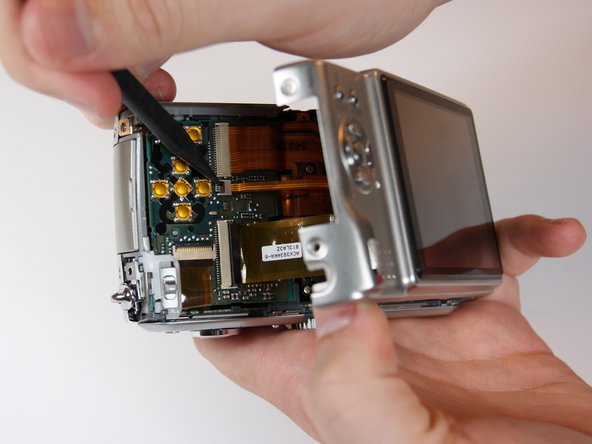
  6. Panasonic Lumix DMC-TZ5 Front Cover Replacement: step 6, image 1 of 2 Panasonic Lumix DMC-TZ5 Front Cover Replacement: step 6, image 2 of 2
    • Detach both ribbon cables using a spudger.

    • Use the tip of the spudger to lift the black clip upward, unlocking the ribbon cable.

    Ask FixBot
  7. Panasonic Lumix DMC-TZ5 Front Cover Replacement: step 7, image 1 of 1
    • Remove the back casing from the camera.

    Ask FixBot
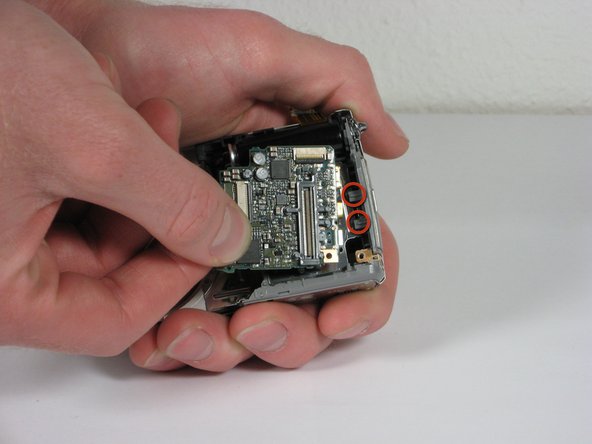
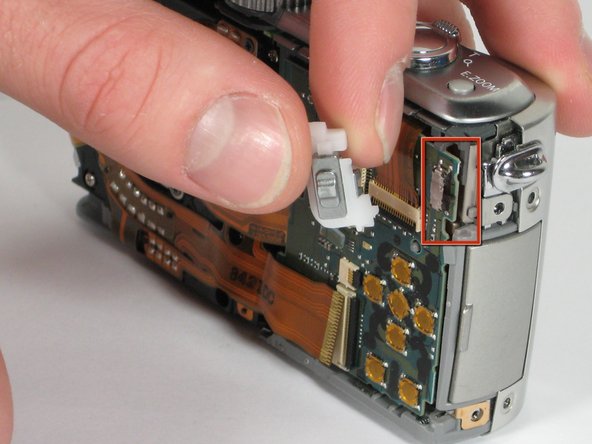
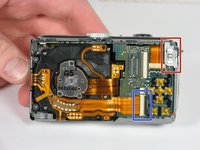
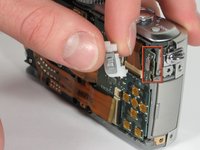
  8. Panasonic Lumix DMC-TZ5 Front Cover Replacement, button board: step 8, image 1 of 2 Panasonic Lumix DMC-TZ5 Front Cover Replacement, button board: step 8, image 2 of 2
    • Use the spudger to remove the ribbon cable connecting the lens casing to the circuit board by lifting up the black clip.

    • Carefully remove the function switch cover. This unit snaps on and off.

    Ask FixBot
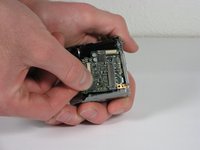
  9. Panasonic Lumix DMC-TZ5 Front Cover Replacement: step 9, image 1 of 1
    • Carefully unsnap the front logic board from the rear logic board using a spudger.

    Ask FixBot
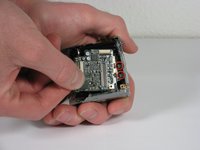
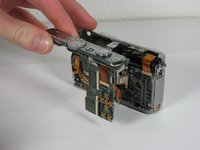
  10. Panasonic Lumix DMC-TZ5 Front Cover Replacement: step 10, image 1 of 2 Panasonic Lumix DMC-TZ5 Front Cover Replacement: step 10, image 2 of 2
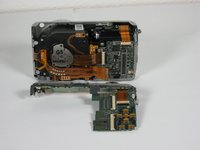
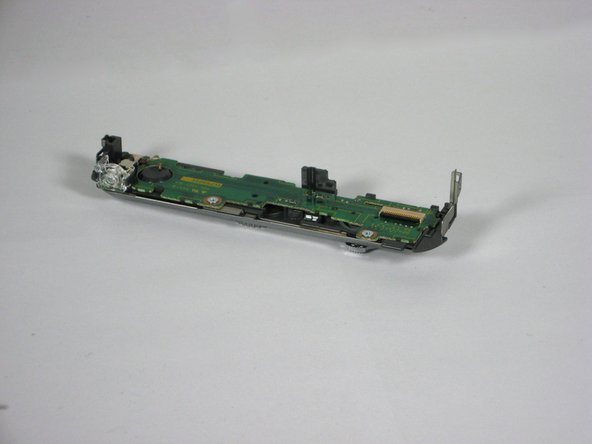
    • Slide the entire top part of the camera that is attached to the logic board, horizontally away from the camera.

    Ask FixBot
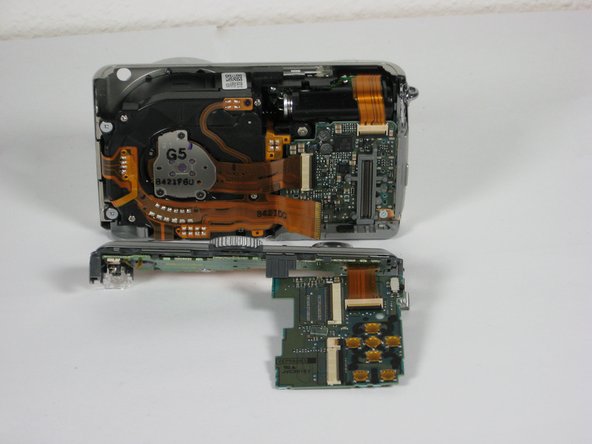
  11. Panasonic Lumix DMC-TZ5 Front Cover Replacement: step 11, image 1 of 3 Panasonic Lumix DMC-TZ5 Front Cover Replacement: step 11, image 2 of 3 Panasonic Lumix DMC-TZ5 Front Cover Replacement: step 11, image 3 of 3
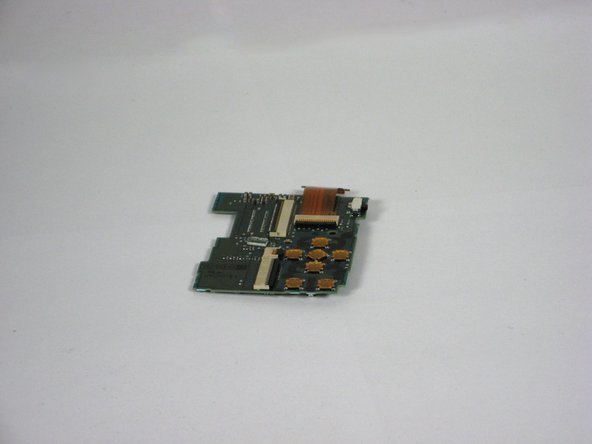
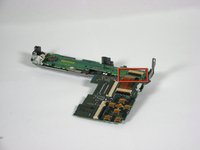
    • This step is only necessary if you want to separate the upper part from the button board.

    • Remove the ribbon cable from the top connection panel by unlocking the black clip with a spudger.

    • This leaves you with the logic board and the top connection panel separate and free from the camera

    Ask FixBot
  12. Panasonic Lumix DMC-TZ5 Front Cover Replacement, Camera Lens Assembly: step 12, image 1 of 1
    • Use a spudger to detach the ribbon cable from the circuit board. Lift the black clip up to unlock it as before.

    Ask FixBot
  13. Panasonic Lumix DMC-TZ5 Front Cover Replacement: step 13, image 1 of 1
    • Remove the 3 screws holding the lens assembly in place.

    • The two screws on the left are 4.5mm with washers.

    • The single screw on the right is 4mm.

    Ask FixBot
  14. Panasonic Lumix DMC-TZ5 Front Cover Replacement: step 14, image 1 of 1
    • Push the lens assembly slightly toward the circuit board, and pull the left side out of the casing first. You will have to wiggle this out gently.

    Ask FixBot
  15. Panasonic Lumix DMC-TZ5 Front Cover Replacement: step 15, image 1 of 2 Panasonic Lumix DMC-TZ5 Front Cover Replacement: step 15, image 2 of 2
    • Remove the entire assembly out of the casing.

    • The ribbons on the left and bottom of the assembly simply rest on the camera housing.

    Ask FixBot
  16. Panasonic Lumix DMC-TZ5 Front Cover Replacement, AV port circuit board: step 16, image 1 of 1
    • Use the spudger to unclip the top ribbon cable from the circuit board.

    Ask FixBot
  17. Panasonic Lumix DMC-TZ5 Front Cover Replacement: step 17, image 1 of 1
    • Remove the single 2mm screw in the bottom right corner of the circuit board

    Ask FixBot
  18. Panasonic Lumix DMC-TZ5 Front Cover Replacement: step 18, image 1 of 2 Panasonic Lumix DMC-TZ5 Front Cover Replacement: step 18, image 2 of 2
    • Gently slide the circuit board out away from the port connections. Pull it toward where the lens used to be. Some wiggling may be necessary to remove.

    • The circuit board is fitted into slots attached to the side of the camera. Do not angle upwards to remove.

    Ask FixBot
  19. Panasonic Lumix DMC-TZ5 Front Cover Replacement: step 19, image 1 of 1
    • Take note of how the slots fit into the circuit board for easy replacement.

    Ask FixBot
  20. Panasonic Lumix DMC-TZ5 Front Cover Replacement, Front Cover: step 20, image 1 of 1
    • After removing the AV circuit board you are left with the front casing attached to the inner casing and flash unit.

    • First you must remove two 3.5mm blue screws near the hole of the lens that attach the inner casing.

    Ask FixBot
  21. Panasonic Lumix DMC-TZ5 Front Cover Replacement: step 21, image 1 of 1
    • Remove the 3.5mm colorless screw that lays within the square opening of the inner casing.

    Ask FixBot
  22. Panasonic Lumix DMC-TZ5 Front Cover Replacement: step 22, image 1 of 1
    • Remove the front casing from the rest of the device.

    Ask FixBot
Conclusion

To reassemble your device, follow these instructions in reverse order.

2 other people completed this guide.

Kevin Lufkin

Member since: 10/11/10

161 Reputation

2 Guides authored

Team

Cal Poly, Team 9-21, Regan Fall 2010 Member of Cal Poly, Team 9-21, Regan Fall 2010

CPSU-REGAN-F10S9G21

4 Members

21 Guides authored

0 Guide Comments

Add Comment

View Statistics:

Past 24 Hours: 3

Past 7 Days: 12

Past 30 Days: 90

All Time: 8,209