Free Shipping on Domestic Orders $75+

Panasonic DMP-BD89 Wifi Board Replacement

What you need

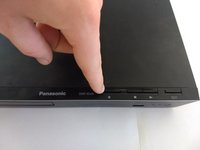
  1. Panasonic DMP-BD89 Wifi Board Replacement, Disk Tray Cover: step 1, image 1 of 2 Panasonic DMP-BD89 Wifi Board Replacement, Disk Tray Cover: step 1, image 2 of 2
    • First, before powering off, press the eject button to open the tray.

    Ask FixBot

    Add Comment

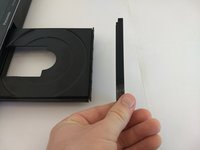
  2. Panasonic DMP-BD89 Wifi Board Replacement: step 2, image 1 of 3 Panasonic DMP-BD89 Wifi Board Replacement: step 2, image 2 of 3 Panasonic DMP-BD89 Wifi Board Replacement: step 2, image 3 of 3
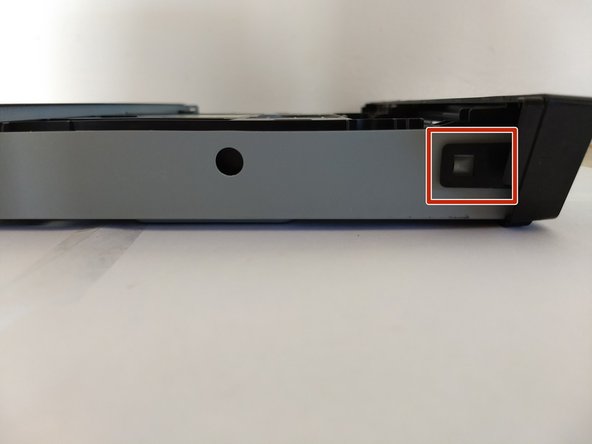
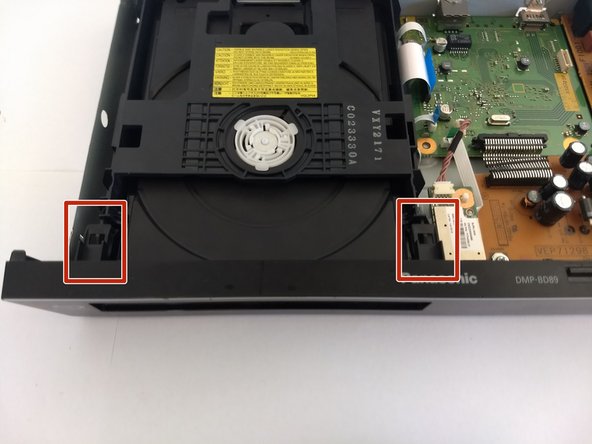
    • Remove the front cover of the tray.

    • Do so by gently pushing it out, away from the player, ensuring the pictured tabs clear the tray.

    • Then slide it vertically up and away.

    Ask FixBot

    Add Comment

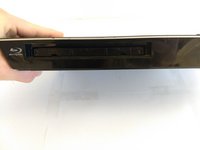
  3. Panasonic DMP-BD89 Wifi Board Replacement: step 3, image 1 of 2 Panasonic DMP-BD89 Wifi Board Replacement: step 3, image 2 of 2
    • Press eject button to close the tray.

    • Make sure to unpower and unplug device before continue work on other fixes.

    Ask FixBot

    Add Comment

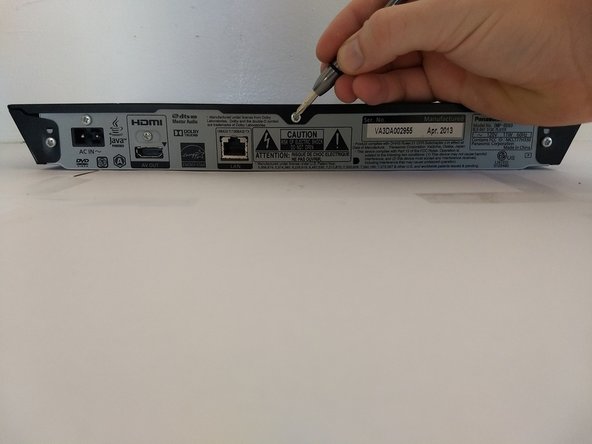
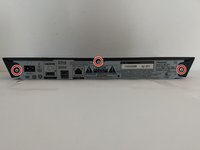
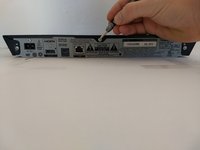
  4. Panasonic DMP-BD89 Wifi Board Replacement, Exterior Cover: step 4, image 1 of 2 Panasonic DMP-BD89 Wifi Board Replacement, Exterior Cover: step 4, image 2 of 2
    • Using a Phillips #1 screwdriver, unscrew the back three screws.

    Ask FixBot

    Add Comment

  5. Panasonic DMP-BD89 Wifi Board Replacement: step 5, image 1 of 1
    • Slide the top panel horizontally to remove it.

    Ask FixBot

    Add Comment

  6. Panasonic DMP-BD89 Wifi Board Replacement: step 6, image 1 of 3 Panasonic DMP-BD89 Wifi Board Replacement: step 6, image 2 of 3 Panasonic DMP-BD89 Wifi Board Replacement: step 6, image 3 of 3
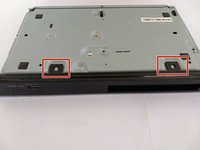
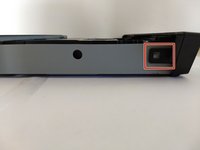
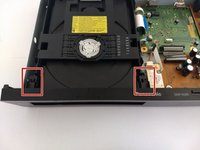
    • Locate 6 tabs across the device.

    • 2 are on the bottom, 1 is on the left and right, and 2 are are on the inside.

    Ask FixBot

    Add Comment

  7. Panasonic DMP-BD89 Wifi Board Replacement: step 7, image 1 of 1
    • Pop the 6 markers out.

    • Then take off the cover.

    Ask FixBot

    Add Comment

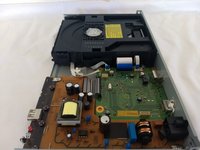
  8. Panasonic DMP-BD89 Wifi Board Replacement, Wifi Board: step 8, image 1 of 2 Panasonic DMP-BD89 Wifi Board Replacement, Wifi Board: step 8, image 2 of 2
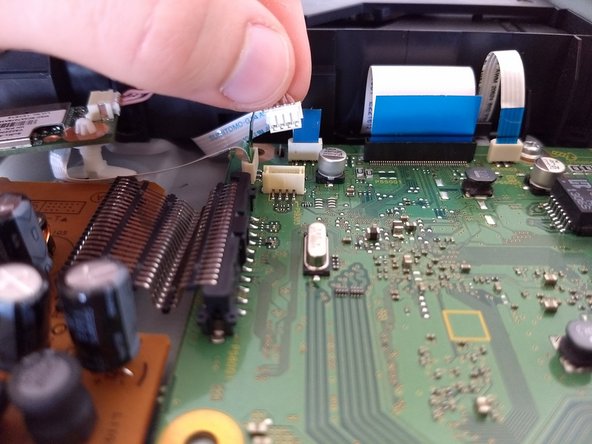
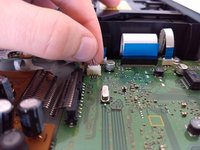
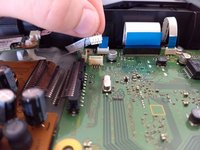
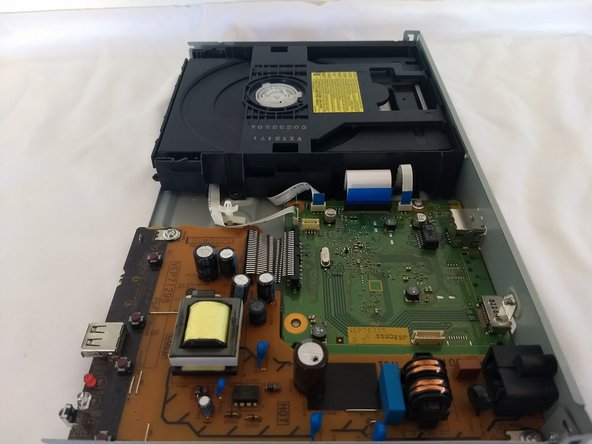
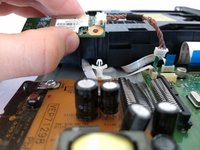
    • Locate reddish brown cable. Detach from green circuit board by pulling upward.

    Ask FixBot

    Add Comment

  9. Panasonic DMP-BD89 Wifi Board Replacement: step 9, image 1 of 1
    • Using tweezer, compress the white knob holding the wifi module board in place.

    Ask FixBot

    Add Comment

  10. Panasonic DMP-BD89 Wifi Board Replacement: step 10, image 1 of 2 Panasonic DMP-BD89 Wifi Board Replacement: step 10, image 2 of 2
    • Pull the module board straight up, removing completely. The second photo is how your device should look with the WiFi board removed.

    Ask FixBot

    Add Comment

Conclusion

To reassemble your device, follow these instructions in reverse order.

Cancel: I did not complete this guide.

One other person completed this guide.

Mohan Saxena

Member since: 10/17/17

133 Reputation

1 Guide authored

0 Guide Comments

Add Comment

View Statistics:

Past 24 Hours: 2

Past 7 Days: 6

Past 30 Days: 24

All Time: 720