Introduction
This guide demonstrates how to replace the battery on a Palm Zire 71.
If your handheld is not lasting long on a charge, or isn't charging at all, it's time to replace the battery! It may also be worthwhile to examine the battery if the handheld is bulging, if there is discoloration in the middle of the screen, or if you have difficulty sliding the camera out.
If possible, discharge the Zire 71 to below a 25% battery level before beginning this guide. This is a safety precaution.
What you need
-
-
-
Flip the device so it's facing screen-side down.
-
Slide the device body upward, exposing the camera.
 Ask FixBot
-
-
-
Use a Torx T5 screwdriver to remove the top two screws.
-
-
-
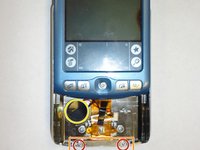
Remove the back sticker, or cut holes into it at the positions marked in the photo.
-
Remove the three bottom Phillips #00 screws.
-
-
-
Flip the device over so it's facing screen-side up.
-
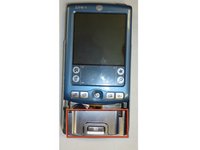
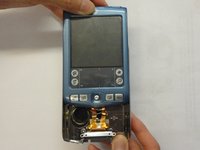
Slide the screen upward by a few millimeters without detaching the screen - just enough to expose the top edge of the metallic panel so that you can reach underneath.
-
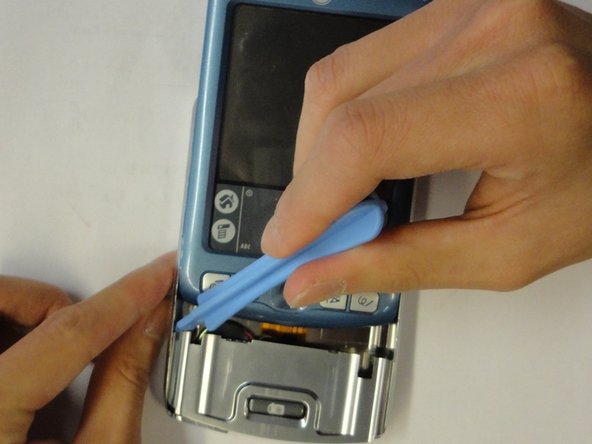
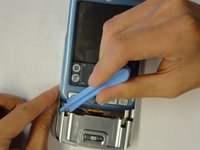
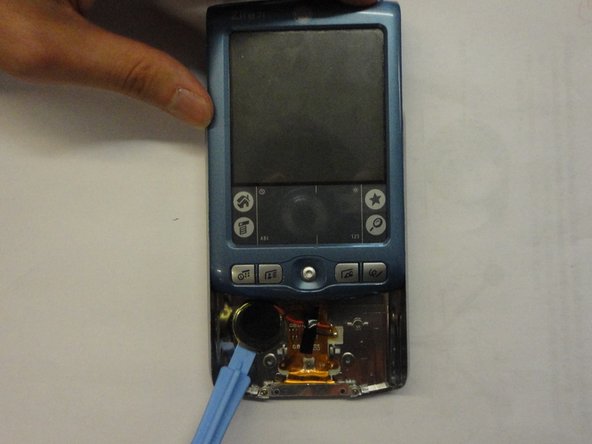
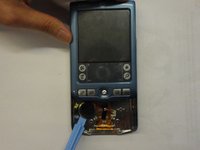
Use the plastic opening tool to pry off the front panel.
-
-
-
-
Remove the bottom two Phillips #00 screws.
-
Lift the bracket up from the device.
-
Remove the plastic camera button.
-
Bend the back plate very slightly to aid in popping it out from its home.
-
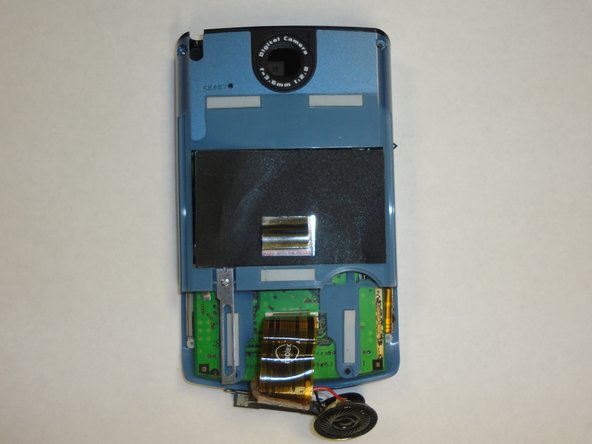
Use the plastic opening tool to pry off the speaker (taking care not to press on the speaker cone).
-
-
-
Gently lift the ribbon cable off of the lower panel. If necessary, work the opening tool (or picks) underneath the cable to loosen it from the small tabs on the lower panel, and any glue that may be hiding underneath.
-
Slide the back cover off.
-
-
-
-
-
Remove the Philips screws #00
-
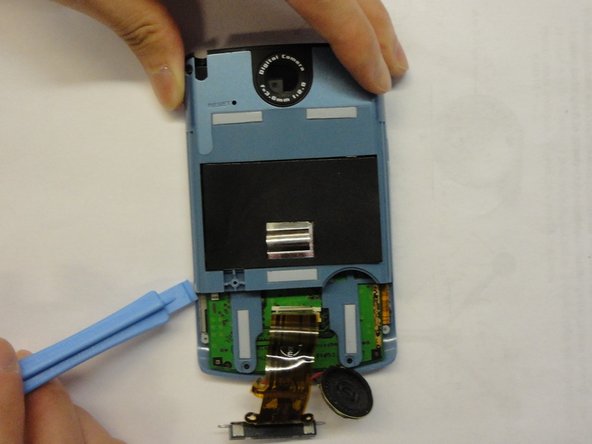
Remove the rear blue panel by prying both sides using the plastic opening tool.
-
-
-
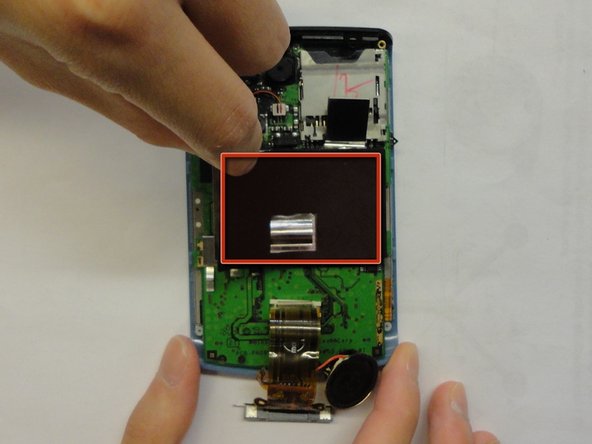
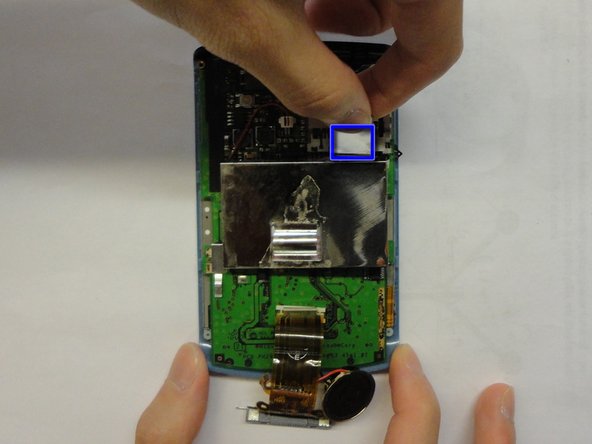
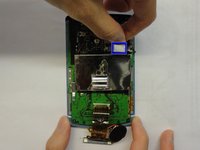
Pull the tab up to remove the metal cap, which shields the battery.
-
Carefully lift the cap off the battery and logic board, being mindful of glue.
-
-
-
Remove the cable by pinching the sides and pulling up. You can also use the opening tool to work it loose on each side.
-
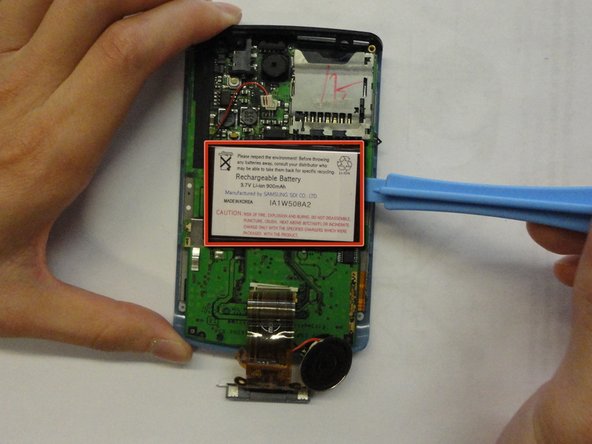
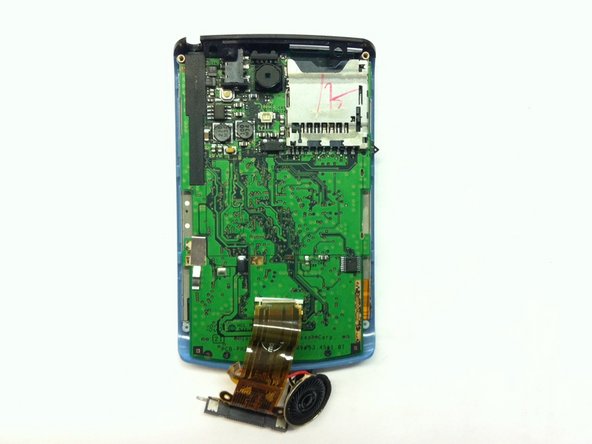
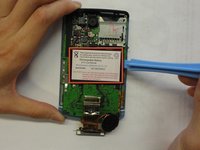
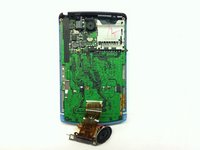
Pry off the battery with the plastic opening tool.
-








To reassemble your device, follow these instructions in reverse order.
Cancel: I did not complete this guide.
9 other people completed this guide.

Team

CSU Los Angeles, Team 1-5, Nelson Spring 2011 Member of CSU Los Angeles, Team 1-5, Nelson Spring 2011
CSULA-NELSON-S11S1G5
3 Members
36 Guides authored
