
Palm Vx Screen Replacement

Will Doornink and 4 other contributors
Last updated on Jan 20, 2025
Views: 2.6K
View statistics:
- Past 24 Hours:
- 3
- Past 7 Days:
- 14
- Past 30 Days:
- 48
- All Time:
- 2,632
Comments: 0
No one has left comments on this guide. Will you be first?
Go to guide commentsCompleted: 0 1
No one has marked this guide "completed." Will you be the first?
1 person has marked this guide "completed." It's you — great job!
Favorites: 1 2
1 person has favorited (and subscribed to) this guide. Will you be next?
2 people have favorited (and subscribed to) this guide — including you!
Mismatched Prerequisites
This guide does not have a proper prerequisite guide. Help match it to its ideal partner by finding it or writing one!
Confusing Text
Some of this guide's text is confusing, duplicated, or off-topic. Clarify it by editing!
Incorrect Tools
Help make this guide better by using the correct tools in images and/or text.
Better Introduction
Improve this guide by completing or revising its introduction.
Introduction
Go to step 1 ↓In this repair guide it will be described how to replace a broken screen on a Palm Vx orgainizer.
What you need
Tools
-
-
Tweezers4.9


-
-
-
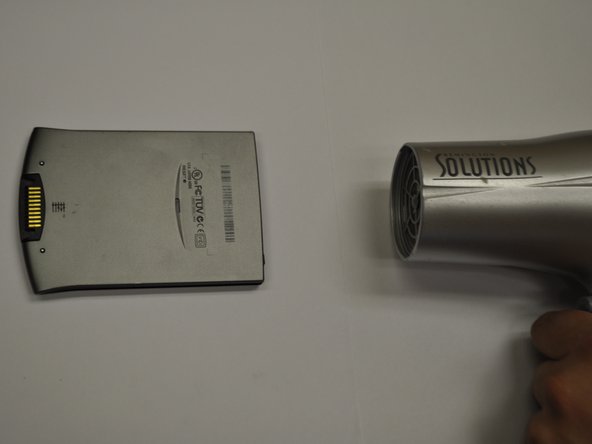
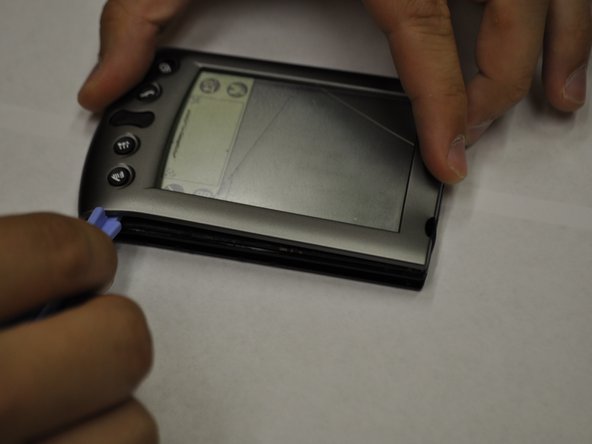
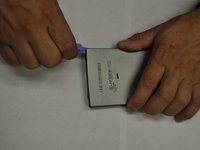
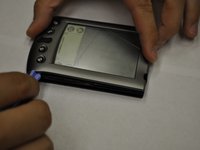
Pry off each side individually using a plastic pry bar.
-
Repeat for front and back of PDA.
-
-
Tool used on this step:Tweezers$4.99
-
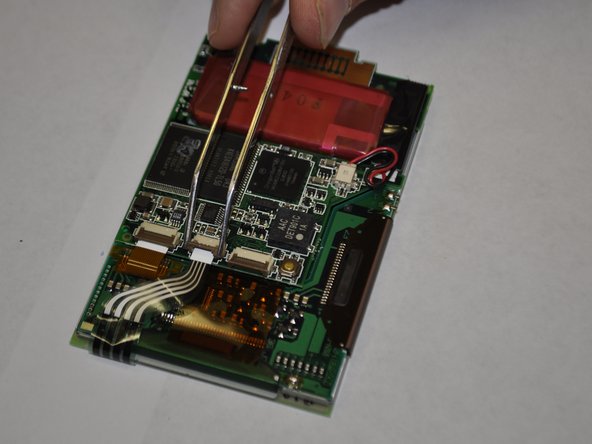
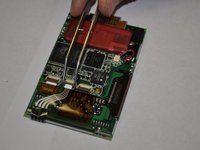
In order to seperate the screen from the motherboard you must disconnect the ribbon attached to the screen.
-
To do this, using tweezers, flip up the cable clamp that is connecting the ribbon to the screen.
-
Once the clamp is up you can use the tweezers to gently detach the ribbon.
-
-
-
-
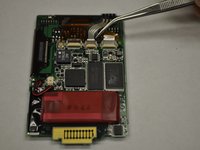
Now you must flip up the adjacent clamp as well, using tweezers like before.
-
After the clamp is flipped you can gently remove the second ribbon with tweezers.
-
-
-
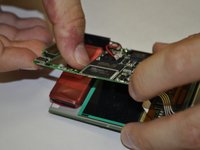
Before removing the screen you must detach one more wire, the battery connector.
-
Using the tweezers, squeeze the connector attached to the wire and genlty pull.
-
-
-
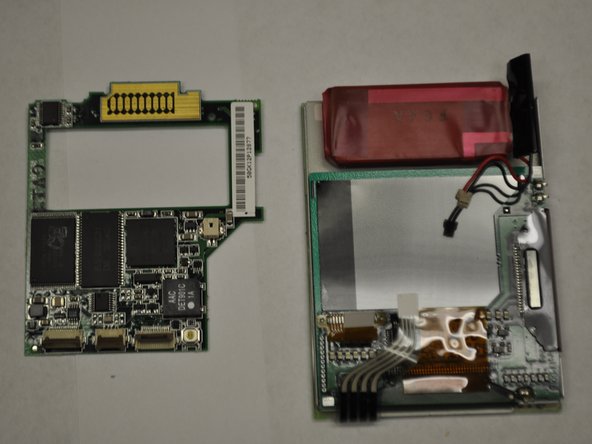
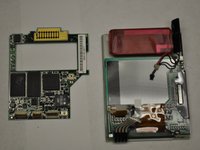
Now that both ribbons and the wire are disconeccted, you can apply a downward pressure to the battery. You will have to carefully rotate the frame so that the battery can go through.
-

 Ask FixBot



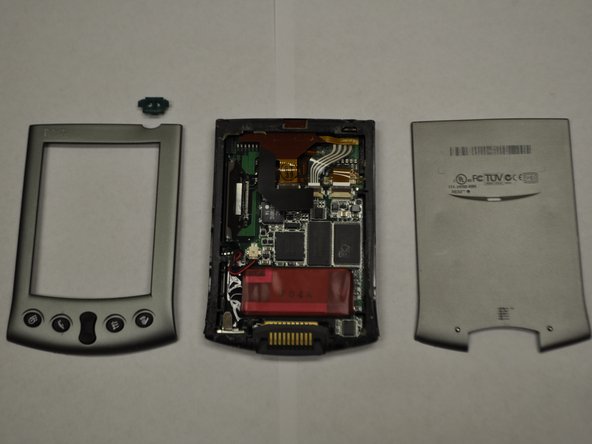




To reassemble your device, follow these instructions in reverse order.

Team

UW Stout, Team 5-4, Zhou Fall 2011 Member of UW Stout, Team 5-4, Zhou Fall 2011
UWSTOUT-ZHOU-F11S5G4
4 Members
12 Guides authored
