Free Shipping on Domestic Orders $75+

Palm Treo 600 Camera Replacement

What you need

    1. Palm Treo 600 Camera Replacement, Back Case: step 1, image 1 of 1
      • On the back of the device, locate the 3 rubber plugs, and use a plastic spudger to remove them.

      Ask FixBot

      Add Comment

    2. Palm Treo 600 Camera Replacement: step 2, image 1 of 2 Palm Treo 600 Camera Replacement: step 2, image 2 of 2
      • Use the T6 Torx Screwdriver to remove all 4 screws.

      • You have to first remove the Stylus to access the 4th screw.

      Ask FixBot

      Add Comment

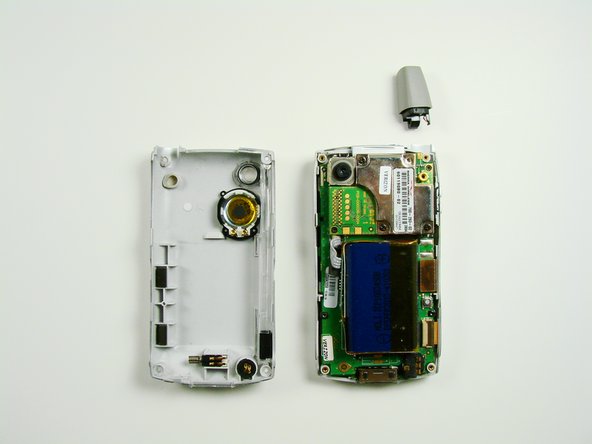
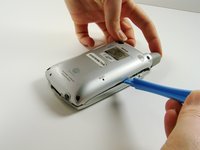
    3. Palm Treo 600 Camera Replacement: step 3, image 1 of 2 Palm Treo 600 Camera Replacement: step 3, image 2 of 2
      • Using a plastic opening tool, carefully separate the front and back cases.

      • Note: The antenna will detach from the phone.

      Ask FixBot

      Add Comment

    1. Palm Treo 600 Camera Replacement, Motherboard: step 4, image 1 of 1
      • Using the Phillips #00 screwdriver, unscrew the 4 screws holding the silver casing down.

      Ask FixBot

      Add Comment

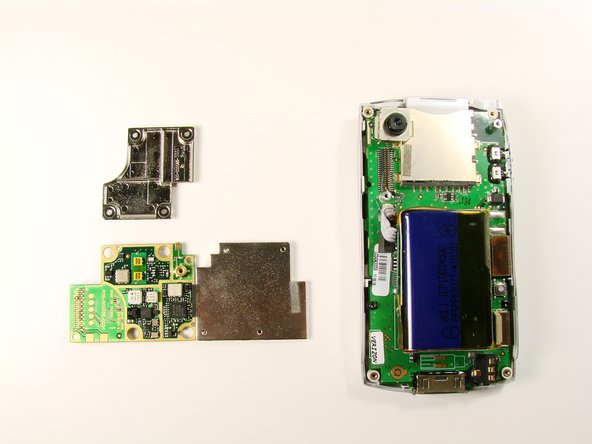
    2. Palm Treo 600 Camera Replacement: step 5, image 1 of 1
      • Lift up the silver casing.

      • Careful! The casing is connected to the body. Pull the casing up.

      Ask FixBot

      Add Comment

    3. Palm Treo 600 Camera Replacement: step 6, image 1 of 1
      • With the silver casing removed, unscrew two black screws with a #00 Phillips Screwdriver.

      Ask FixBot

      Add Comment

    4. Palm Treo 600 Camera Replacement: step 7, image 1 of 2 Palm Treo 600 Camera Replacement: step 7, image 2 of 2
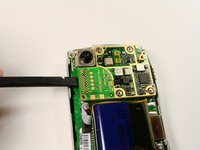
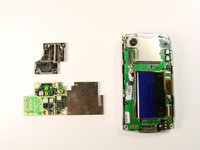
      • Use the spudger to lift the logic board from its socket. Remove it from the rest of the phone.

      Ask FixBot

      Add Comment

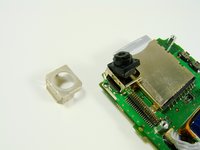
    1. Palm Treo 600 Camera Replacement, Camera: step 8, image 1 of 2 Palm Treo 600 Camera Replacement, Camera: step 8, image 2 of 2
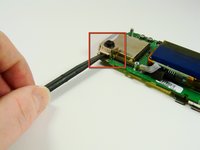
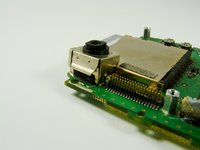
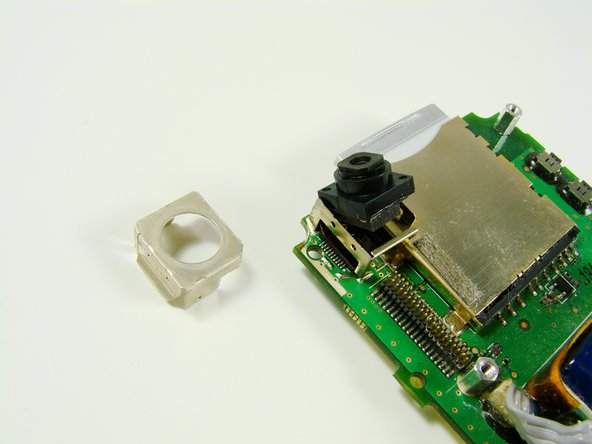
      • Using the flat end of the spudger, lift the metal case off of the camera.

      Ask FixBot

      Add Comment

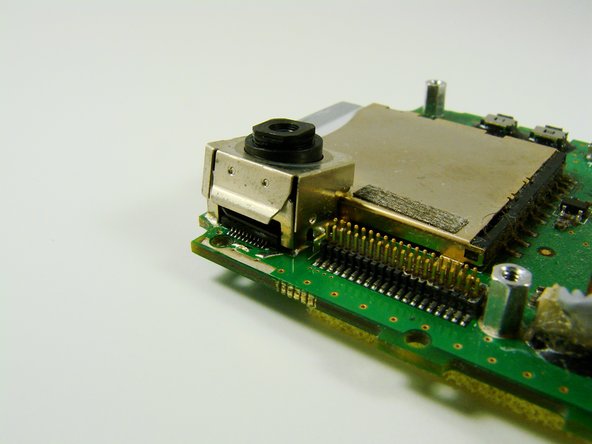
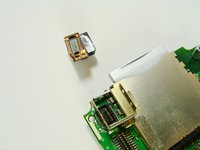
    2. Palm Treo 600 Camera Replacement: step 9, image 1 of 3 Palm Treo 600 Camera Replacement: step 9, image 2 of 3 Palm Treo 600 Camera Replacement: step 9, image 3 of 3
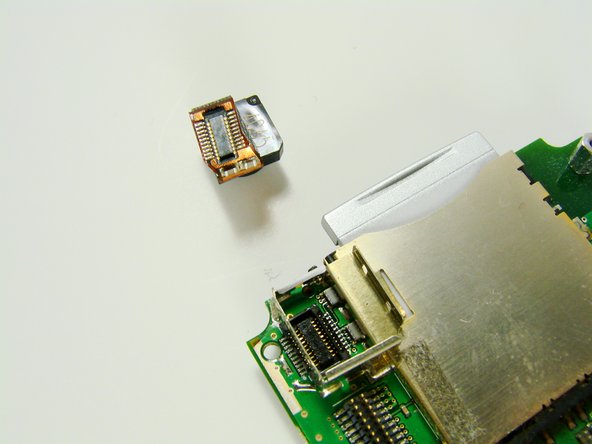
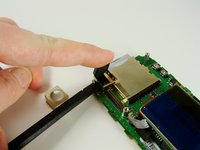
      • Slide the flat end of the spudger between the printed circuit board and metal holder.

      • Pop the camera up

      Ask FixBot

      Add Comment

Conclusion

To reassemble your device, follow these instructions in reverse order.

Cancel: I did not complete this guide.

Clement Poisson

Member since: 01/26/10

24 Reputation

7 Guides authored

Team

Cal Poly, Team 13-23, Maness Winter 2010 Member of Cal Poly, Team 13-23, Maness Winter 2010

CPSU-MANESS-W10S13G23

4 Members

96 Guides authored

0 Guide Comments

Add Comment

View Statistics:

Past 24 Hours: 0

Past 7 Days: 0

Past 30 Days: 16

All Time: 1,804