
Palm IIIxe Motherboard Replacement

Jeremy Duhe and 6 other contributors
Last updated on Jul 3, 2025
Views: 2.1K
View statistics:
- Past 24 Hours:
- 1
- Past 7 Days:
- 4
- Past 30 Days:
- 46
- All Time:
- 2,084
Comments: 0
No one has left comments on this guide. Will you be first?
Go to guide commentsCompleted: 0 1
No one has marked this guide "completed." Will you be the first?
1 person has marked this guide "completed." It's you — great job!
Favorites: 0 1
No one has favorited (and subscribed to) this guide. Will you be the first?
1 person has favorited (and subscribed to) this guide — and that's you!
Incorrect Tools
Help make this guide better by using the correct tools in images and/or text.
Markup Mishap
This guide needs better markups. Help out by correcting or making some markup annotations.
Better Introduction
Improve this guide by completing or revising its introduction.
Introduction
Go to step 1 ↓This guide will show you how to replace the motherboard of your Palm IIIxe.
The motherboard contains the CPU, hot sync port, and infrared port, as these are all essential to the Palm lllxe the mother diary will need to be replaced if they aren’t functioning correctly
What you need
Tools


-
-
-
Turn the device over so it is face down and remove the stylus, and battery cover.
 Ask FixBot
-
-
-
Now remove the two batteries by pulling on the cloth black tab.
-
If this tab is not visible, use the flat head screwdriver and gently pry out the batteries by pushing on the positive end (opposite the spring).
-
-
-
-
-
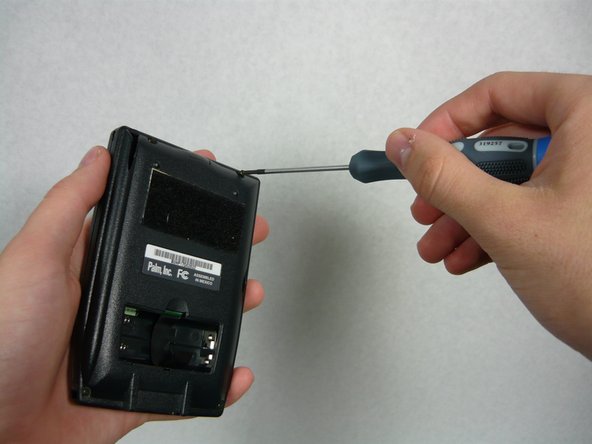
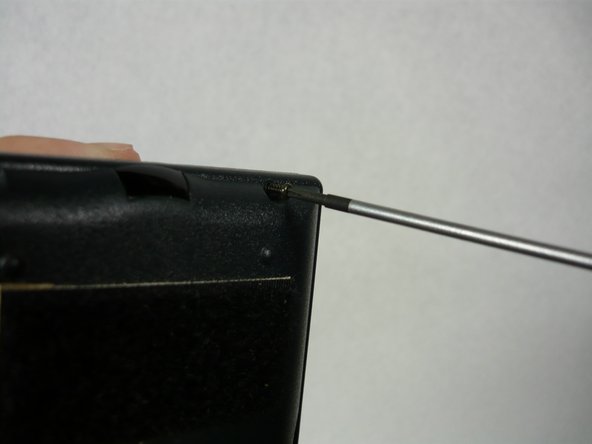
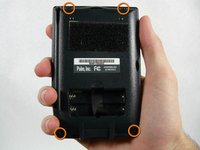
Using a Philips #0 or #00 screwdriver, locate and unscrew the four screws holding the back cover on the device.
-
-
-
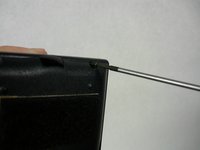
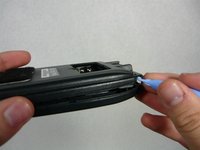
Take the plastic opening tool and insert into the seam between the two covers and pop off the cover then set it aside.
-
-
-
Tool used on this step:Tweezers$4.99
-
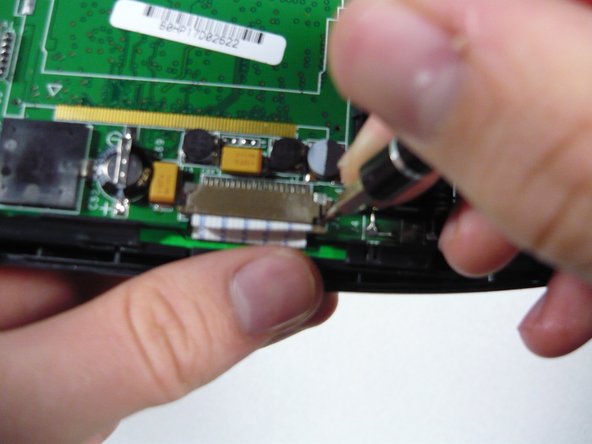
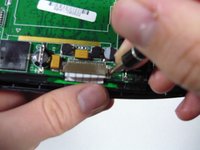
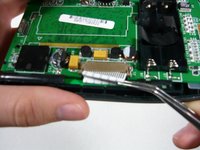
Locate the brown serial connector on the left side of the device. Using the flat head screw driver bit push the little tabs (one on each side) out towards you as pictured.
-
They should extend about 1/16 of an inch (1.5 mm).
-
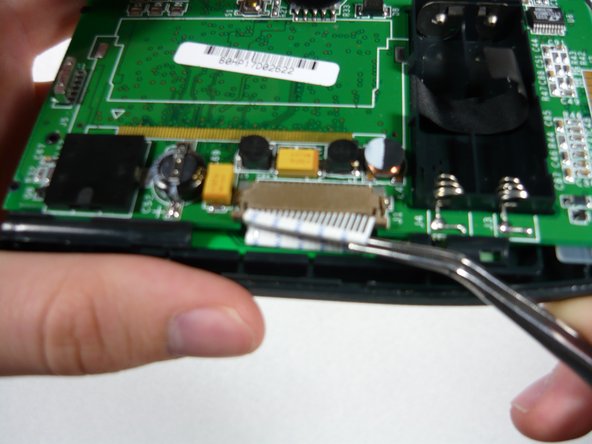
Now take the tweezers and gently pry out the serial tab as shown .
-
-
-
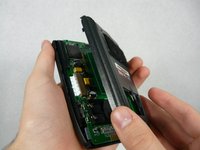
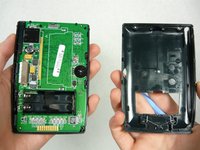
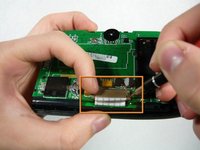
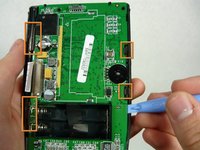
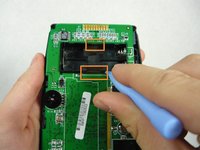
Take the plastic opening tool and gently pry the circuit board out of the plastic tabs around the perimeter located as shown.
-
You must also pry the circuit board away from the battery case (picture 2).
-
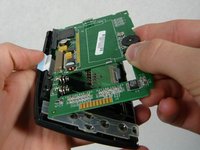
Now gently lift up the circuit board from the right side and set it on the cloth.
-
-







To reassemble your device, follow these instructions in reverse order. Take your e-waste to an R2 or e-Stewards certified recycler.

Team

Cal Poly, Team 16-1, Maness Spring 2010 Member of Cal Poly, Team 16-1, Maness Spring 2010
CPSU-MANESS-S10S16G1
4 Members
48 Guides authored
