Free Shipping on Domestic Orders $75+

PDP Rematch Advanced Shoulder Buttons Replacement

Views: 887

View statistics:

Past 24 Hours:
3
Past 7 Days:
16
Past 30 Days:
74
All Time:
887
Comments: 0

No one has left comments on this guide. Will you be first?

Go to guide comments
Completed: 1

1 person has marked this guide "completed." Will you be next?

Favorites: 0

No one has favorited (and subscribed to) this guide. Will you be the first?

Time Required: 4 - 5 minutes
Difficulty: Moderate
PDP Rematch Advanced Shoulder Buttons Replacement

Introduction

Go to step 1 ↓

The shoulder buttons on your PDP Rematch Advanced should be replaced if they are getting stuck or damaged. If you need to replace a shoulder button, take out the front shell with this guide. The shoulder buttons are attached to the top of the front shell.

The shoulder buttons can be removed by taking out the shoulder button frame, attached to the back of the front shell.

What you need

Tools

    1. PDP Rematch Advanced Shoulder Buttons Replacement, Front Housing Shell: step 1, image 1 of 3 PDP Rematch Advanced Shoulder Buttons Replacement, Front Housing Shell: step 1, image 2 of 3 PDP Rematch Advanced Shoulder Buttons Replacement, Front Housing Shell: step 1, image 3 of 3
      • Orient the controller so the back side is facing you.

      • Use a Phillips #000 screwdriver to remove the seven 9 mm screws that secure the back shell.

      Ask FixBot

      Add Comment

    2. PDP Rematch Advanced Shoulder Buttons Replacement: step 2, image 1 of 3 PDP Rematch Advanced Shoulder Buttons Replacement: step 2, image 2 of 3 PDP Rematch Advanced Shoulder Buttons Replacement: step 2, image 3 of 3
      • Pull apart the controller's front and back shells with moderate force.

      • Orient the controller so that the front shell is facing the floor to prevent the face buttons from falling out.

      Ask FixBot

      Add Comment

    3. PDP Rematch Advanced Shoulder Buttons Replacement: step 3, image 1 of 3 PDP Rematch Advanced Shoulder Buttons Replacement: step 3, image 2 of 3 PDP Rematch Advanced Shoulder Buttons Replacement: step 3, image 3 of 3
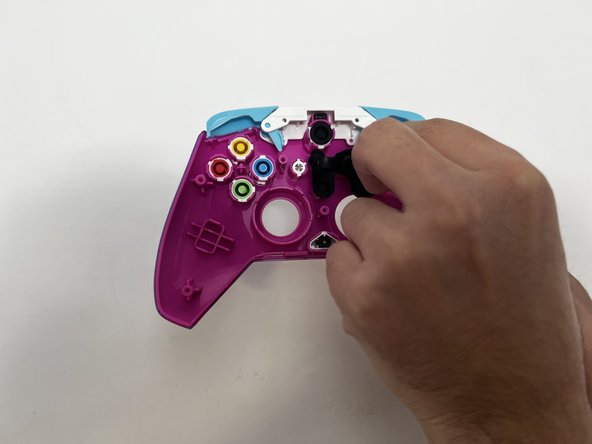
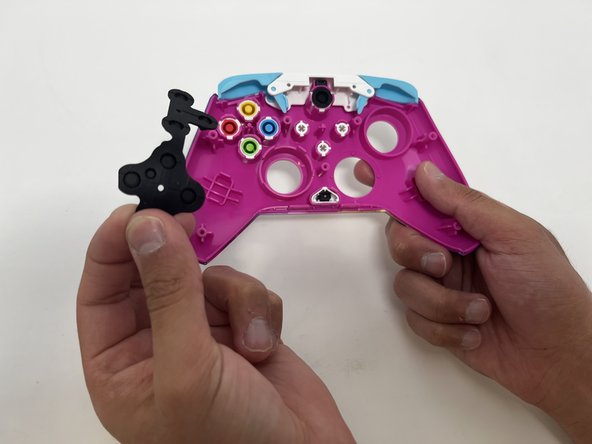
      • Peel the rubber piece off the back of the face buttons.

      Ask FixBot

      Add Comment

    4. PDP Rematch Advanced Shoulder Buttons Replacement: step 4, image 1 of 3 PDP Rematch Advanced Shoulder Buttons Replacement: step 4, image 2 of 3 PDP Rematch Advanced Shoulder Buttons Replacement: step 4, image 3 of 3
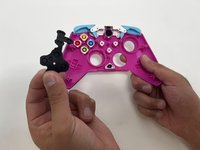
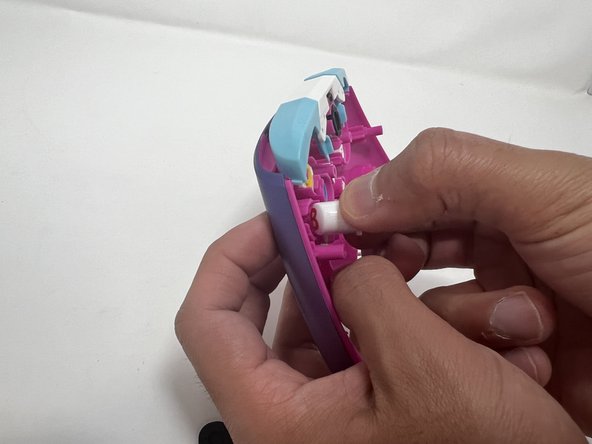
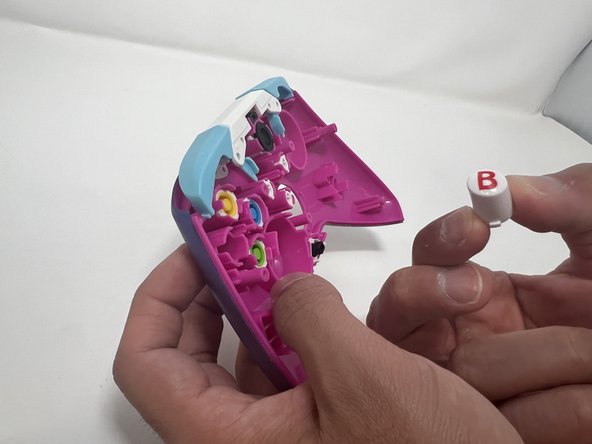
      • Push all the face buttons out from the front of the shell.

      Ask FixBot

      Add Comment

    5. PDP Rematch Advanced Shoulder Buttons Replacement: step 5, image 1 of 3 PDP Rematch Advanced Shoulder Buttons Replacement: step 5, image 2 of 3 PDP Rematch Advanced Shoulder Buttons Replacement: step 5, image 3 of 3
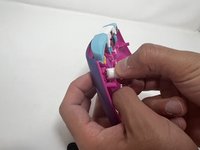
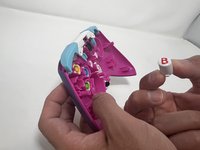
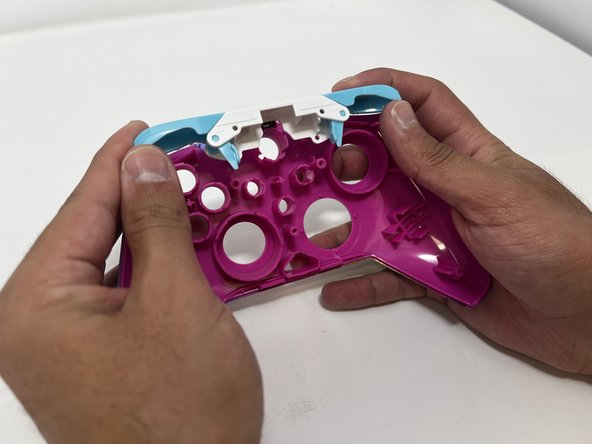
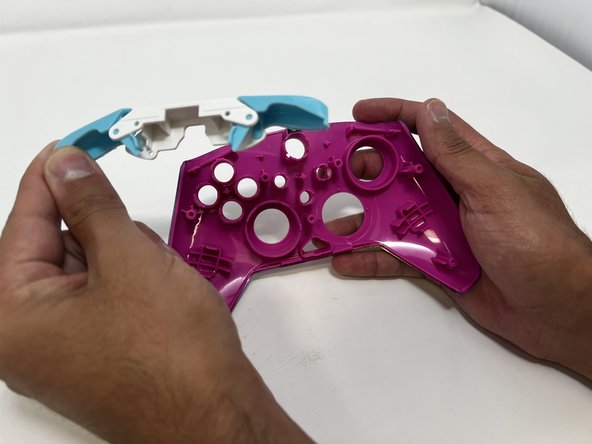
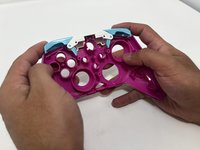
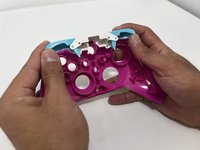
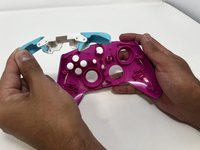
      • Put two fingers behind the bumpers and push upwards to remove them.

      Ask FixBot

      Add Comment

    1. PDP Rematch Advanced Shoulder Buttons Replacement, Shoulder Buttons: step 6, image 1 of 3 PDP Rematch Advanced Shoulder Buttons Replacement, Shoulder Buttons: step 6, image 2 of 3 PDP Rematch Advanced Shoulder Buttons Replacement, Shoulder Buttons: step 6, image 3 of 3
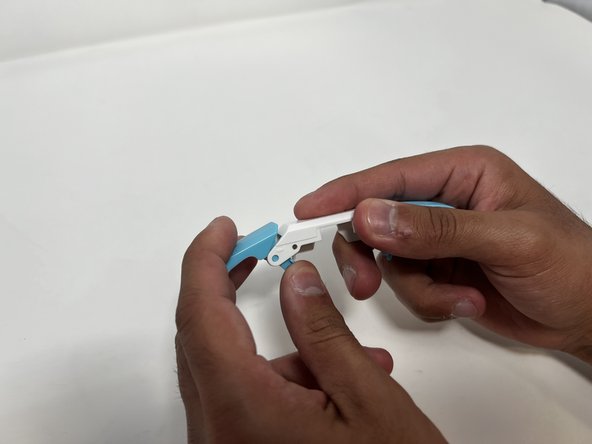
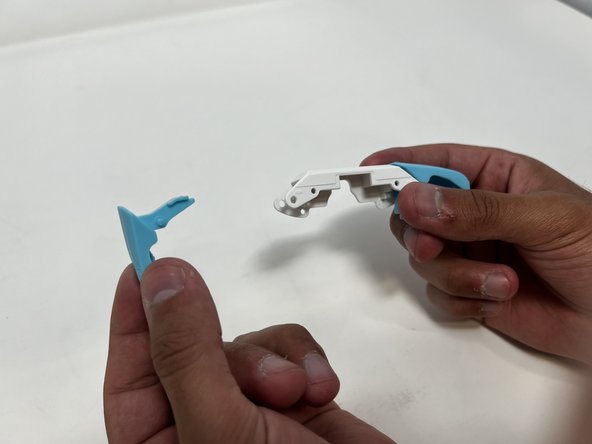
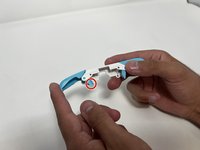
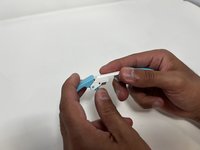
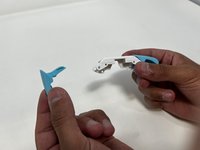
      • Push down on the trigger's long paddle.

      • Carefully twist the bumper out to remove it from the bumper frame.

      Ask FixBot

      Add Comment

Conclusion

To reassemble your device, follow these instructions in reverse order.

Cancel: I did not complete this guide.

One other person completed this guide.

Angel Velasquez

Member since: 01/30/24

369 Reputation

3 Guides authored

0 Guide Comments

Add Comment

View Statistics:

Past 24 Hours: 3

Past 7 Days: 16

Past 30 Days: 74

All Time: 887