Introduction
The circuit board is the main control center of the blender.
What you need
-
-
-
Use the prying tools to open the four plastic screw holes on the bottom of the blender.
 Ask FixBot
-
-
-
Use the Phillips #1 Screwdriver to unscrew the four 16 mm screws and remove the plastic bottom.
-
-
-
-
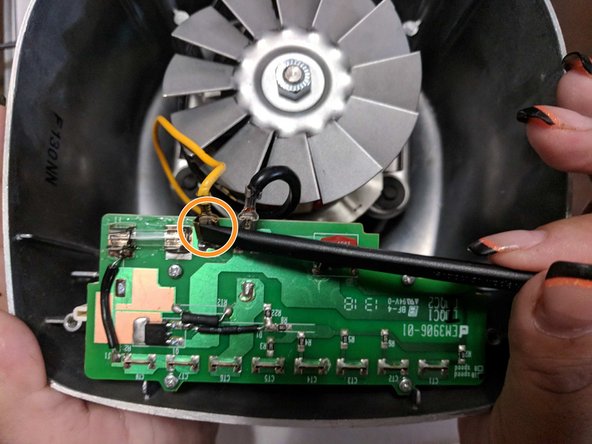
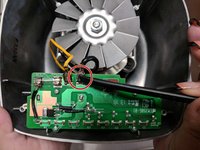
Use the spudger to detach the black wire from the circuit board.
-
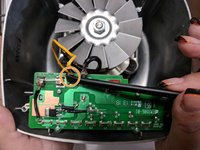
Repeat for yellow wire.
-
-
-
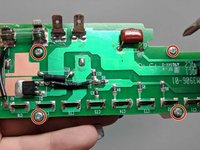
Use the Phillips #1 to remove the four 8mm screws.
-
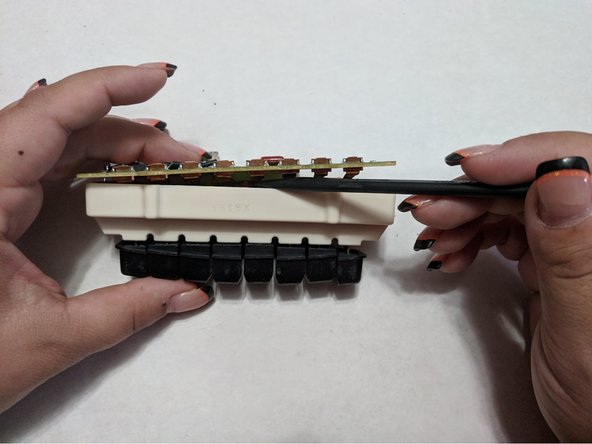
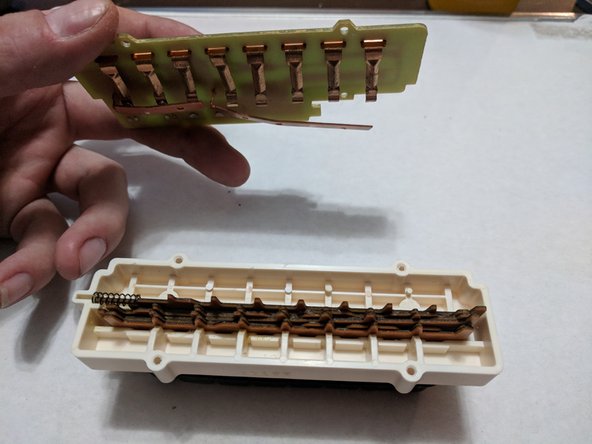
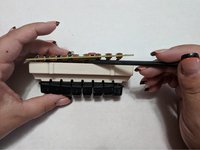
Use the medal spudger to detach the circuit board from the buttons.
-
Gently pull and release circuit board from buttons.
-
-



To reassemble your device, follow these instructions in reverse order.
Cancel: I did not complete this guide.
2 other people completed this guide.

Team

University of North Texas, Team S7-G8, Thomas Fall 2017 Member of University of North Texas, Team S7-G8, Thomas Fall 2017
UNT-THOMAS-F17S7G8
3 Members
48 Guides authored
