
Orbic Wonder Speaker Replacement

Grant Adler and 3 other contributors
Last updated on May 16, 2024
Views: 973
View statistics:
- Past 24 Hours:
- 1
- Past 7 Days:
- 22
- Past 30 Days:
- 65
- All Time:
- 973
Comments: 0
No one has left comments on this guide. Will you be first?
Go to guide commentsCompleted: 0 1
No one has marked this guide "completed." Will you be the first?
1 person has marked this guide "completed." It's you — great job!
Favorites: 0 1
No one has favorited (and subscribed to) this guide. Will you be the first?
1 person has favorited (and subscribed to) this guide — and that's you!
Better Introduction
Improve this guide by completing or revising its introduction.
What you need
Tools


-
-
-
There is a border between the black phone backing and the silver screen.
-
Place the Jimmy in this border, and cautiously torque it back and forth to part the two halves.
-
When the halves are parted correctly, the gap should look like this.
-
-
Tool used on this step:Anti-Static Wrist Strap$7.95
-
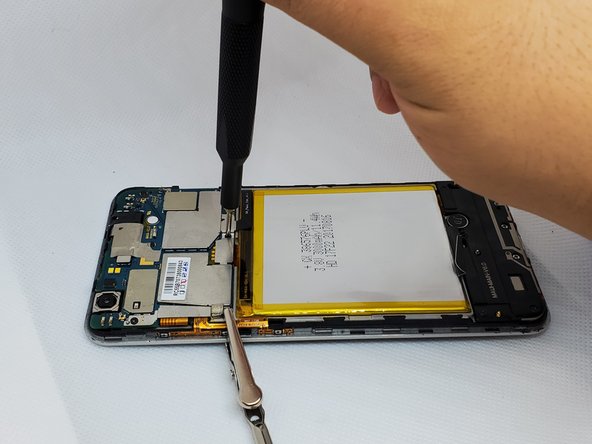
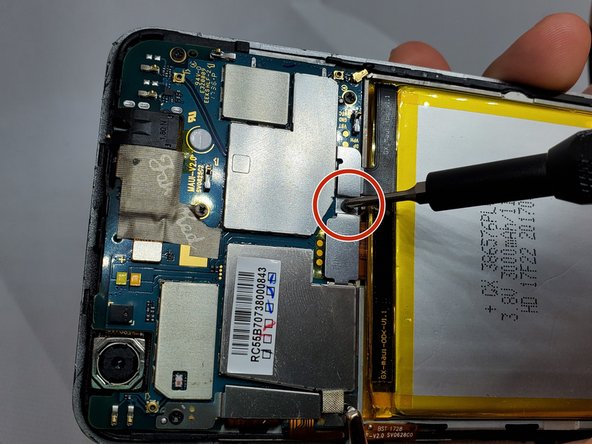
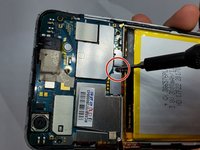
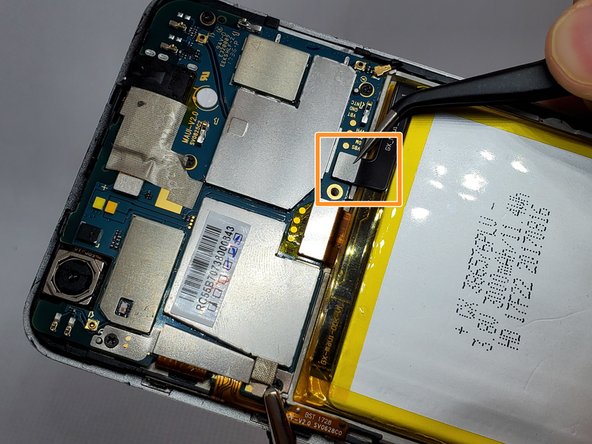
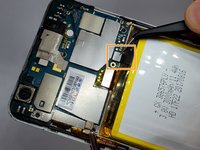
On the upper right side, there is a black ribbon cable in the shape of an “L”. Remove the single 1 mm Phillips #000 screw on the left side of the ribbon cable.
-
-
-
Tool used on this step:Tweezers$3.99
-
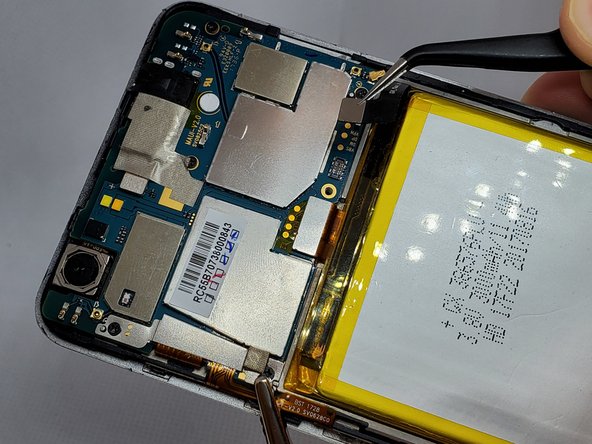
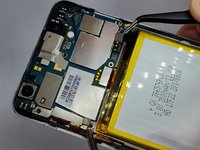
Use a pair of angled tweezers to carefully remove the metal casing of the ribbon cable.
-
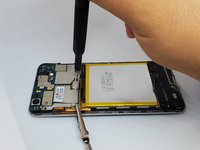
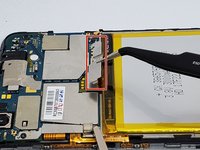
Use a pair of angled tweezers to detach the black ribbon cable. This is done to unplug the battery.
-
-
-
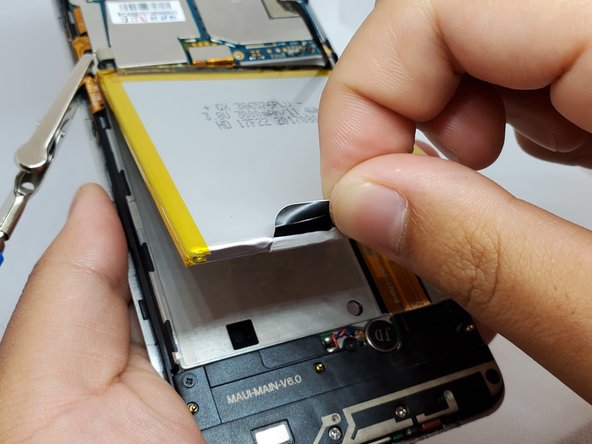
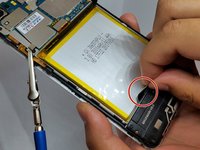
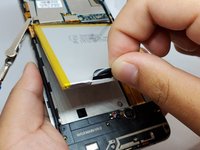
There is a black flap on the bottom of the battery.
-
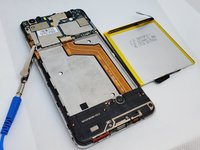
Using your fingers, pinch this flap and carefully pull the battery up and out of the phone.
-
-
-
Tool used on this step:Anti-Static Wrist Strap$7.95
-
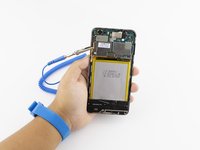
Remove the anti-static wrist strap.
-
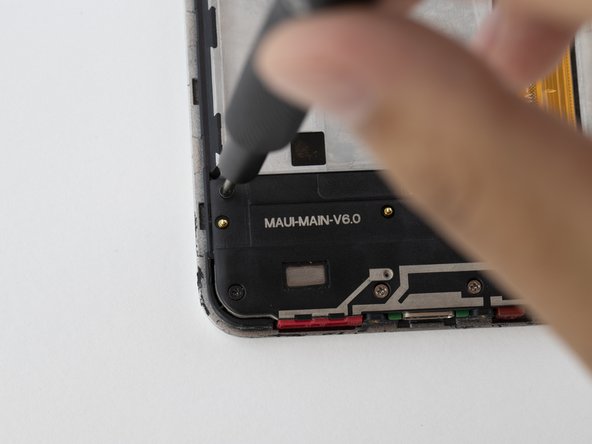
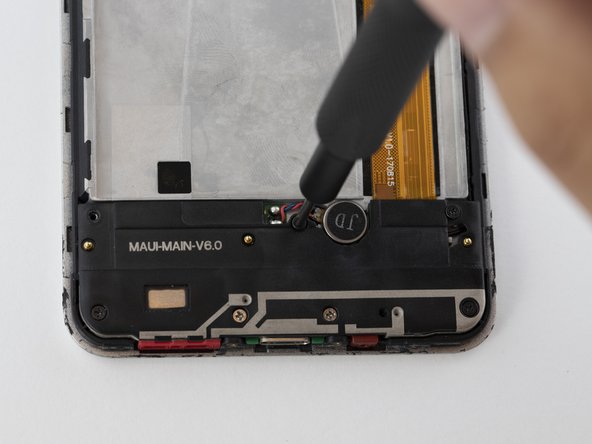
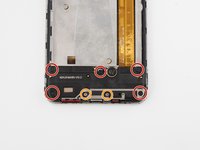
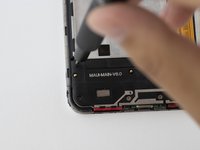
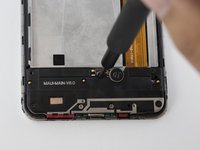
Use the Phillips #000 screwdriver to remove the five black 2 mm screws.
-
Use the Phillips #000 screwdriver to remove the two grey 2 mm screws.
-
-
Tool used on this step:Tweezers$3.99
-
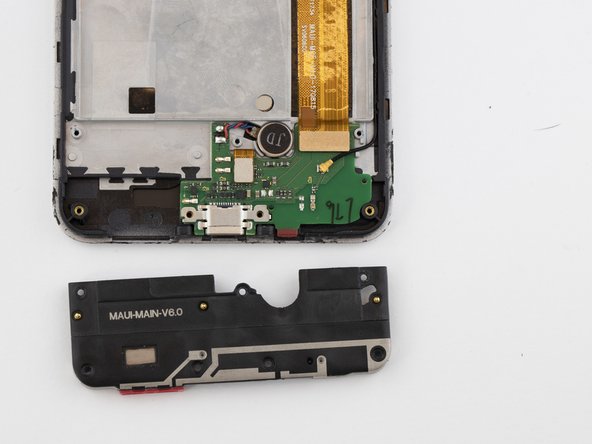
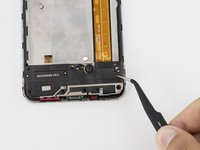
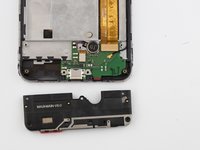
Use a pair of angled tweezers to remove the speaker housing.
-
-


 Ask FixBot








To reassemble your device, follow these instructions in reverse order.

Team

Embry-Riddle Aeronautical University, Team S20-G1, Branham Fall 2019 Member of Embry-Riddle Aeronautical University, Team S20-G1, Branham Fall 2019
ERAU-BRANHAM-F19S20G1
4 Members
60 Guides authored
