This translation was generated by a machine and has not been reviewed by a person yet. Speak this language? Review it.

Opening the Copal 222 Flip Clock

Last updated on Sep 2, 2026
Views: 245
View statistics:
- Past 24 Hours:
- 3
- Past 7 Days:
- 22
- Past 30 Days:
- 91
- All Time:
- 245
Comments: 0
No one has left comments on this guide. Will you be first?
Go to guide commentsCompleted: 0 1
No one has marked this guide "completed." Will you be the first?
1 person has marked this guide "completed." It's you — great job!
Favorites: 0 1
No one has favorited (and subscribed to) this guide. Will you be the first?
1 person has favorited (and subscribed to) this guide — and that's you!
Introduction
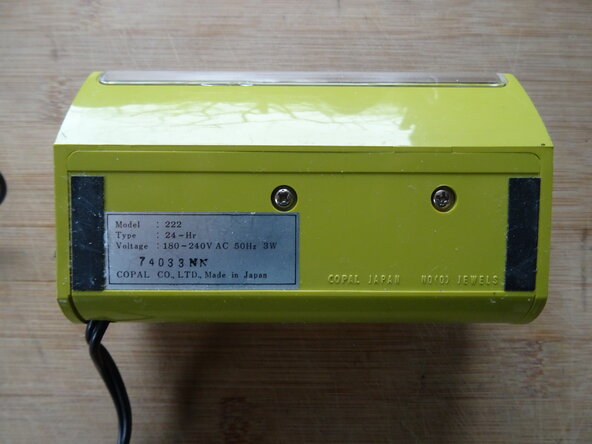
Go to step 1 ↓For most repairs—such as replacing the neon light bulb—and for cleaning, you need to open the clock. This is shown here.
What you need
Tools


-
-
-
For your information, the weight is shown in image 2. It is sufficient if it is loosened slightly.
 Ask FixBot
-
-
-
Pry the adjustment wheel on the right side off using a plastic opening tool.
-
-
-
Insert opening picks into the gap between the rear case and the front panel. Release the four clips.
-
The clips are highlighted in red in image 2 for your reference.
-
-
-
-
Pull the back housing with the clockwork off the front part toward the back.
-
-


Follow these steps in reverse order to reassemble your device.

