Introduction
Use this guide to remove or replace the speaker in your OnePlus 5T.
What you need
-
-
-
Before you begin, switch off your phone.
-
Remove the SIM card tray.
 Ask FixBot
-
-
-
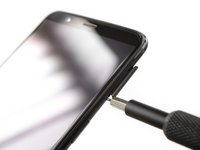
Remove the two Torx T2 screws (2.5 mm length).
-
The OnePlus 5T doesn't use a lot of adhesive to secure the backcover, however the clamps are very strong and require some force during the opening procedure.
-
-
-
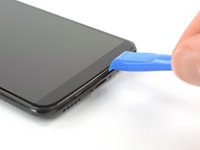
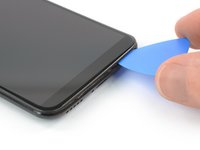
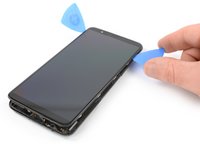
Insert an opening tool between the display and the backcover at the bottom end of the phone.
-
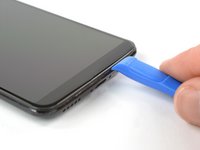
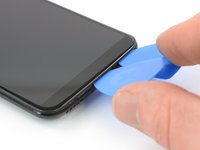
Use the opening tool to create a gap between back cover and display.
-
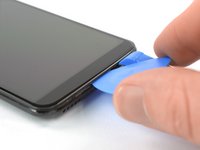
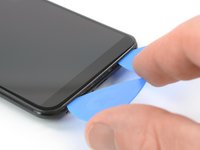
Insert an opening pick in the gap you created with the opening tool.
-
-
-
Slide the opening pick to the bottom right corner of the phone.
-
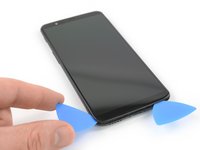
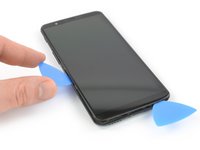
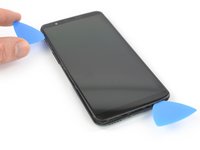
Insert a second opening pick and slide it to the bottom left corner of the phone.
-
-
-
Slide the opening pick around the bottom left corner and then up along the left edge of the phone to open the plastic clamps that secure the backcover.
-
-
-
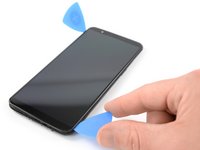
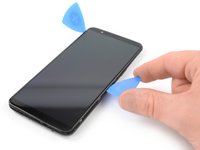
Slide the opening pick around the bottom right corner and then up along the right edge of the phone to open the plastic clamps that secure the backcover.
-
-
-
-
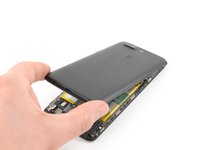
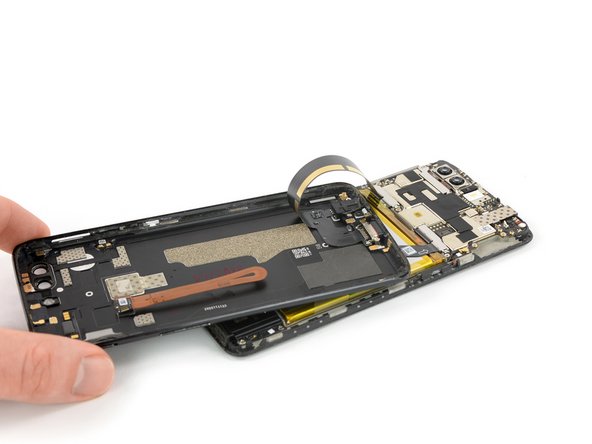
Try not to remove the backcover all the way yet. The fingerprint and the charging port and headphone flex cables are still connected to the motherboard.
-
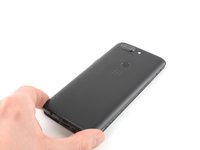
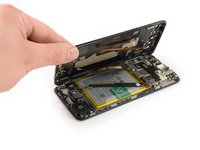
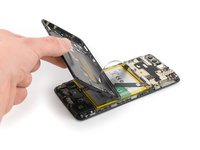
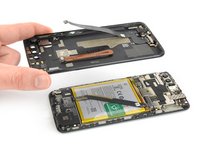
Flip your phone and carefully lift the bottom end of the backcover away from the phone assembly. Fold it to left and hold it at an 80° angle.
-
-
-
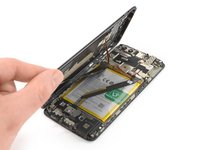
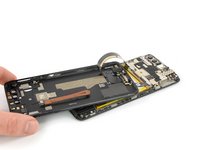
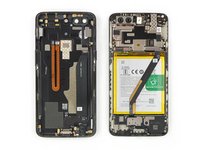
Twist the backcover around 180° and lay it down to align the bottom end of the backcover the top edge of the battery.
-
-
Tool used on this step:Tweezers$4.99
-
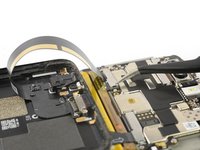
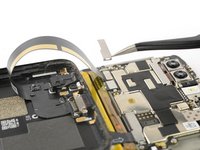
Use a pair of tweezers to remove the small metal shield which covers the battery and the charging port and headphone jack flex cable connectors.
-
-
-
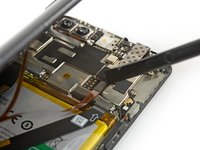
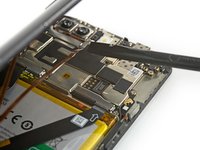
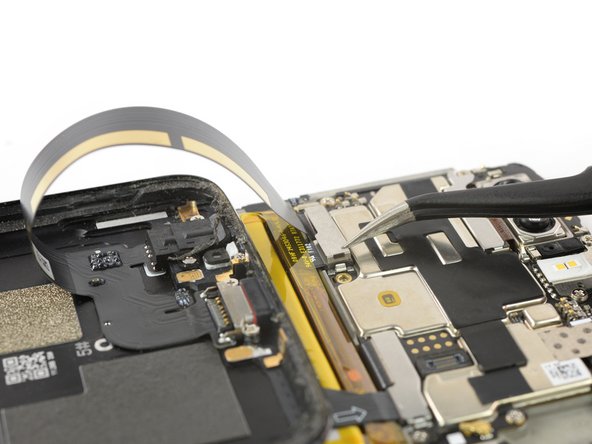
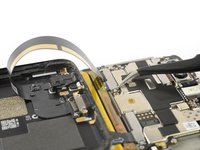
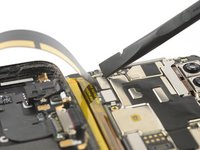
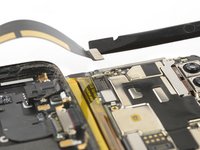
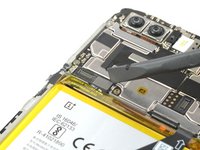
Use a spudger to pry up and disconnect the charging port and headphone jack flex cable.
-
-
-
-
-
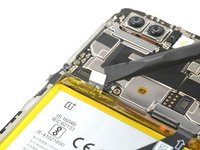
Use a spudger to pry up and disconnect the battery flex cable.
-
-
-
-
-
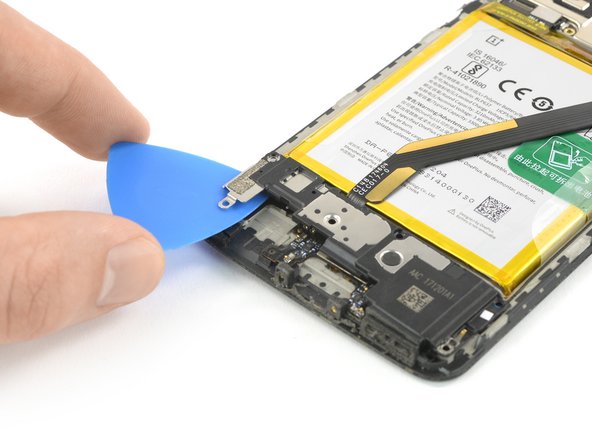
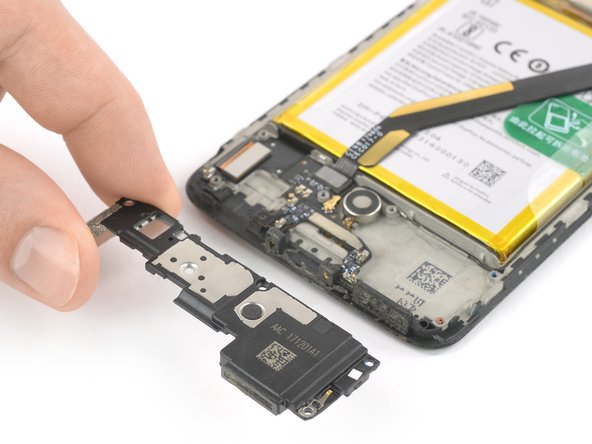
Slide an opening pick underneath the left side of the speaker.
-
Use the opening pick to pry the speaker up and out of its recess.
-





























To reassemble your device, follow these instructions in reverse order. Apply new adhesive where necessary after cleaning the relevant areas with isopropyl alcohol (>90%).
Take your e-waste to an R2 or e-Stewards certified recycler.
Repair didn’t go as planned? Check out our Answers community for troubleshooting help.
Cancel: I did not complete this guide.
5 other people completed this guide.

