
One Education Infinity Handle Replacement

Last updated on Jan 23, 2020
Views: 356
View statistics:
- Past 24 Hours:
- 3
- Past 7 Days:
- 12
- Past 30 Days:
- 61
- All Time:
- 356
Comments: 0
No one has left comments on this guide. Will you be first?
Go to guide commentsCompleted: 0 1
No one has marked this guide "completed." Will you be the first?
1 person has marked this guide "completed." It's you — great job!
Favorites: 0 1
No one has favorited (and subscribed to) this guide. Will you be the first?
1 person has favorited (and subscribed to) this guide — and that's you!
Introduction
Go to step 1 ↓In this guide you will learn how to replace the handle of your One Education Infinity. The handle is connected to the lower case with springs and Phillips #00 screws so it has give but is very secure. In the event that the handle becomes damaged, the process is very easy to replace. Be sure to power off and unplug your laptop prior to doing any work on your laptop, even the handle.
What you need
Tools


-
-
-
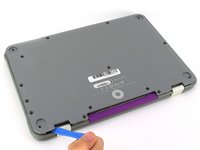
Remove the screw covers and rubber feet from the bottom of the laptop with a metal spudger.
 Ask FixBot
-
-
-
Using a Phillips #00 screwdriver, remove the sixteen 5.0 mm black screws from the back panel.
-
-
-
Using the iFixit plastic opening tool or spudger, start near the white hinge of the device and lift along the outer edges of the device until all clips are released.
-
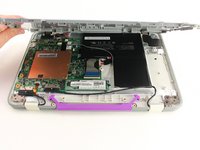
Lift the back case off of the device.
-
-
-
-
-
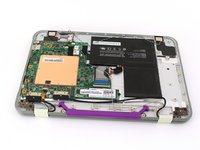
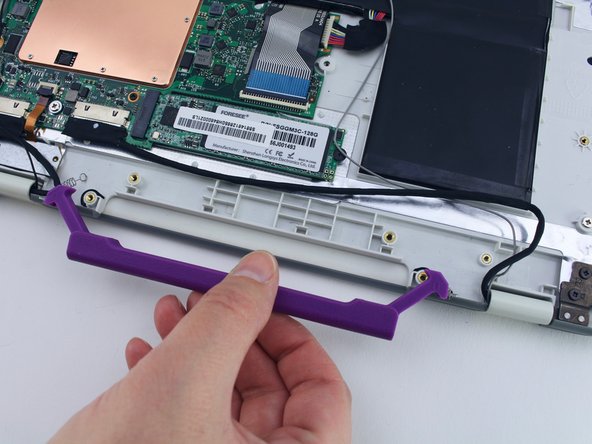
Using the Phillips #00, remove the two 4.7 mm screws securing the handle to the case.
-
-
-






To reassemble your device, follow these instructions in reverse order.


