
Olympus Stylus 760 Case Replacement

Tracy Donovan and 5 other contributors
Last updated on Jan 28, 2014
Views: 1.3K
View statistics:
- Past 24 Hours:
- 0
- Past 7 Days:
- 14
- Past 30 Days:
- 62
- All Time:
- 1,254
Comments: 0
No one has left comments on this guide. Will you be first?
Go to guide commentsCompleted: 0 1
No one has marked this guide "completed." Will you be the first?
1 person has marked this guide "completed." It's you — great job!
Favorites: 1 2
1 person has favorited (and subscribed to) this guide. Will you be next?
2 people have favorited (and subscribed to) this guide — including you!
What you need
Tools


-
-
-
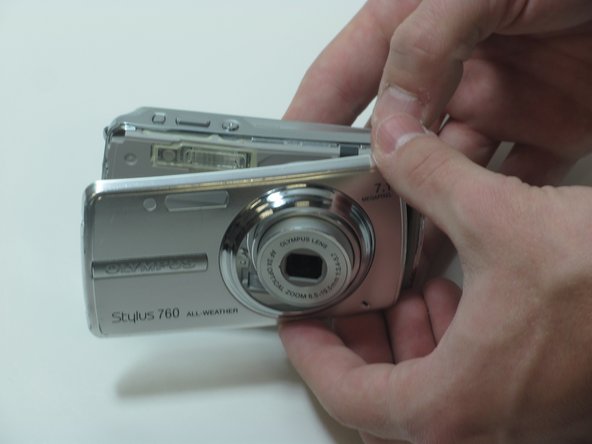
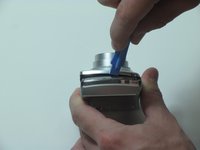
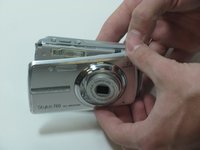
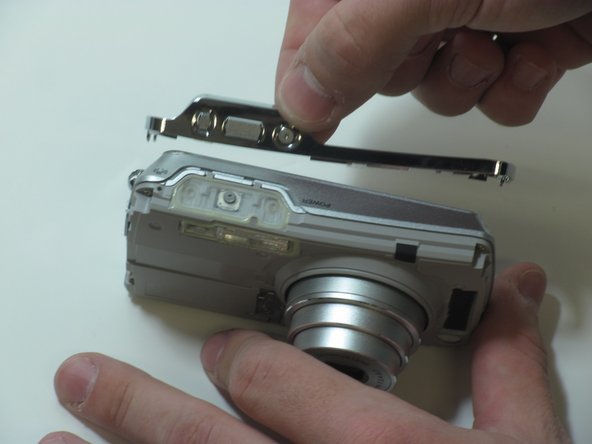
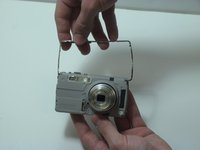
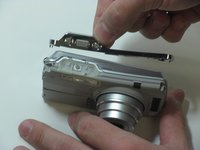
Separate the front casing from the back using a plastic opening tool, gently.
-
-
-
Remove the 2 screws on the right side of the camera.
-
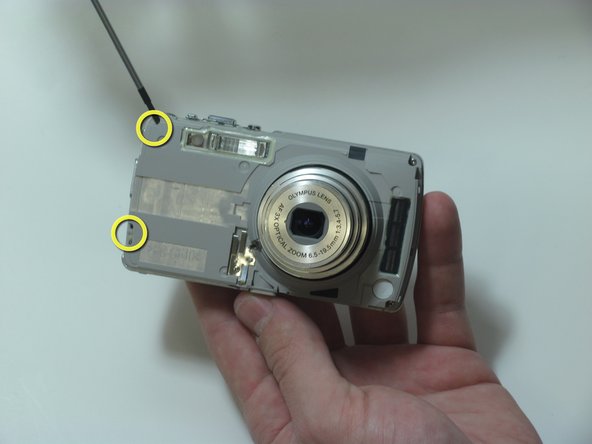
Remove the 2 screws on the left side of the camera.
-
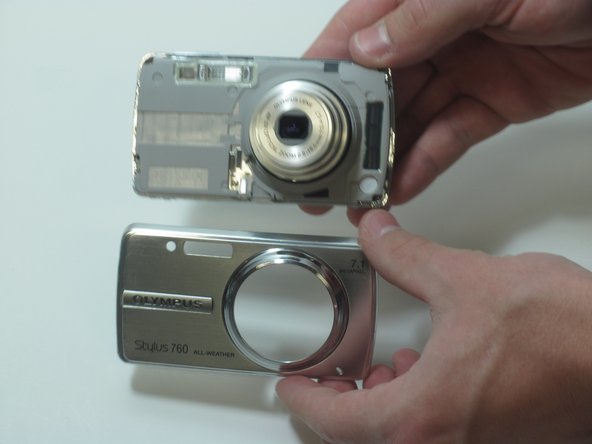
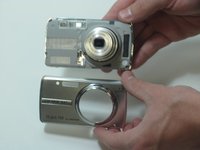
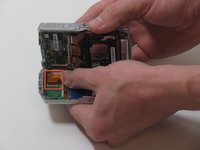
Pull the camera apart into 2 separate pieces.
-
-
-
-
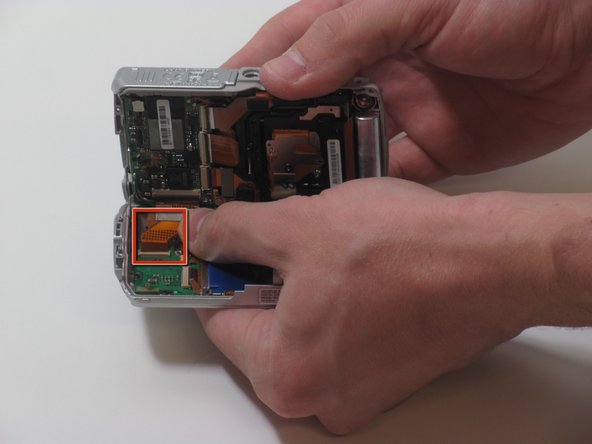
Flip up clip on circuit ribbon, carefully
-
Detach the ribbon from the rear to the front and pull it out, gently.
-

 Ask FixBot






To reassemble your device, follow these instructions in reverse order.

Team

James Madison, Team 3-3, Klein Spring 2012 Member of James Madison, Team 3-3, Klein Spring 2012
JMU-KLEIN-S12S3G3
4 Members
48 Guides authored
