
Olympus Stylus 725 SW LCD Screen Replacement

Bobby Hodges and 8 other contributors
Last updated on May 7, 2024
Views: 8.9K
View statistics:
- Past 24 Hours:
- 1
- Past 7 Days:
- 16
- Past 30 Days:
- 90
- All Time:
- 8,935
Comments: 0
No one has left comments on this guide. Will you be first?
Go to guide commentsCompleted: 1 2
1 person has marked this guide "completed." Will you be next?
2 people have marked this guide "completed." Including you — great job!
Favorites: 0 1
No one has favorited (and subscribed to) this guide. Will you be the first?
1 person has favorited (and subscribed to) this guide — and that's you!
Incorrect Tools
Help make this guide better by using the correct tools in images and/or text.
Needs Better Images
Better photos will improve this guide. Help out by taking, editing, or uploading new ones!
Action Shots
Be an action hero! This guide needs images that better demonstrate how to perform specific actions.
Introduction
Go to step 1 ↓This guide provides instructions for replacing a broken LCD screen on the Olympus Stylus 725.
What you need
Tools


-
-
-
Remove the battery by placing your thumb on the bottom flap and sliding the release button away from the side the lens is on. (The screwdriver is simply used as a reference point, no screws need to be removed)
-
If the battery is dead, charge it for 60-90 minutes.
 Ask FixBot
-
-
-
-
-
Remove the four 3 mm long cover screws at the corners of the camera using a Phillips #00 screwdriver.
-
Remove the 2 mm long screws securing the sides of the camera which holds the back panel using a Phillips #00 screwdriver.
-
-
-
Tool used on this step:Tweezers$4.99
-
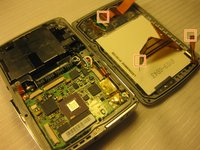
Detach the ribbons using your thumb, sliding them out of their slots.
-
Set the back panel face up to keep the ribbons from touching anything.
-
-
-
-
-
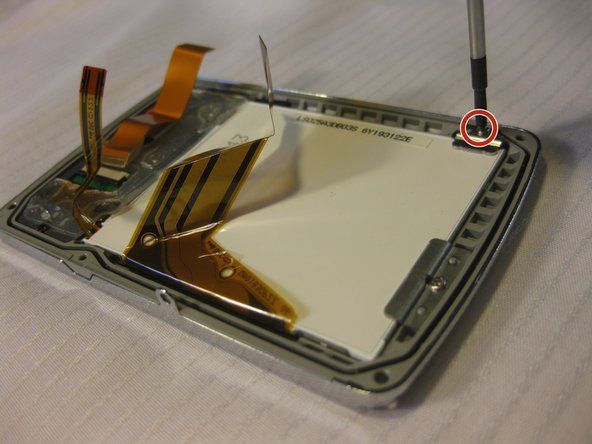
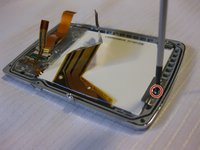
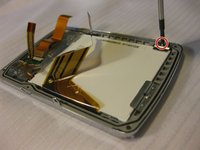
Remove the screws in the back panel using a Phillips #00 screwdriver.
-
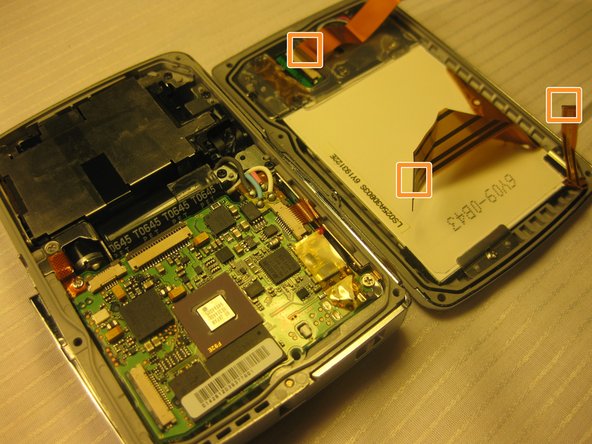
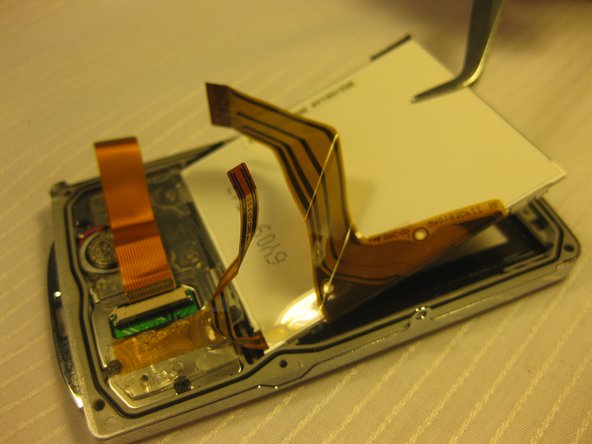
Detach the ribbon cables that connect the LCD to the back panel of the camera.
-
-
Tool used on this step:Tweezers$4.99
-
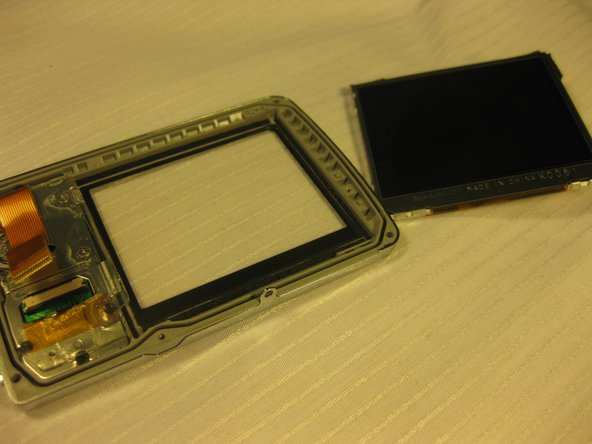
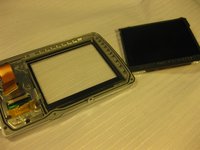
Use tweezers to remove the loosened LCD screen.
-
Carefully place the new screen in place of the old, making sure the label faces up.
-
-


To reassemble your device, follow these instructions in reverse order.
Cancel: I did not complete this guide.
One other person completed this guide.

Team

Cal Poly, Team 33-71, Johann Spring 2010 Member of Cal Poly, Team 33-71, Johann Spring 2010
CPSU-JOHANN-S10S33G71
4 Members
72 Guides authored
