Free Shipping on Domestic Orders $75+

Olympus SP-320 Back casing and LCD screen Replacement

What you need

    1. Olympus SP-320 Back casing and LCD screen Replacement, Back casing and LCD screen: step 1, image 1 of 3 Olympus SP-320 Back casing and LCD screen Replacement, Back casing and LCD screen: step 1, image 2 of 3 Olympus SP-320 Back casing and LCD screen Replacement, Back casing and LCD screen: step 1, image 3 of 3
      • Remove the 3 mm long screws with a Phillips head screwdriver that has a PH000 size bit.

      Ask FixBot

      Add Comment

    2. Olympus SP-320 Back casing and LCD screen Replacement: step 2, image 1 of 1
      • Remove the 3 mm long screw using Phillips head screwdriver that has a PH000 size bit.

      Ask FixBot

      Add Comment

    3. Olympus SP-320 Back casing and LCD screen Replacement: step 3, image 1 of 1
      • Pry the outer case open using a blue, plastic opening tool.

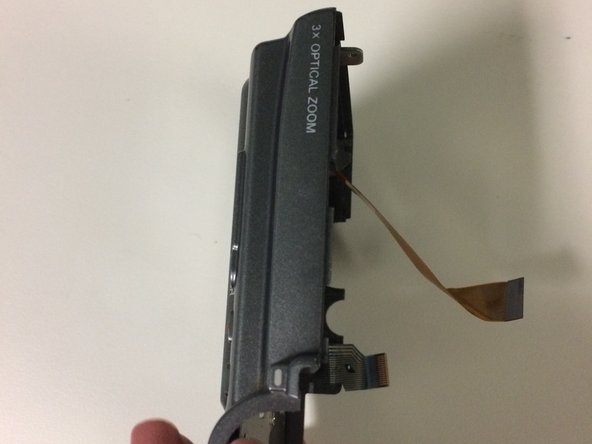
      • Pry case open gently to avoid tearing the ribbon that connects the front part of the case to the back of the case.

      Ask FixBot

      Add Comment

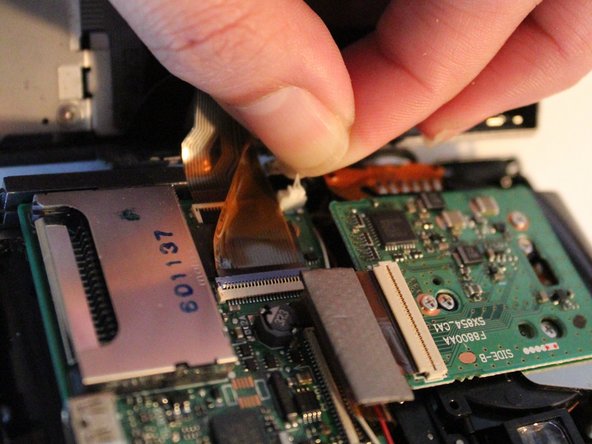
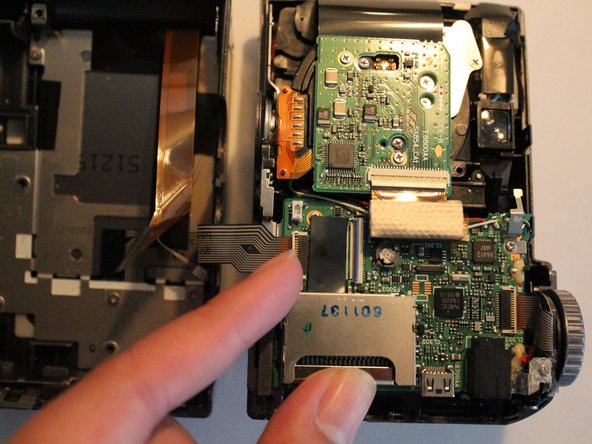
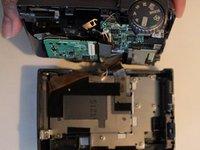
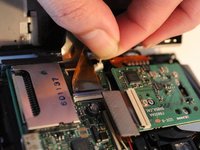
    4. Olympus SP-320 Back casing and LCD screen Replacement: step 4, image 1 of 3 Olympus SP-320 Back casing and LCD screen Replacement: step 4, image 2 of 3 Olympus SP-320 Back casing and LCD screen Replacement: step 4, image 3 of 3
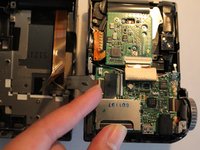
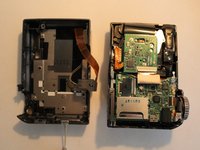
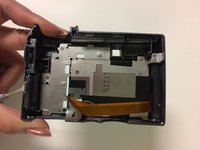
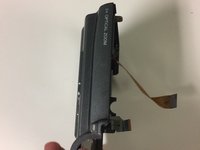
      • Detach camera body from back casing and LCD screen.

      • Pull gently on the white connecting cable to detach it from the main body of the camera.

      • Lift the small, plastic clip, detaching the ribbon from the main body of the camera.

      Ask FixBot

      Add Comment

    5. Olympus SP-320 Back casing and LCD screen Replacement: step 5, image 1 of 3 Olympus SP-320 Back casing and LCD screen Replacement: step 5, image 2 of 3 Olympus SP-320 Back casing and LCD screen Replacement: step 5, image 3 of 3
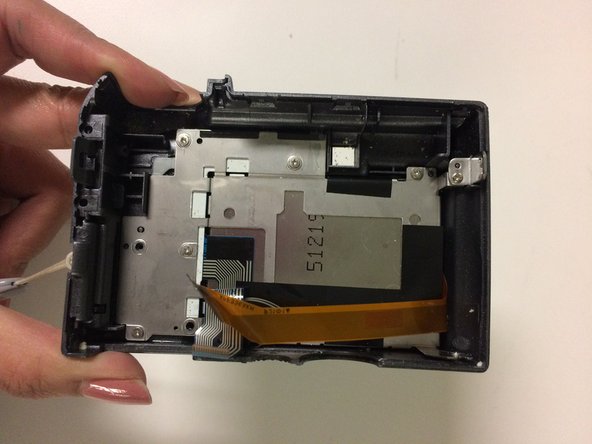
      • You have detached the back casing and LCD screen.

      Ask FixBot

      Add Comment

Conclusion

To reassemble your device, follow these instructions in reverse order.

Cancel: I did not complete this guide.

1 Guide Comment

Is that thin white connector - a powercable to screen led-light? thnx

Alex CalmCroft Tokarsky - Reply Share

Add Comment

View Statistics:

Past 24 Hours: 0

Past 7 Days: 4

Past 30 Days: 41

All Time: 1,089