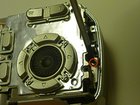
Olympus D590 LCD Screen Replacement

Last updated on May 7, 2024
Views: 2.6K
View statistics:
- Past 24 Hours:
- 5
- Past 7 Days:
- 20
- Past 30 Days:
- 92
- All Time:
- 2,595
Comments: 0
No one has left comments on this guide. Will you be first?
Go to guide commentsCompleted: 0 1
No one has marked this guide "completed." Will you be the first?
1 person has marked this guide "completed." It's you — great job!
Favorites: 1 2
1 person has favorited (and subscribed to) this guide. Will you be next?
2 people have favorited (and subscribed to) this guide — including you!
Action Shots
Be an action hero! This guide needs images that better demonstrate how to perform specific actions.
Incorrect Tools
Help make this guide better by using the correct tools in images and/or text.
Needs Better Images
Better photos will improve this guide. Help out by taking, editing, or uploading new ones!
Better Introduction
Improve this guide by completing or revising its introduction.
Introduction
Go to step 1 ↓Step-by-step Instructions Guide
Olympus D590 Camera LCD Screen Replacement
What you need
Tools


-
-
Tool used on this step:Tweezers$4.99
-
Press and slide the battery cover retainer clip to the left. Use tweezers to lift the battery cover away.
-
-
-
Remove the single screw from the battery housing using a Phillips #00 screwdriver.
-
-
-
To avoid disconnection of the connector line to the motherboard, use caution when pulling faceplate away from camera case.
-
-
-
-
Using a Phillips #00 screwdriver, remove three screws fastened to the camera backplate edge.
-
-
-
Using a Phillips #00 screwdriver, remove the two camera flash screws secured to either side of bulb housing component.
-
-
-
Using an iFixit opening tool, pry the backplate from the camera internal housing component.
-
-
-
-
-
Remove one screw Phillips #00 from the right side of the LCD screen camera internal housing component.
-
-
-
-
To check that all screws are removed from the exterior side panel, gradually slide and lift no more than 3cm away from the camera internal component body.
-
-
Tool used on this step:Tweezers$4.99
-
View the front of the camera internal housing component.
-
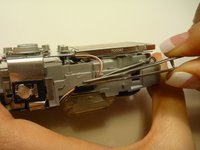
Using tweezers, detach the gray connector and blue wiring tape.
-
-
-
View the top of the camera internal housing component.
-
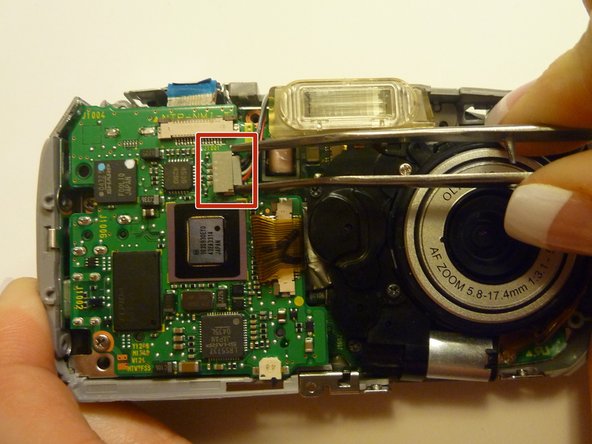
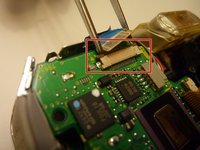
Using tweezers, gently lift the black tape exposing all connector wires.
-
-
-
View the bottom of the camera internal housing component.
-
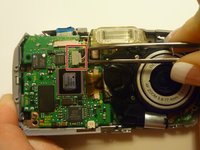
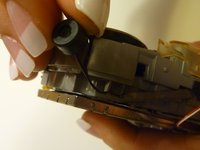
Use tweezers to gently wiggle, pull, and detach tape from the surface of the camera internal housing component.
-
-
-
View the front of the camera internal housing component.
-
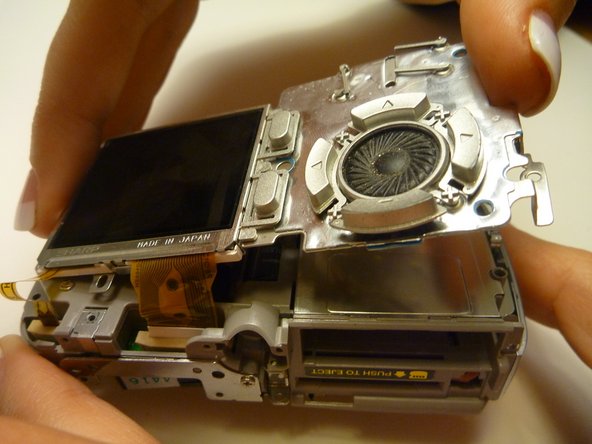
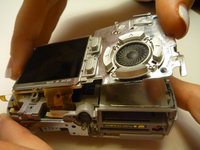
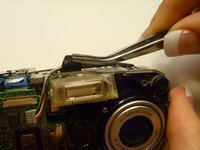
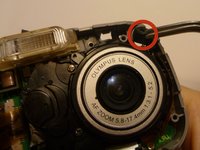
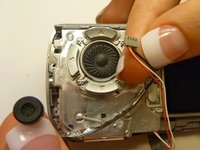
Using tweezers, gently lift the speaker, cautiously maneuvering the wire away from the side of the internal housing component toward the front of the camera internal housing component.
-
-
-
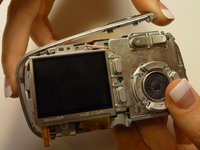
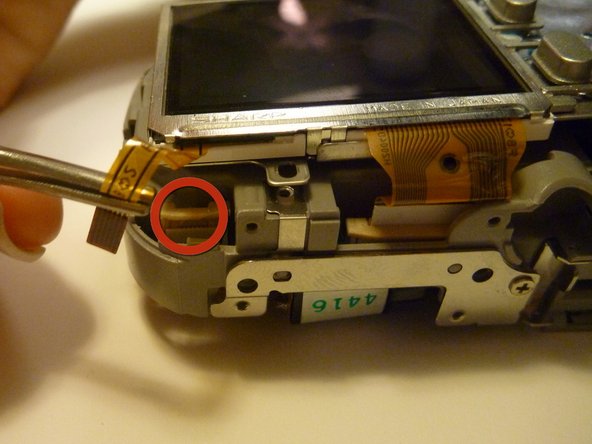
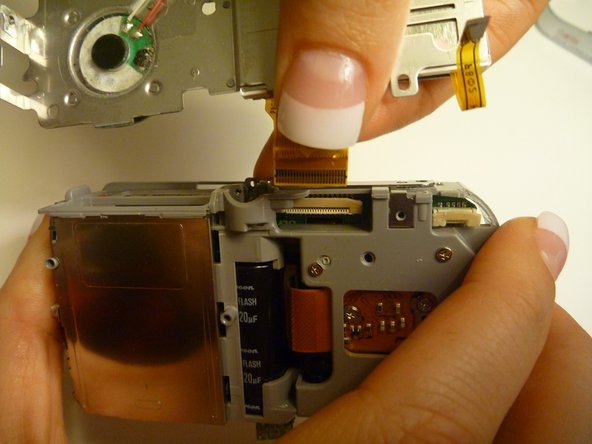
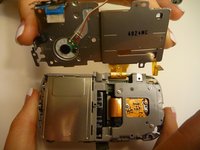
Gently lift the LCD screen away from the camera internal housing component hinging the thick yellow wiring tape attached to the camera internal housing component.
-
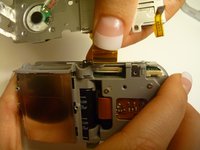
Use a forefinger and thumb to gently pull the thick yellow wiring tape out of the camera internal housing component.
-
-

 Ask FixBot








To reassemble your device, follow these instructions in reverse order.

Team

Cal Poly, Team 28-23, Regan Spring 2010 Member of Cal Poly, Team 28-23, Regan Spring 2010
CPSU-REGAN-S10S28G23
4 Members
84 Guides authored
