Introduction
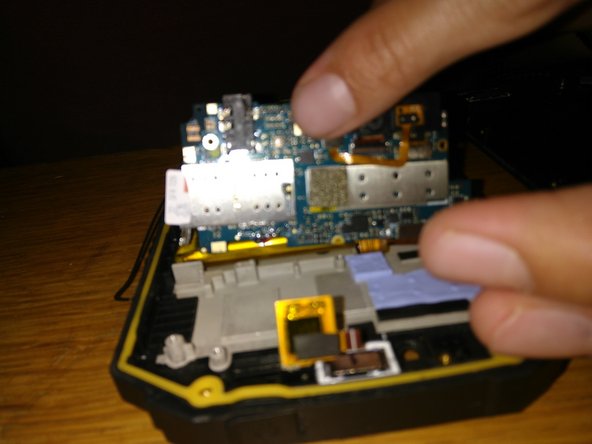
If your SIM card has remained lodged in your device after removing the tray, this guide will show you how to access the stuck SIM card by partially disassembling the device. This disassembly process can also be used to access the main components like the battery and motherboard.
What you need
-
-
-
Unscrew 8 side screws (flat 2.4mm or dedicated torx), then 4 rear screws (hex 1.5mm).
 Ask FixBot
-
-
-
-
Unscrew 5 screws (philips #0) off of black support.
-
Withdrawal of black support
-
-
-
Unscrew 3 screws (philips #0) maintening PCB.
-
Unplug antenna connector.
-
Unplug ZIF on the left.
-
Unplug ZIF on top.
-
Unplug the two bottom connectors.
-
-




To reassemble your device, follow these instructions in reverse order.
Cancel: I did not complete this guide.
4 other people completed this guide.

