
ORFELD EV-660-S222 Power Button Spring Replacement

Emma Lucas and 6 other contributors
Last updated on Jul 2, 2025
Views: 471
View statistics:
- Past 24 Hours:
- 3
- Past 7 Days:
- 17
- Past 30 Days:
- 66
- All Time:
- 471
Comments: 0
No one has left comments on this guide. Will you be first?
Go to guide commentsCompleted: 0 1
No one has marked this guide "completed." Will you be the first?
1 person has marked this guide "completed." It's you — great job!
Favorites: 0 1
No one has favorited (and subscribed to) this guide. Will you be the first?
1 person has favorited (and subscribed to) this guide — and that's you!
Introduction
Go to step 1 ↓The spring inside your ORFELD EV-660’s power button may need to be replaced if pushing the power button fails to turn on the vacuum or causes the button to get stuck. This guide will show you how to replace the power button’s old spring.
This guide requires you to disassemble your vacuum. Work in a clear area to avoid losing detached parts.
Before you begin this repair, make sure the vacuum is powered off and unplugged from the charger.
What you need
Tools


-
-
-
Separate the dust cover and the motor from the vacuum body by pressing the eject button.
 Ask FixBot
-
-
-
Place the vacuum on its side, with the screws facing towards you.
-
Remove the 11.5 mm screws using a Phillips #1 screwdriver.
-
-
Tool used on this step:Tweezers$4.99
-
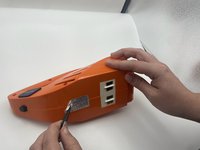
Using tweezers, remove the sticker connecting the two halves.
-
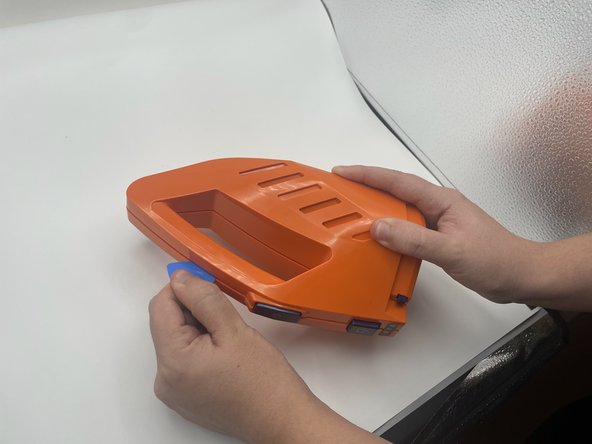
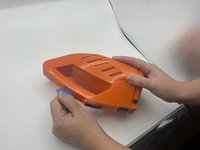
Use the opening pick to gently separate the top half and the bottom half of the vacuum.
-
Press the blue buttons near the sides of the battery LEDs to remove the top half.
-
-
-
Lift the battery slightly to reveal the pin connectors.
-
Gently disconnect the six-pin connector from the battery.
-
-
-
-
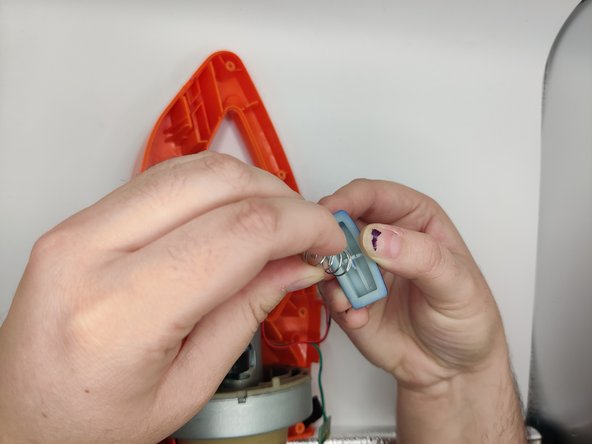
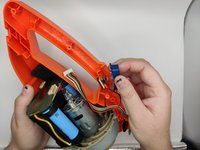
Gently pull out the power button from the board.
-
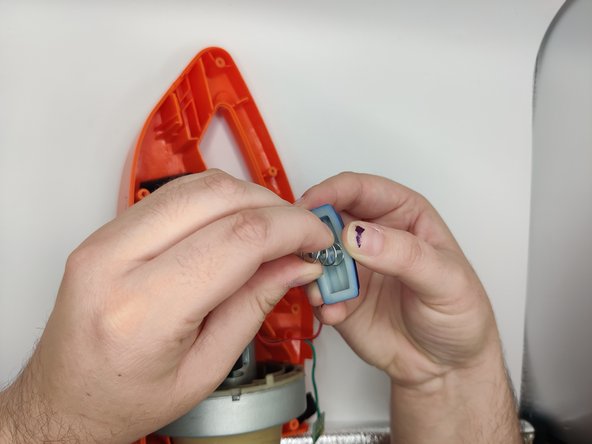
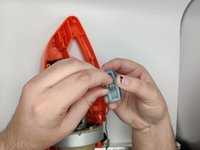
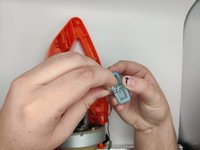
Gently pull up and twist the old spring off of the button.
-
-




To reassemble your device, follow these instructions in reverse order.

Team

University of North Texas, Team 2-4, Harold Fall 2023 Member of University of North Texas, Team 2-4, Harold Fall 2023
UNT-HAROLD-F23S2G4
3 Members
60 Guides authored
