Introduction
If your ORFELD EV-660 has stopped charging entirely or rapidly starts and stops charging, your charging port is most likely the culprit.
What you need
-
-
Separate the dust cover and the motor from the vacuum body by pressing the eject button.
 Ask FixBot
-
-
-
Place the vacuum on its side, with the screws facing towards you.
-
Remove the 11.5 mm screws using a Phillips #1 screwdriver.
-
-
-
Tool used on this step:Tweezers$4.99
-
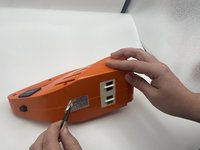
Using tweezers, remove the sticker connecting the two halves.
-
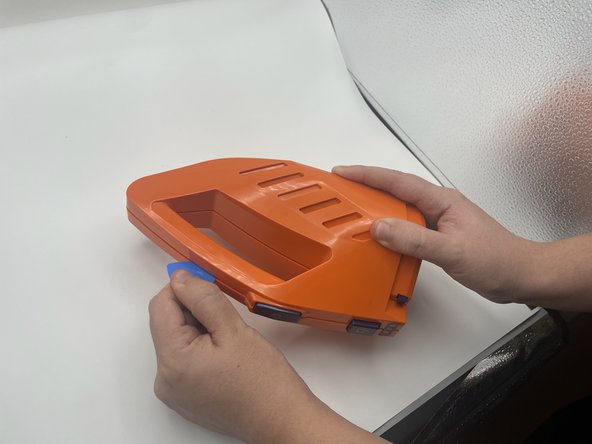
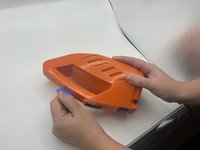
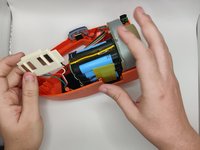
Use the opening pick to gently separate the top half and the bottom half of the vacuum.
-
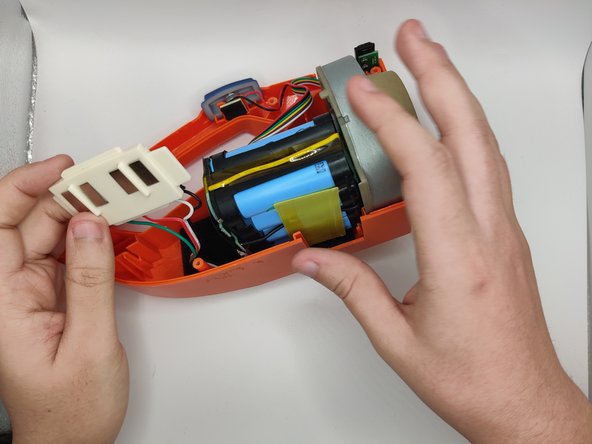
Press the blue buttons near the sides of the battery LEDs to remove the top half.
-
-
-
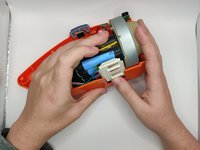
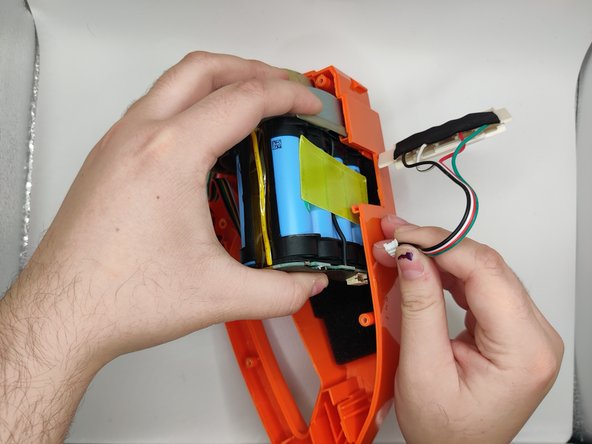
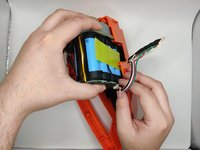
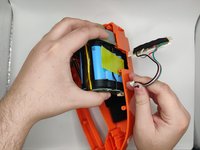
Lift the battery slightly to reveal the pin connectors.
-
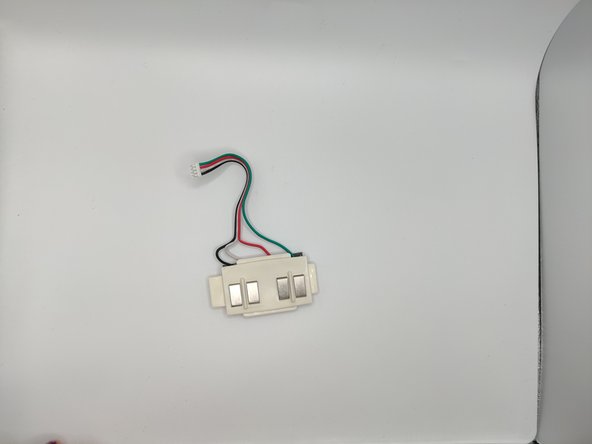
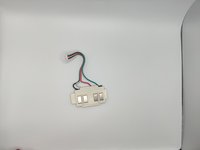
Gently remove the four-pin connector connecting the charging port.
-





To reassemble your device, follow these instructions in reverse order.

Team

University of North Texas, Team 2-4, Harold Fall 2023 Member of University of North Texas, Team 2-4, Harold Fall 2023
UNT-HAROLD-F23S2G4
4 Members
10 Guides authored
