Free Shipping on Domestic Orders $75+

Nvidia Shield Pro Android TV Controller Rumble Motor Replacement

What you need

  1. Nvidia Shield Pro Android TV Controller Rumble Motor Replacement, Thumbsticks: step 1, image 1 of 3 Nvidia Shield Pro Android TV Controller Rumble Motor Replacement, Thumbsticks: step 1, image 2 of 3 Nvidia Shield Pro Android TV Controller Rumble Motor Replacement, Thumbsticks: step 1, image 3 of 3
    • Remove the six T6 Torx screws from the back of the controller.

    Ask FixBot

    Add Comment

  2. Nvidia Shield Pro Android TV Controller Rumble Motor Replacement: step 2, image 1 of 1
    • Gently pry open the top frame of the cover with a plastic opening tool.

    Ask FixBot

    Add Comment

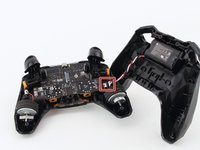
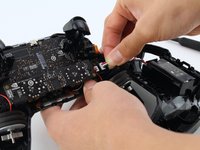
  3. Nvidia Shield Pro Android TV Controller Rumble Motor Replacement: step 3, image 1 of 2 Nvidia Shield Pro Android TV Controller Rumble Motor Replacement: step 3, image 2 of 2
    • Gently pull the wire connector directly out of its socket, separating the two halves of the controller.

    Ask FixBot

    Add Comment

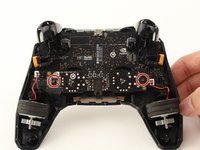
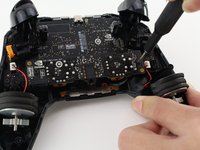
  4. Nvidia Shield Pro Android TV Controller Rumble Motor Replacement: step 4, image 1 of 2 Nvidia Shield Pro Android TV Controller Rumble Motor Replacement: step 4, image 2 of 2
    • Remove the two T6 Torx screws.

    Ask FixBot

    Add Comment

  5. Nvidia Shield Pro Android TV Controller Rumble Motor Replacement: step 5, image 1 of 2 Nvidia Shield Pro Android TV Controller Rumble Motor Replacement: step 5, image 2 of 2
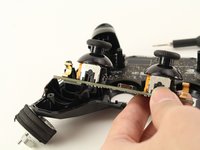
    • Remove the guard piece that secures the thumb-sticks to the controller.

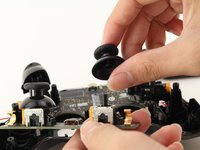
    • Apply vertical pressure with two fingers to carefully pop off the thumb-stick(s) in need of repair.

    • Replace it by sliding a new thumb-stick onto the plastic post that secured the old one.

    Ask FixBot

    Add Comment

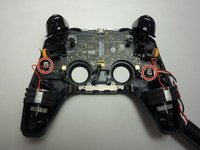
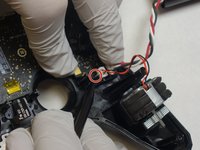
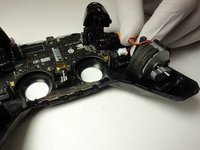
  6. Nvidia Shield Pro Android TV Controller Rumble Motor Replacement, Rumble Motors: step 6, image 1 of 3 Nvidia Shield Pro Android TV Controller Rumble Motor Replacement, Rumble Motors: step 6, image 2 of 3 Nvidia Shield Pro Android TV Controller Rumble Motor Replacement, Rumble Motors: step 6, image 3 of 3
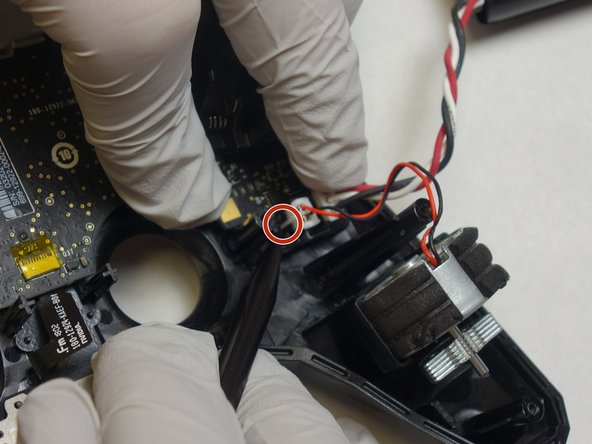
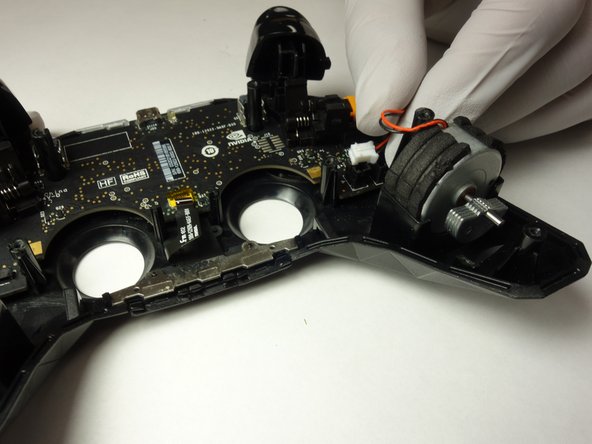
    • Grip the plugs as close to their ports as possible and pull them directly up and out.

    • Lift the rumble motors up and out of the chassis.

    Ask FixBot

    Add Comment

Conclusion

To reassemble your device, follow these instructions in reverse order.

Cancel: I did not complete this guide.

0 Guide Comments

Add Comment

View Statistics:

Past 24 Hours: 1

Past 7 Days: 15

Past 30 Days: 39

All Time: 395