
Nvidia Shield Controller Buttons Replacement

Daniel Eberhart and 6 other contributors
Last updated on May 20, 2022
Views: 7K
View statistics:
- Past 24 Hours:
- 4
- Past 7 Days:
- 17
- Past 30 Days:
- 108
- All Time:
- 7,040
Comments: 3
1 comment on steps, 2 guide comments.
Go to guide commentsCompleted: 7 8
7 people have marked this guide "completed." Will you be next?
8 people have marked this guide "completed." Including you — great job!
Favorites: 0 1
No one has favorited (and subscribed to) this guide. Will you be the first?
1 person has favorited (and subscribed to) this guide — and that's you!
Introduction
Go to step 1 ↓This guide help you replace your Nvidia Shield Portable buttons if they are faulty or broken. If the buttons on your controller are faulty or broken it is important to replace those buttons as they can interfere with the controllers ability to receive the users inputs (button presses).
Before starting the guide make sure to have a clean work area to disassemble the controller and that you have the replacement buttons.
Feel free to use any replacement parts you are most comfortable with and fit the Nvidia Shield Portable controller.
What you need
Tools
-
Spudger4.9
-


-
-
-
Remove the seven 6.4mm T5 Torx screws from the back panel.
-
Use the spudger to separate the front and back panels.
 Ask FixBot
-
-
-
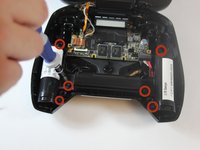
Remove the six 6.5mm T5 Torx screws.
-
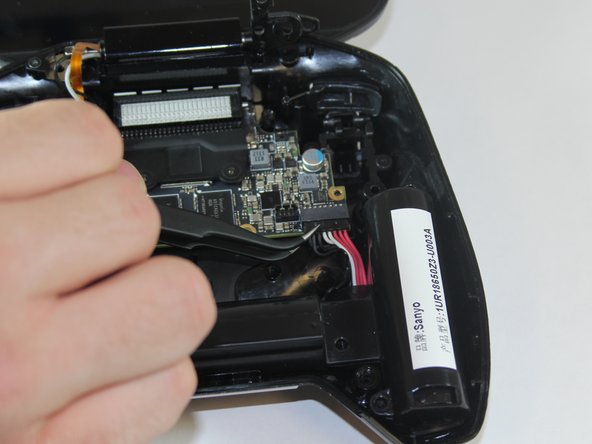
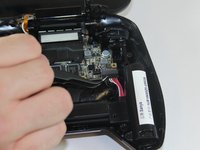
Disconnect the power wires.
-
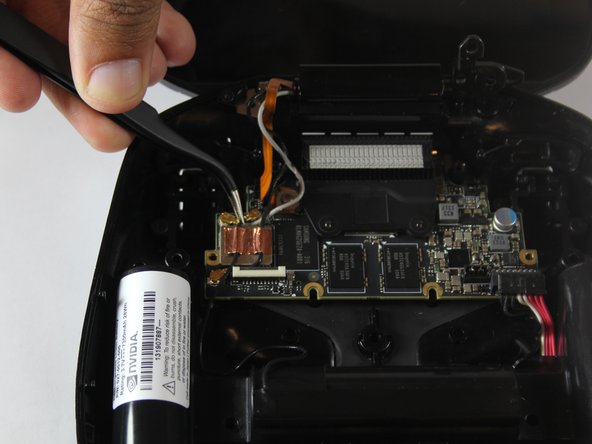
Peel back the copper tape and disconnect the black and white wires.
-
-
-
Pull the battery apparatus out once all cables are removed.
-
-
-
-
-
-
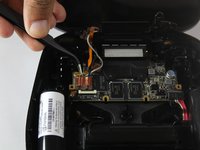
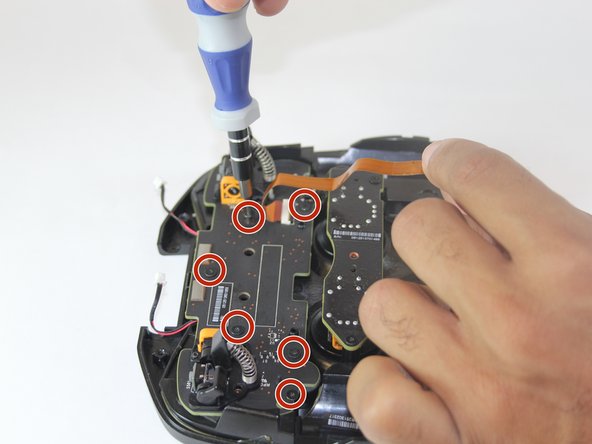
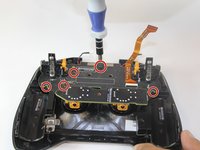
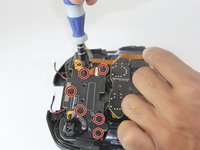
Remove seven 6.5 mm T5 torx screws from the button board.
-
Remove the button board.
-
-





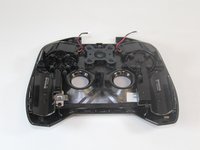
To reassemble your device, follow these instructions in reverse order.
Cancel: I did not complete this guide.
7 other people completed this guide.

Team

USF Tampa, Team 1-1, Hickman Fall 2014 Member of USF Tampa, Team 1-1, Hickman Fall 2014
USFT-HICKMAN-F14S1G1
4 Members
72 Guides authored
2 Guide Comments
From where can I get the buttons?
Hey:) I am not sure
