Introduction
If the device will not turn on or has a broken power switch, use this guide to replace the switch.
What you need
-
-
Lay the popper on its side.
-
Remove the five 12mm Philips #2 screws around the perimeter of the base with the Phillips #2 screwdriver.
-
Remove the two 15mm Philips #2 screws in the center of the base with the Phillips #2 screwdriver.
-
-
-
-
Flip the base over to view the interior of the base panel.
-
Unscrew the two 10 mm Philips #2 screws from the base panel.
-
Remove the base and set it aside.
-
-
-
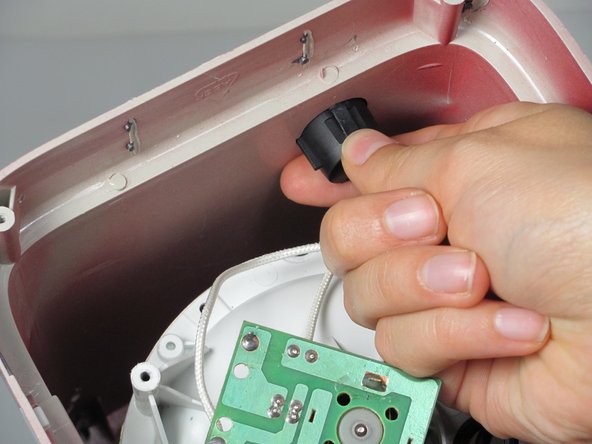
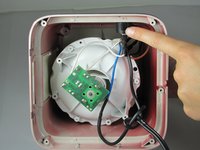
Locate the power switch connected to the side of the housing.
-
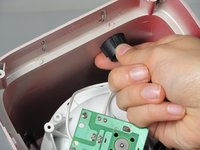
Pinch the sides of the power switch.
-
Push the power button up and out of the housing.
-
-
-
Remove the wires connected to the power switch that should be detached from the housing.
-
Gently pry the wires loose from the power switch with the plastic opening tool.
-
-
-
Remove the power switch from the housing unit.
-
You can now replace the power switch, if necessary.
-

 Ask FixBot




To reassemble your device, follow these instructions in reverse order.

Team

Cal Poly, Team 16-57, Forte Fall 2012 Member of Cal Poly, Team 16-57, Forte Fall 2012
CPSU-FORTE-F12S16G57
5 Members
12 Guides authored
