
Nook HD+ Antenna Replacement

Elijah Gonsalves and 3 other contributors
Last updated on Jul 11, 2017
Views: 1.6K
View statistics:
- Past 24 Hours:
- 2
- Past 7 Days:
- 14
- Past 30 Days:
- 84
- All Time:
- 1,609
Comments: 0
No one has left comments on this guide. Will you be first?
Go to guide commentsCompleted: 1 2
1 person has marked this guide "completed." Will you be next?
2 people have marked this guide "completed." Including you — great job!
Favorites: 3 4
3 people have favorited (and subscribed to) this guide. Will you be next?
4 people have favorited (and subscribed to) this guide — including you!
Introduction
Go to step 1 ↓This replacement guide for the Nook HD+ requires the use of a soldering iron which should not be used by children, and if mishandled could lead to extreme injury.
What you need
Tools


-
-
-
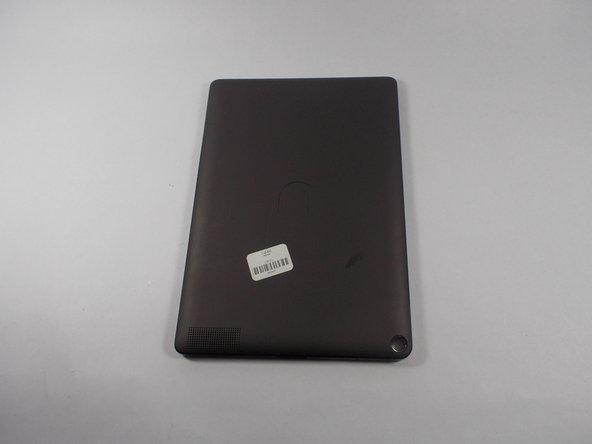
Pry the front frame off of the nook by wedging the plastic opening piece between the frame and the nook.
 Ask FixBot
-
-
-
Remove every visible screw from the front of the nook using the T-4 attachment for the screwdriver in the iFixit screwdriver kit.
-
-
-
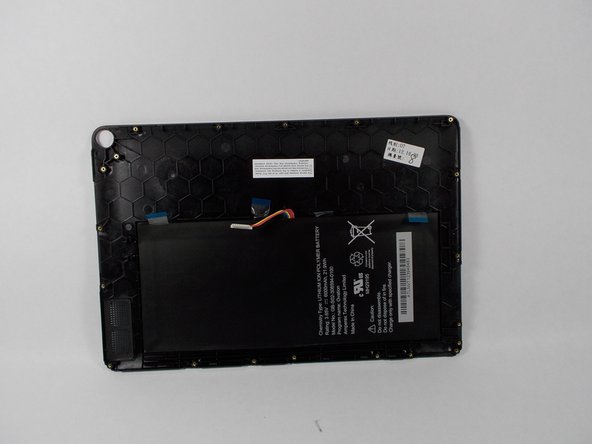
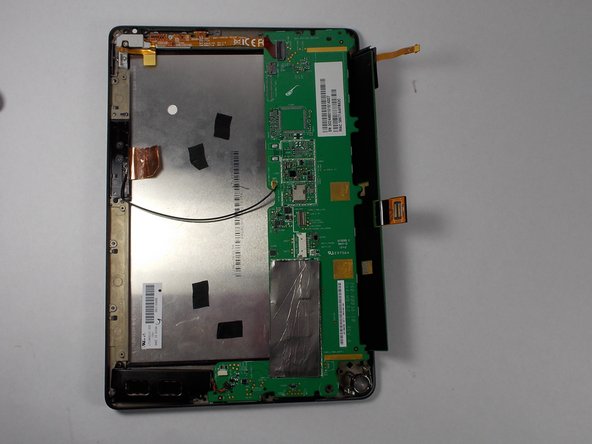
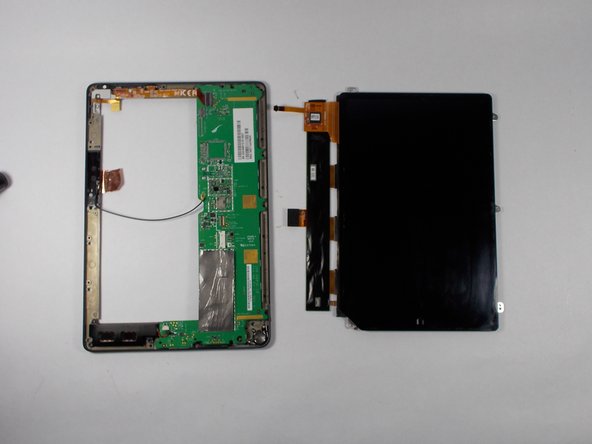
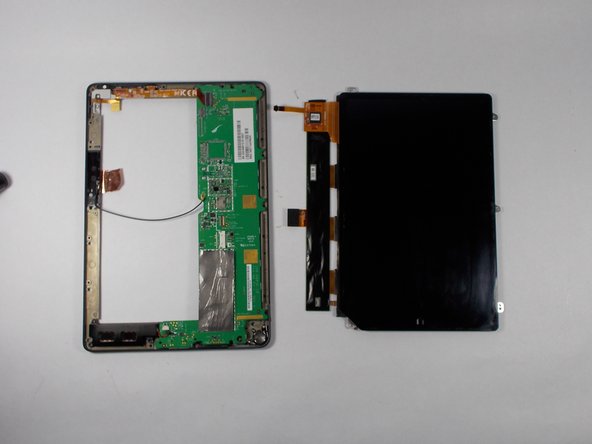
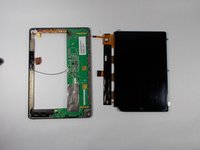
Carefully remove the center chassis from the bottom frame.
-
-
-
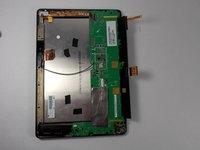
Flip the center chassis so that the screen is facing down, and the hole is positioned in the bottom right corner.
-
-
-
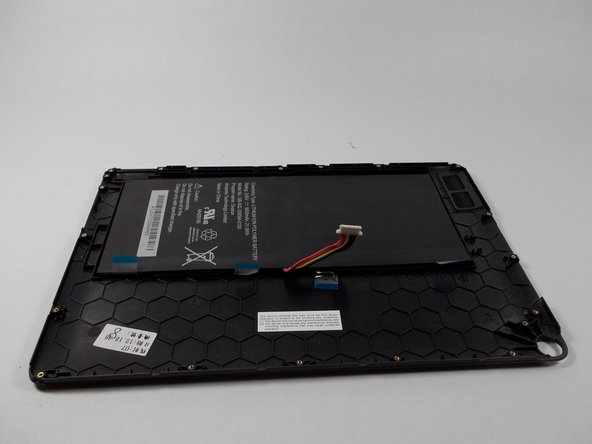
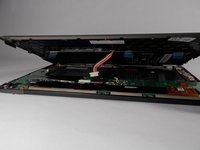
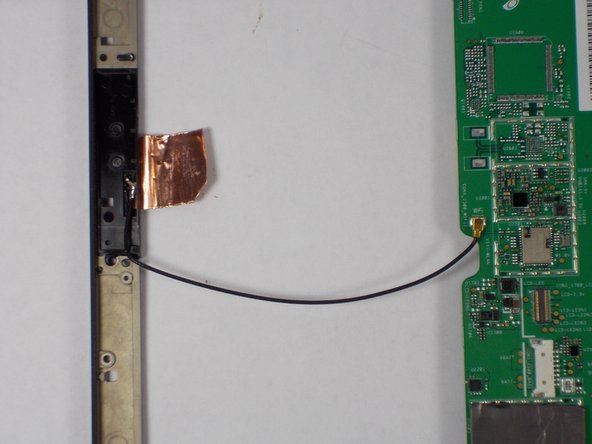
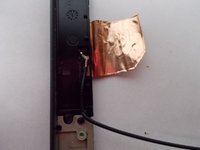
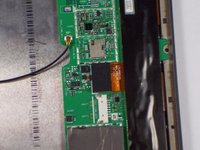
Remove the wire from the attachment on the motherboard (this wire un-clips).
-
-
-
-
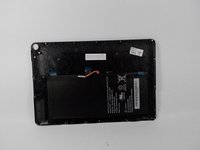
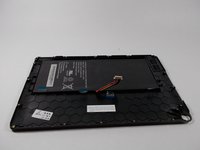
Apply soldering iron to the wire where it connects on the frame side. Remove wire when the solder is molten.
-
-






To reassemble your device, follow these instructions in reverse order.
Cancel: I did not complete this guide.
One other person completed this guide.

Team

UMass Dartmouth, Team 2-3, Duarte Fall 2014 Member of UMass Dartmouth, Team 2-3, Duarte Fall 2014
UMASSD-DUARTE-F14S2G3
5 Members
60 Guides authored
