What you need
-
-
-
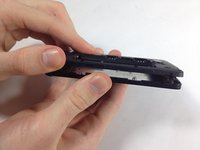
The first step is to remove the back cover off of the phone. To do this, place both your thumbs on the two top corners of the device and simply pop it off.
 Ask FixBot
-
-
-
To remove the battery, simply use your finger to pry the battery out of its slot.
-
-
-
Inserting a new battery is as simple as lining up the gold connectors and sliding the battery in text-side down.
-
-
-
-
-
-
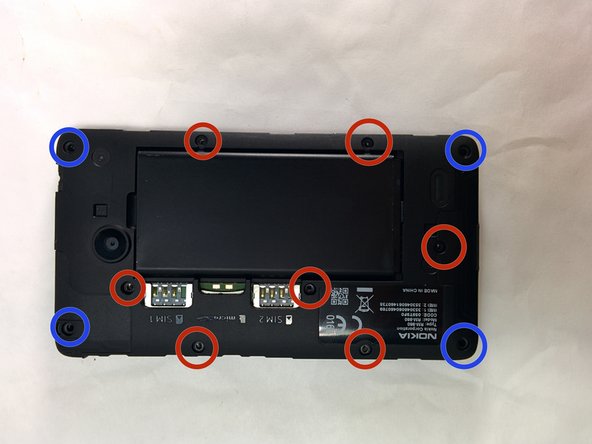
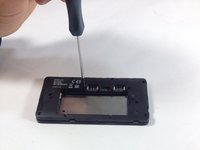
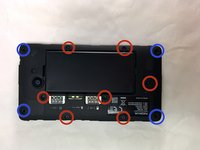
Remove the four 5.33mm T5 Torx screws which are located in the corners of the phone.
-
Remove the seven 4.00mm T5 Torx screws that line the phone between the corners.
-
-
-
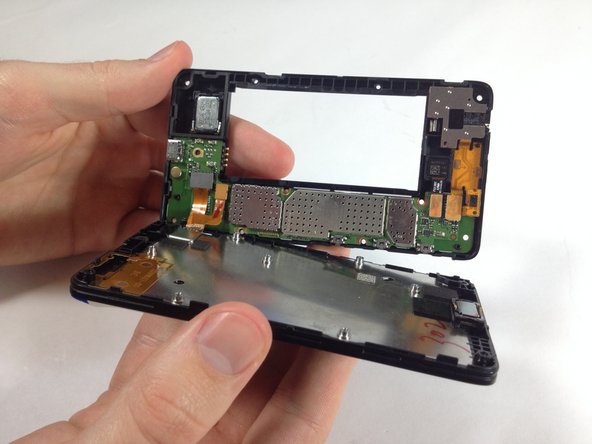
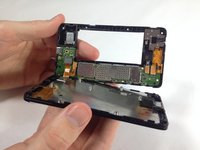
To remove the screen from the motherboard, you will need to apply some force until you feel it snap off. If the connectors unhook themselves, don't worry.
-
-
-
If the connectors are still attached, simply unhook them by lifting the top of the connector with your finger.
-
-
-
-
-
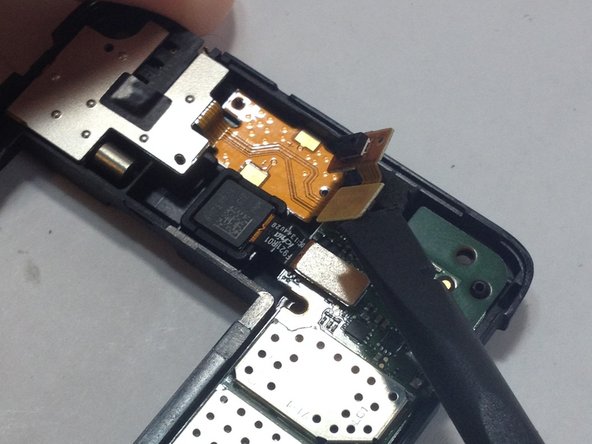
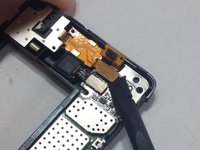
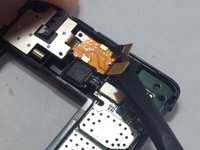
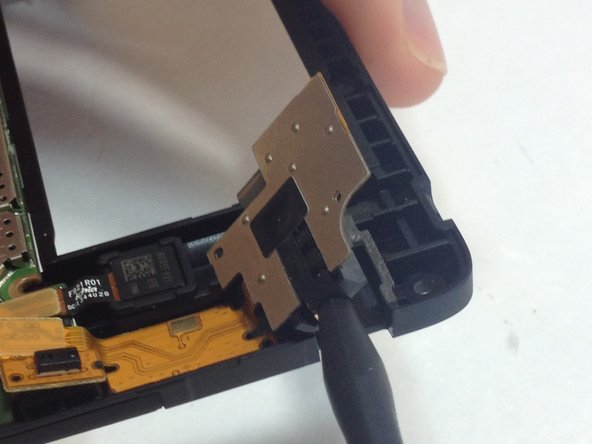
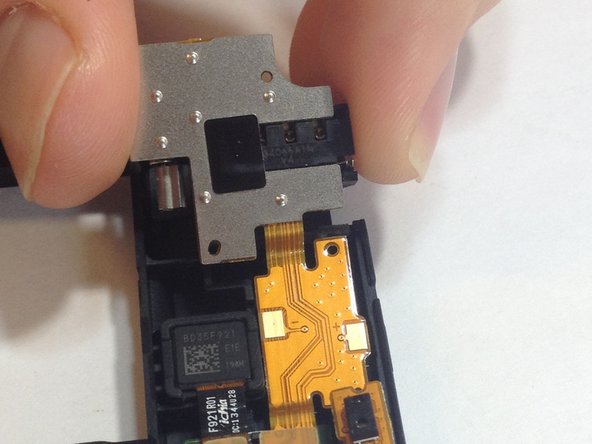
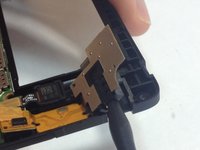
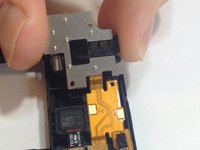
Using the flat end of the spudger tool, unhook the two connectors connecting the audio jack to the motherboard.
-
The top connecter is attached via an adhesive as well, it will require a little bit of force to remove it.
-
-
-
Gently insert the pointed end of the spudger tool into the audio jack and lightly press upwards until the jack snaps loose.
-
It will take a bit of force to disconnect the biggest circuit from the motherboard as it is attached via an adhesive.
-
-






To reassemble your device, follow these instructions in reverse order.
Cancel: I did not complete this guide.
11 other people completed this guide.

Team

USF Tampa, Team 6-1, Brown Winter 2015 Member of USF Tampa, Team 6-1, Brown Winter 2015
USFT-BROWN-W15S6G1
3 Members
48 Guides authored
