Free Shipping on Domestic Orders $75+

Nokia Lumia 720 Charging Dock / Micro USB and Microphone Module Replacement

What you need

Video Overview

    1. Nokia Lumia 720 Charging Dock / Micro USB and Microphone Module Replacement, BATTERY COVER - PART 1: step 1, image 1 of 3 Nokia Lumia 720 Charging Dock / Micro USB and Microphone Module Replacement, BATTERY COVER - PART 1: step 1, image 2 of 3 Nokia Lumia 720 Charging Dock / Micro USB and Microphone Module Replacement, BATTERY COVER - PART 1: step 1, image 3 of 3
      • Remove the SIM card tray and the memory card try.

      • Use a screwdriver Torx T2 and remove the screw under the SIM card tray.

      • Use plastic tools and start the separating the back cover from the top side.

      Ask FixBot

      Add Comment

    2. Nokia Lumia 720 Charging Dock / Micro USB and Microphone Module Replacement, BATTERY COVER - PART 2: step 2, image 1 of 3 Nokia Lumia 720 Charging Dock / Micro USB and Microphone Module Replacement, BATTERY COVER - PART 2: step 2, image 2 of 3 Nokia Lumia 720 Charging Dock / Micro USB and Microphone Module Replacement, BATTERY COVER - PART 2: step 2, image 3 of 3
      • Be careful with the volume buttons.

      Ask FixBot

      Add Comment

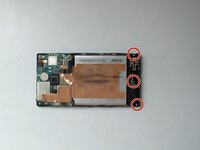
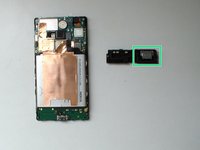
    1. Nokia Lumia 720 Charging Dock / Micro USB and Microphone Module Replacement, Loudspeaker & Antenna module: step 3, image 1 of 3 Nokia Lumia 720 Charging Dock / Micro USB and Microphone Module Replacement, Loudspeaker & Antenna module: step 3, image 2 of 3 Nokia Lumia 720 Charging Dock / Micro USB and Microphone Module Replacement, Loudspeaker & Antenna module: step 3, image 3 of 3
      • Remove the 3x Torx T4 screws.

      • Buzzer / Loudspeacker

      Ask FixBot

      Add Comment

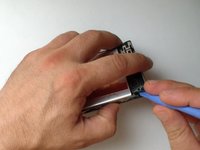
    1. Nokia Lumia 720 Charging Dock / Micro USB and Microphone Module Replacement, BATTERY: step 4, image 1 of 3 Nokia Lumia 720 Charging Dock / Micro USB and Microphone Module Replacement, BATTERY: step 4, image 2 of 3 Nokia Lumia 720 Charging Dock / Micro USB and Microphone Module Replacement, BATTERY: step 4, image 3 of 3
      • Disconnect the battery flex cable.

      • Unstick the metal foil from the logic board.

      • Use a plastic tool with a thin tip and unstuck the battery from the middle frame.

      • Battery - BP-4GWA, 2000mAh, 3.7V, 7.4Vh

      Ask FixBot

      Add Comment

    1. Nokia Lumia 720 Charging Dock / Micro USB and Microphone Module Replacement, COAXIAL ANTENNA CABLE: step 5, image 1 of 3 Nokia Lumia 720 Charging Dock / Micro USB and Microphone Module Replacement, COAXIAL ANTENNA CABLE: step 5, image 2 of 3 Nokia Lumia 720 Charging Dock / Micro USB and Microphone Module Replacement, COAXIAL ANTENNA CABLE: step 5, image 3 of 3
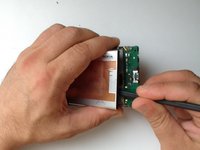
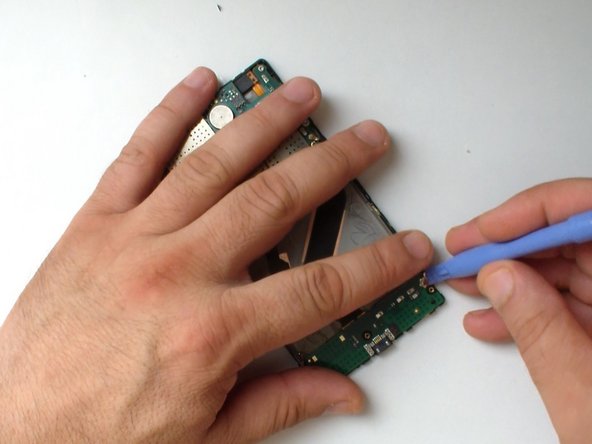
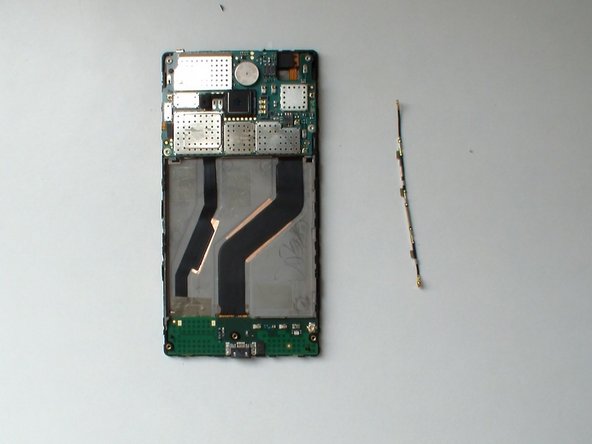
      • Disconnect the Antenna cable from the Logic board and from the Charging Dock board and remove it.

      Ask FixBot

      Add Comment

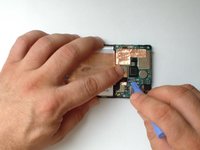
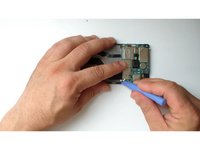
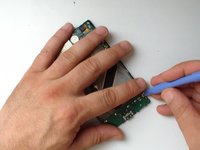
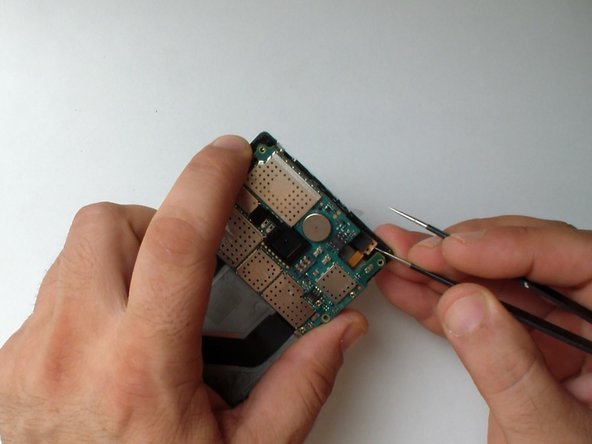
    1. Nokia Lumia 720 Charging Dock / Micro USB and Microphone Module Replacement, Logic Board: step 6, image 1 of 3 Nokia Lumia 720 Charging Dock / Micro USB and Microphone Module Replacement, Logic Board: step 6, image 2 of 3 Nokia Lumia 720 Charging Dock / Micro USB and Microphone Module Replacement, Logic Board: step 6, image 3 of 3
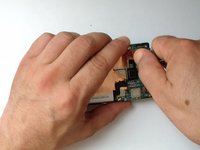
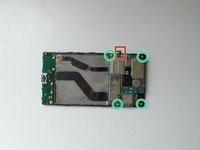
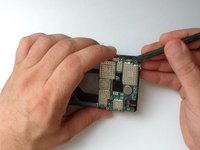
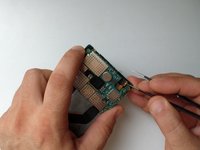
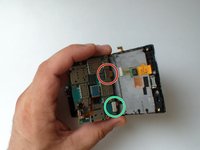
      • Disconnect the Volume, Power and camera buttons flex cable.

      • Remove the 4x Torx T4 screws.

      • Slightly lift the board

      • Slowly and gently unstuck the light sensor from the middle frame.

      Ask FixBot

      Add Comment

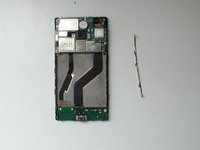
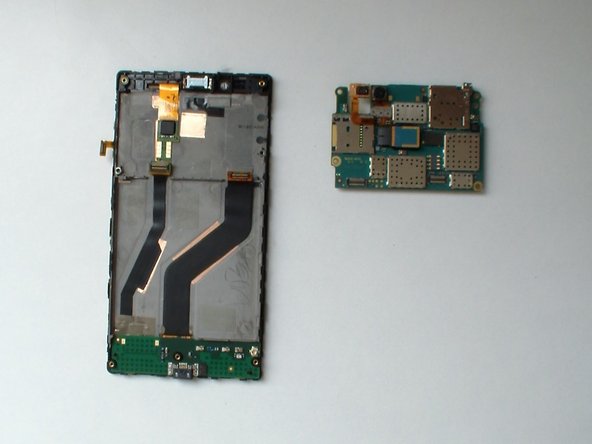
    2. Nokia Lumia 720 Charging Dock / Micro USB and Microphone Module Replacement: step 7, image 1 of 3 Nokia Lumia 720 Charging Dock / Micro USB and Microphone Module Replacement: step 7, image 2 of 3 Nokia Lumia 720 Charging Dock / Micro USB and Microphone Module Replacement: step 7, image 3 of 3
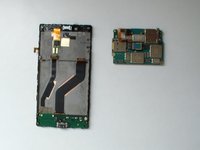
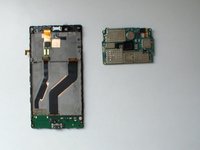
      • Disconnect the Display Assembly flex cable.

      • Disconnect the Charging Dock Board flex cable.

      • Remove the Main board.

      Ask FixBot

      Add Comment

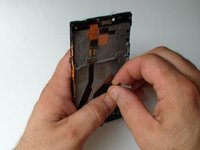
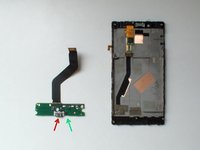
    1. Nokia Lumia 720 Charging Dock / Micro USB and Microphone Module Replacement, Charging Dock and Microphone Module: step 8, image 1 of 3 Nokia Lumia 720 Charging Dock / Micro USB and Microphone Module Replacement, Charging Dock and Microphone Module: step 8, image 2 of 3 Nokia Lumia 720 Charging Dock / Micro USB and Microphone Module Replacement, Charging Dock and Microphone Module: step 8, image 3 of 3
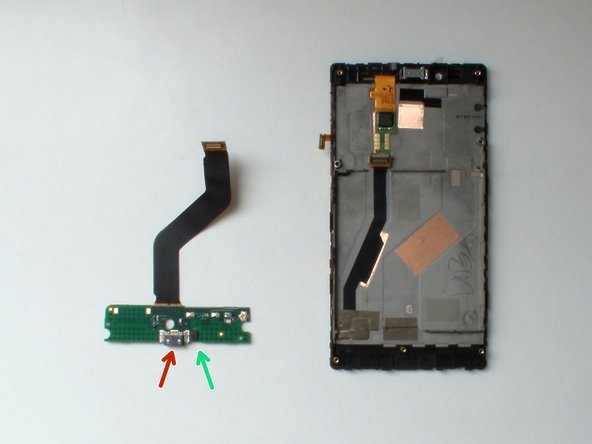
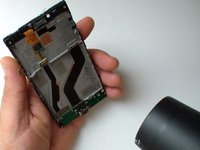
      • Use a hair dryer and warm the flex cable.

      • Careful unstuck the flex cable from the middle frame.

      • Micro USB connector

      • Microphone

      Ask FixBot

      Add Comment

Conclusion

To reassemble your device, follow these instructions in reverse order.

Cancel: I did not complete this guide.

One other person completed this guide.

ZFix

Member since: 12/09/13

197,378 Reputation

330 Guides authored

Team

Master Techs Member of Master Techs

Community

334 Members

4,290 Guides authored

10 Guide Comments

Add Comment

View Statistics:

Past 24 Hours: 0

Past 7 Days: 3

Past 30 Days: 27

All Time: 2,172