Introduction
After many attempts of pushing the buttons, and failing to get a response. It may be time to replace your malfunctioning volume and power buttons. This repair guide has qualities required for your particular repair needs for the Nokia 520.
What you need
-
-
-
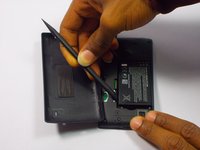
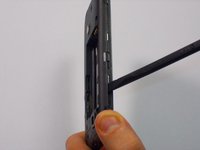
Insert the spudger (non damaging nylon stick tool) into the crevice located between the back cover of the phone and the body of the phone.
 Ask FixBot
-
-
-
Lift the spudger gently to separate the back cover of the phone and the body of the phone.
-
-
-
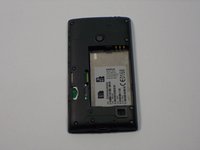
Insert the spudger into the space between the battery and the battery holder, then lift gently to remove the battery.
-
-
-
-
-
-
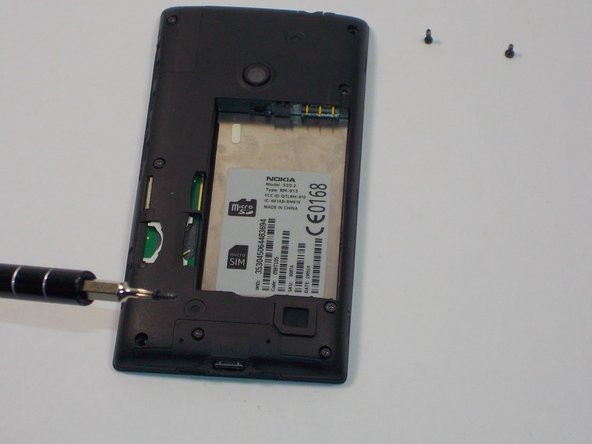
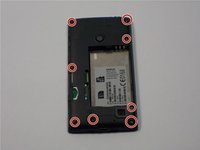
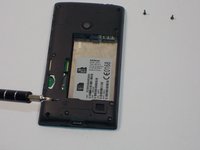
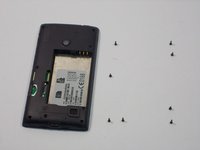
Remove the eight screws in the body of the phone using the T4 Torx screwdriver.
-
-
-
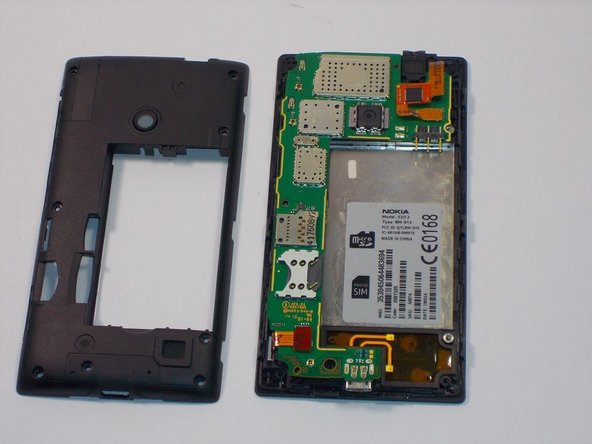
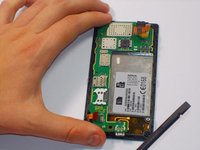
Slowly and carefully use your spudger to remove the plastic casing over the motherboard.
-
-
-
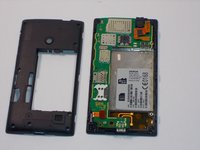
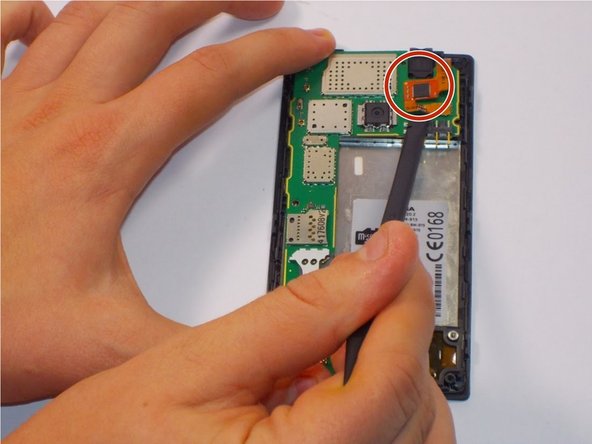
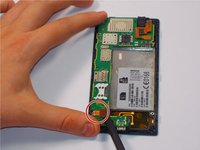
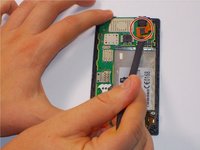
Using your spudger, carefully unclip the digitizer touch screen cable. Next unclip the display screen cable.
-
-
-
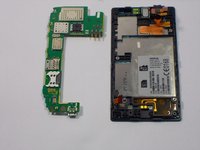
Gently remove the motherboard with your hands.
-
Flip it over. Then turn it 90 degrees counterclockwise. Ensure the switches (pictured) are facing you.
-
-
-
Gently take the power/volume switches off using a pair of needle nose pliers. Once removed, gently clean the solder that was there. Replace the solder with a new coat of solder.
-
-









To reassemble your device, follow these instructions in reverse order.
Cancel: I did not complete this guide.
4 other people completed this guide.

Team

UMass Dartmouth, Team 1-5, Bhusal Fall 2015 Member of UMass Dartmouth, Team 1-5, Bhusal Fall 2015
UMASSD-BHUSAL-F15S1G5
3 Members
36 Guides authored
