Free Shipping on Domestic Orders $75+

Nokia E71x Motherboard Replacement

What you need

    1. Nokia E71x Motherboard Replacement, Motherboard: step 1, image 1 of 2 Nokia E71x Motherboard Replacement, Motherboard: step 1, image 2 of 2
      • Remove battery

      Ask FixBot

      Add Comment

    2. Nokia E71x Motherboard Replacement: step 2, image 1 of 1
      • Using Torx number 4 unscrew the four 0.5mm screws.

      Ask FixBot

      Add Comment

    3. Nokia E71x Motherboard Replacement: step 3, image 1 of 1
      • Push in four clips to detach the body.

      Ask FixBot

      Add Comment

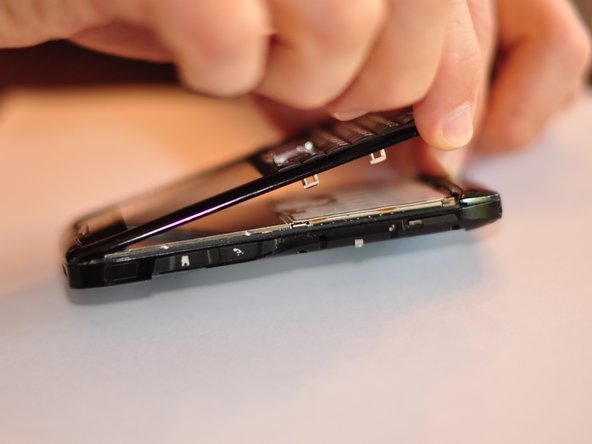
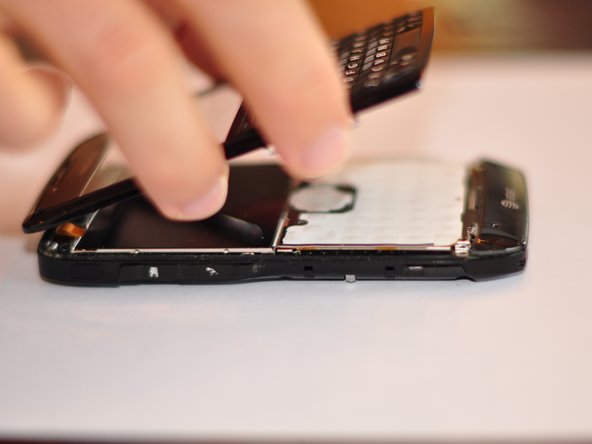
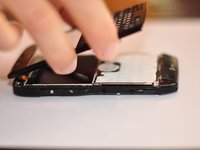
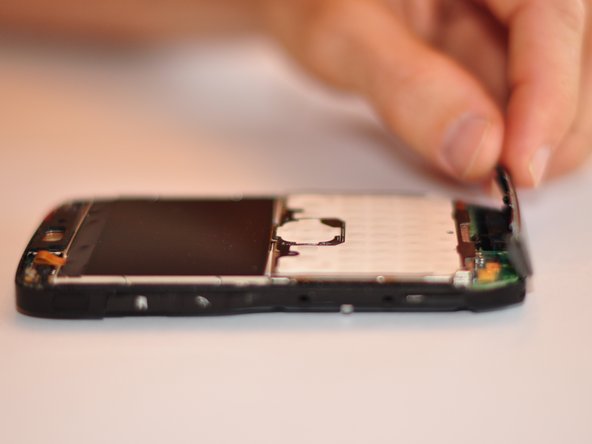
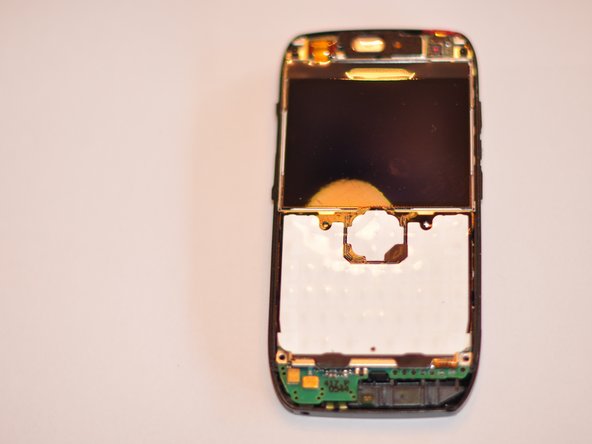
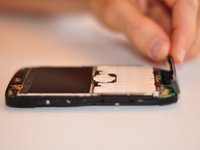
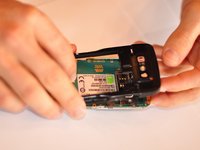
    4. Nokia E71x Motherboard Replacement: step 4, image 1 of 3 Nokia E71x Motherboard Replacement: step 4, image 2 of 3 Nokia E71x Motherboard Replacement: step 4, image 3 of 3
      • Separate the body into two pieces.

      • Be careful not to damage the screen or body. Some force will be needed to separate the body.

      Ask FixBot

      Add Comment

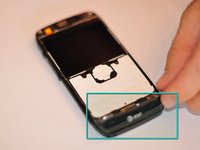
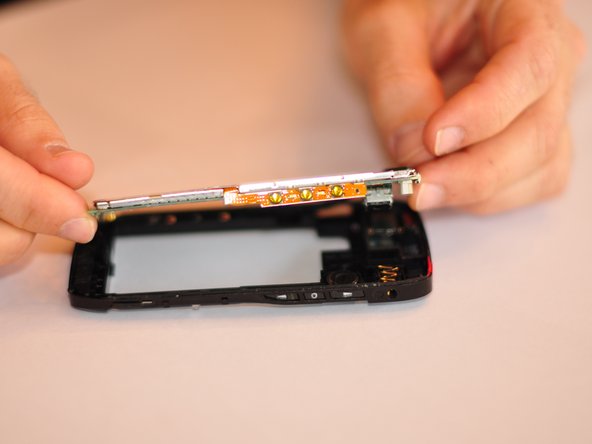
    5. Nokia E71x Motherboard Replacement: step 5, image 1 of 3 Nokia E71x Motherboard Replacement: step 5, image 2 of 3 Nokia E71x Motherboard Replacement: step 5, image 3 of 3
      • Remove the bottom piece that is clipped on.

      • Some force will need to be exerted to remove the clip.

      Ask FixBot

      Add Comment

    6. Nokia E71x Motherboard Replacement: step 6, image 1 of 1
      • Using Torx number 4 unscrew the two 0.7 mm screws at the top of the device.

      Ask FixBot

      Add Comment

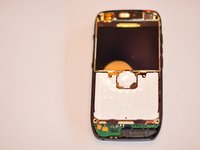
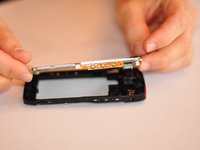
    7. Nokia E71x Motherboard Replacement: step 7, image 1 of 2 Nokia E71x Motherboard Replacement: step 7, image 2 of 2
      • Once screws are removed detach back of phone from the motherboard.

      • This will require some force and maneuvering. Be careful not to break phone back or motherboard.

      Ask FixBot

      Add Comment

    8. Nokia E71x Motherboard Replacement: step 8, image 1 of 1
      • Replace motherboard, ensure that replacement has the same serial number.

      Ask FixBot

      Add Comment

Conclusion

To reassemble your device, follow these instructions in reverse order.

Cancel: I did not complete this guide.

3 other people completed this guide.

Will Goldby

Member since: 08/29/11

187 Reputation

4 Guides authored

Team

Cuesta, Team 1-1, Zipperian Fall 2011 Member of Cuesta, Team 1-1, Zipperian Fall 2011

CUESTA-ZIPPERIAN-F11S1G1

3 Members

48 Guides authored

0 Guide Comments

Add Comment

View Statistics:

Past 24 Hours: 1

Past 7 Days: 6

Past 30 Days: 37

All Time: 3,669