
Nokia E71x Camera Flash Replacement

Will Goldby and 4 other contributors
Last updated on Jul 30, 2014
Views: 1.6K
View statistics:
- Past 24 Hours:
- 1
- Past 7 Days:
- 10
- Past 30 Days:
- 83
- All Time:
- 1,590
Comments: 1
1 comment on steps.
Completed: 2 3
2 people have marked this guide "completed." Will you be next?
3 people have marked this guide "completed." Including you — great job!
Favorites: 0 1
No one has favorited (and subscribed to) this guide. Will you be the first?
1 person has favorited (and subscribed to) this guide — and that's you!
Bullets!
Better coordination with markups and the color/type of bullets will help make this guide more clear!
Confusing Text
Some of this guide's text is confusing, duplicated, or off-topic. Clarify it by editing!
Markup Mishap
This guide needs better markups. Help out by correcting or making some markup annotations.
Missing Prerequisites
This guide is missing information on how to start the process. Make a prerequisite guide!
Introduction
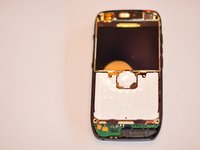
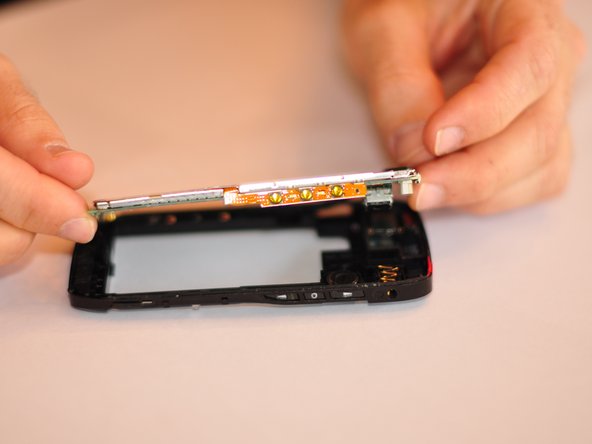
Go to step 1 ↓In this guide you will be taking apart most of the phone in order to access the flash and replace it.
What you need
Tools

-
-
-
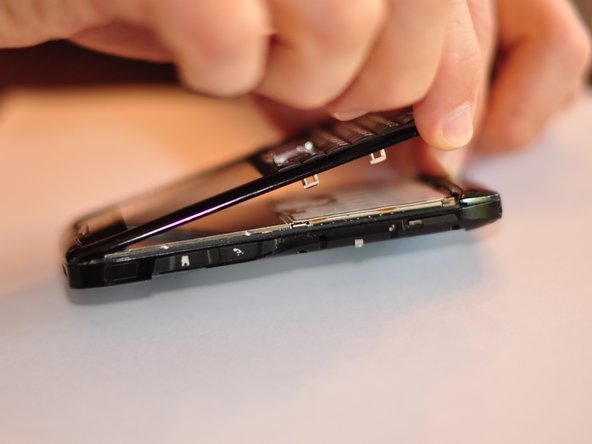
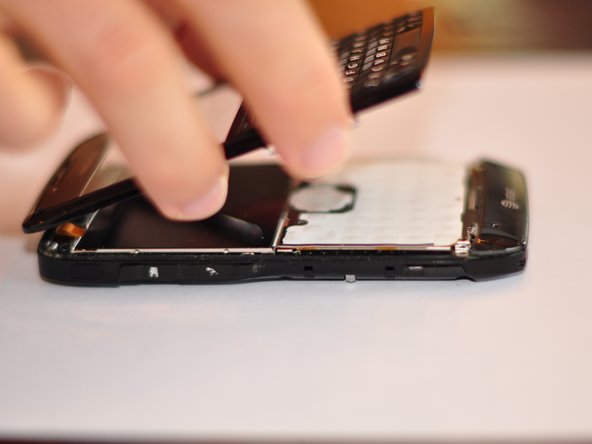
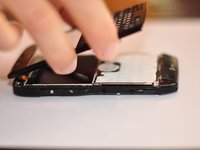
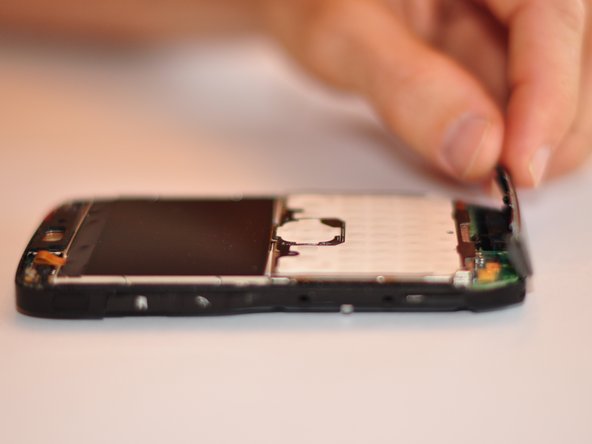
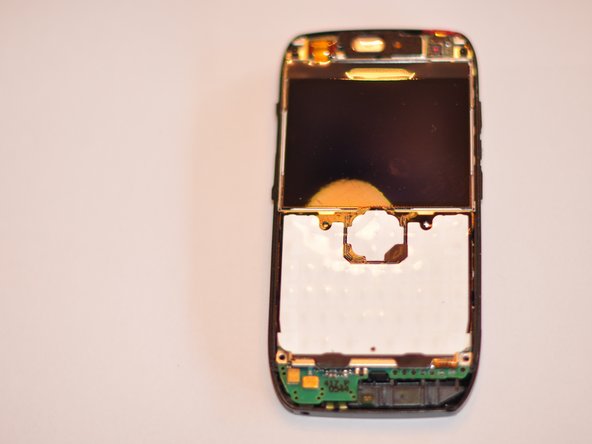
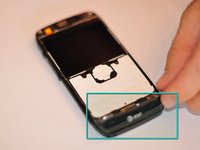
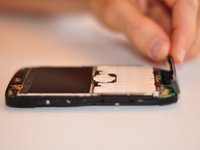
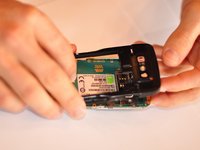
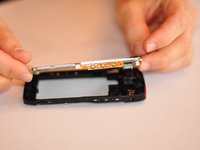
Remove the bottom piece that is clipped on.
-
Some force will need to be exerted to remove the clip.
-
-
-


 Ask FixBot







To reassemble your device, follow these instructions in reverse order.
Cancel: I did not complete this guide.
2 other people completed this guide.

Team

Cuesta, Team 1-1, Zipperian Fall 2011 Member of Cuesta, Team 1-1, Zipperian Fall 2011
CUESTA-ZIPPERIAN-F11S1G1
3 Members
48 Guides authored
